24 User Manual SATEL
reader (read-in of proximity card or DALLAS iButton).
The installer can configure the alarm system so that the second code will have to be
entered on another LCD keypad, partition keypad, etc.
5.7 Triggering the alarm from keypad
The installer can permit triggering alarms from the keypad. To trigger an alarm, do the
following:
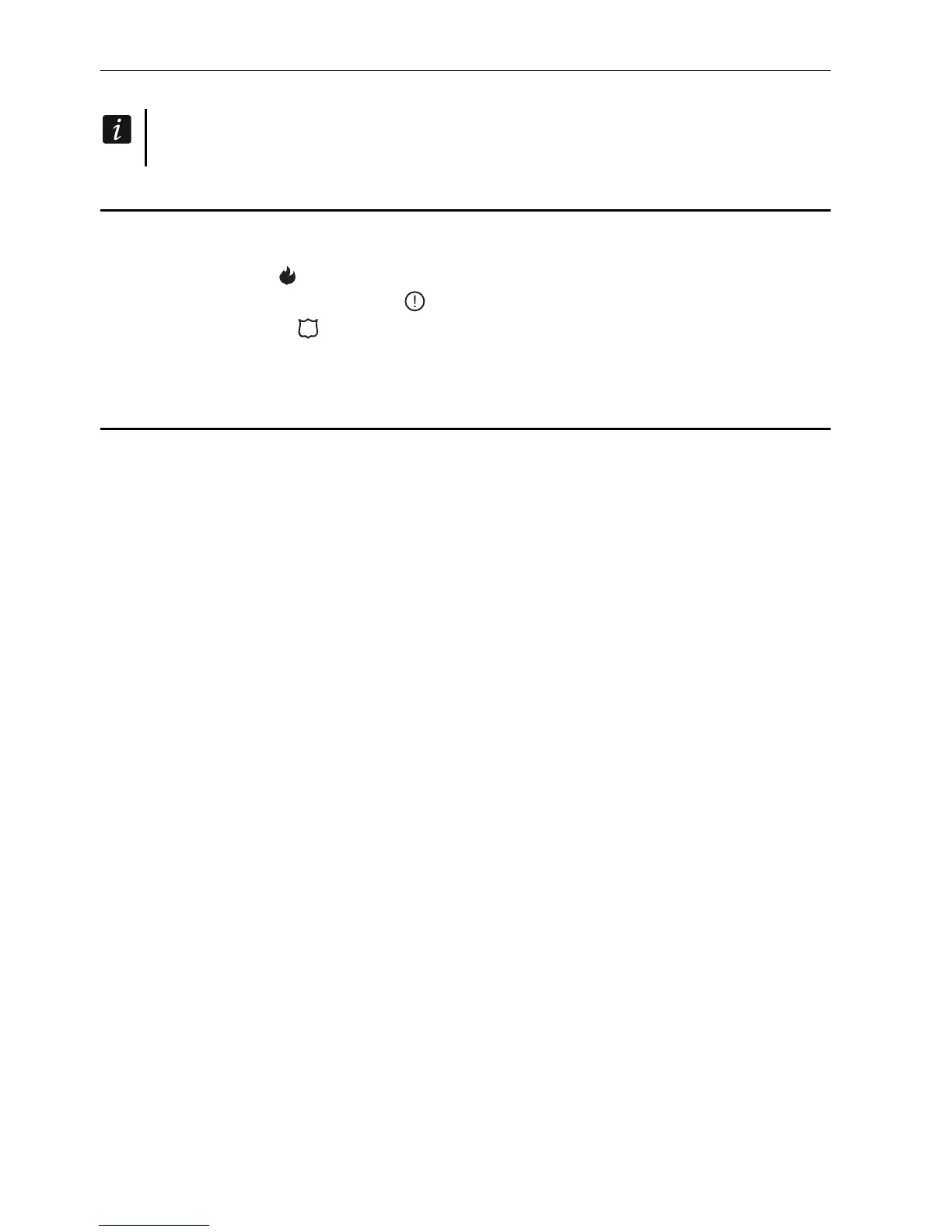
fire alarm – press the key for approx. 3 seconds,
medical (auxiliary) alarm – press the key for approx. 3 seconds,
panic alarm – press the key for approx. 3 seconds. The installer defines whether the loud
panic alarm (setting off the loud alarm signal) or the silent panic alarm (without the loud
signal) will be triggered.
5.8 Users
The users can be added, edited and removed by:
master user (administrator),
installer (if the SERV. CAN EDIT option is enabled by the administrator),
user (if granted the USERS EDITING right).
The following data can be defined for the user:
Code – a sequence of digits for authorization of the user when using keypads and code
locks. The control panel supports codes consisting of 4 to 8 characters, however the
installer can define the minimum length of the code.
Telephone code – a sequence of digits for authorization of the user when using the
functions of telephone call answering and telephone control (see: “Call answering and
telephone control” p. 42).
Partitions – partitions to which the user has access (i.e. he is authorized to arm or disarm
them, clear alarms etc.).
Type – see: “User types” p. 25.
User schedule – parameter for the S
CHEDULED type code (see: “User types” p. 25).
Validity time – parameter for the RENEWABLE, TEMPORARY or SCHEMATIC type codes (see:
“User types” p. 25).
Blocking time – parameter for the B
LOCKING PARTITION type code (see: “User types” p. 25).
Rights – define which functions can be used by the user. The following rights (permissions)
are available:
– Arming
– Disarming
– Disarm, when other user arm [Can alw.disarm] – if the user does not have this right,
he/she can only disarm the system if it was armed by him/her
– Partition alarm clearing [Alarm clearing]
– Object alarm clearing [Object al.clr.]
– Other objects alarm clearing [Other al.clr.]
– Telephone messaging canceling [V.msg.clearing]
– Auto-arming defer [Arm deferring]
– First code for two codes partition [Enter.1st code]
– Second code for two codes partition [Enter.2nd code]












 To Next Page