40 User Manual SATEL
8.1 Description of code locks
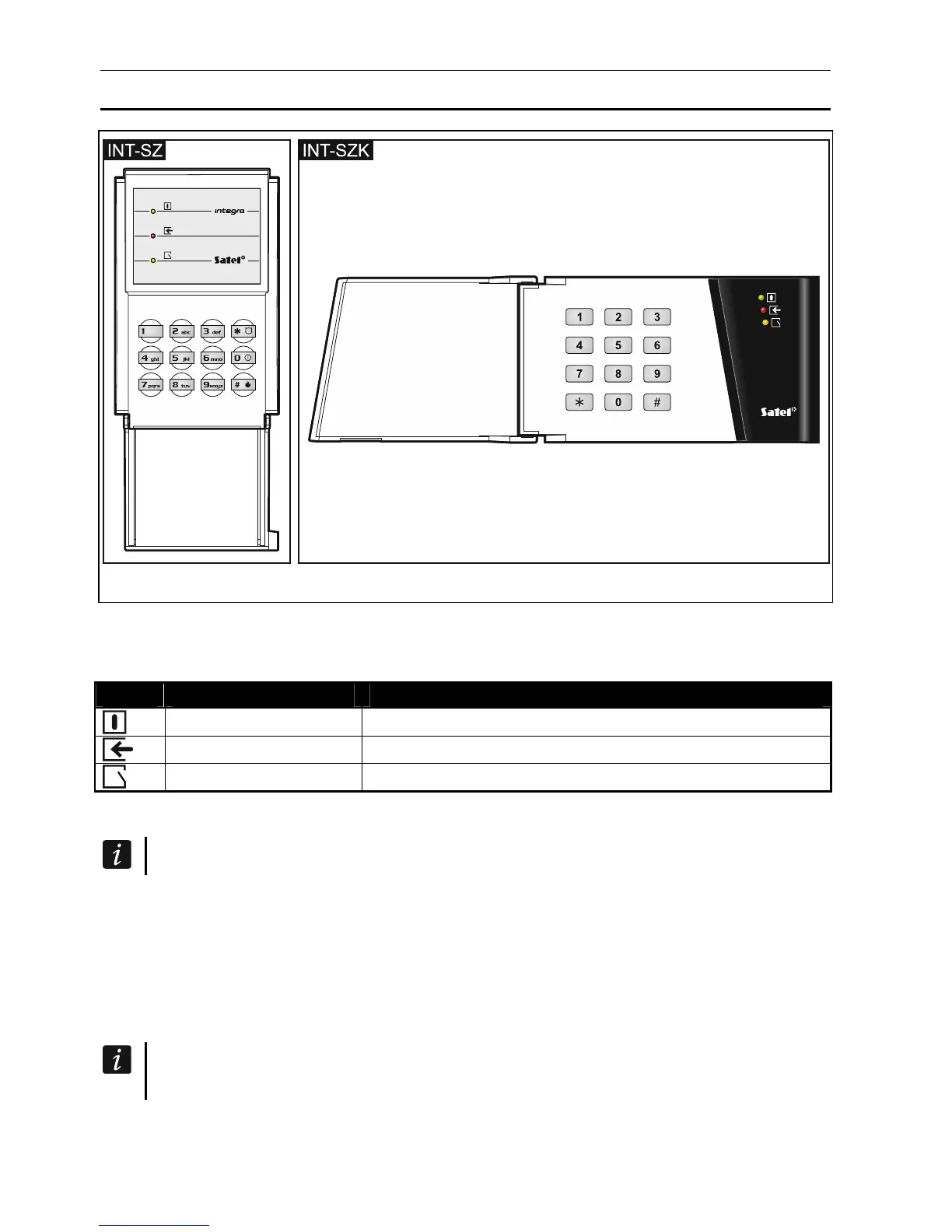
Fig. 5. Code locks.
8.1.1 LED indicators
LED Color Function description
green ON – code lock is operated by the control panel
red ON – door unlocked
yellow blinking – door open
Table 5. Description of the code lock LEDs.
All LEDs blinking in turn indicate that there is no communication with the control panel.
8.1.2 Keys
The keys enable user authorization by means of a code and starting of the functions
available from the code lock.
8.1.3 Sound signaling
Beeps generated when operating
The installer can disable the sound signaling or replace it by blinking of the keypad
backlight.
1 short beep – pressing any digit key or confirmation that code has been entered.
4 short and 1 long beeps – confirmation of door unlocking or execution of another function.
3 pairs of short beeps – the user should change his/her code.












 To Next Page