SATEL INTEGRA Plus 35
5.14.4 Controlling the roller shutter outputs
The SHUTTER UP and SHUTTER DOWN type of outputs are always programmed as consecutive
and in pairs. Displayed on the list of outputs is only the name of output programmed as
SHUTTER UP. The status of outputs is presented by means of symbols:
- outputs inactive (off),
- SHUTTER UP output active (on),
- SHUTTER DOWN output active (on).
Pressing the or key will display the cursor in the form of a horizontal line under the
output status symbol. Pressing the key will turn on the SHUTTER UP type output (if both
outputs are inactive) or turn off the S
HUTTER DOWN type output (if it is active). Pressing the
key will turn on the S
HUTTER DOWN type output (if both outputs are inactive) or turn off the
SHUTTER UP type output (if it is active). Irrespective of which output is currently active,
pressing any digit key will turn the output off. When the control is finished, press the or
key to return to the list of outputs which can be controlled (the cursor under the symbol will
disappear).
6. Using the partition keypad
The main task of the partition keypad is to arm/disarm one partition. Additionally, it offers a
number of other functions, including e.g. the access control (supervision of a single door).
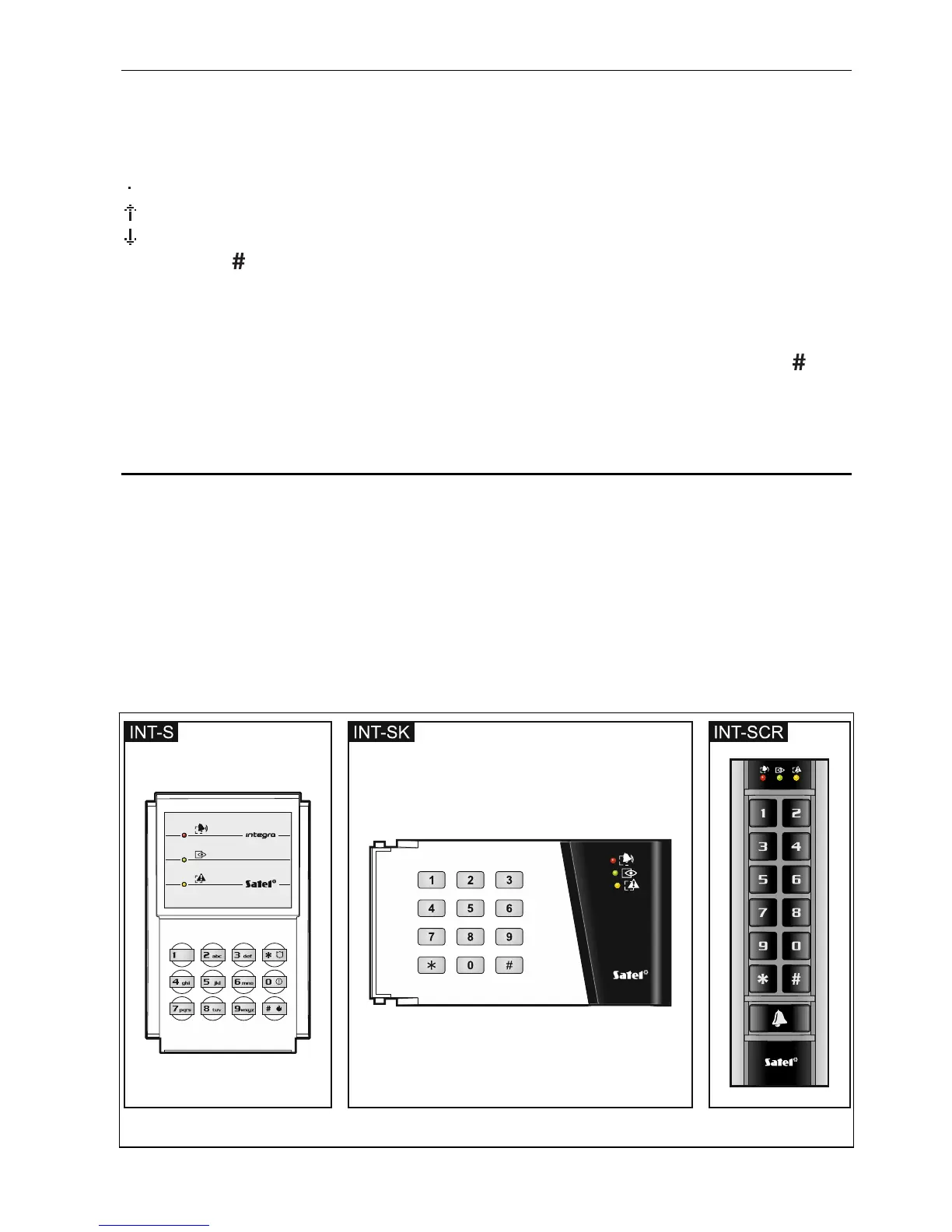
SATEL offers the following partition keypads:
INT-S,
INT-SK,
INT-SCR (multifunction keypad, offering the partition keypad functionality).
The keypads are available with keys backlight in various color versions. The color version is
indicated by an additional letter symbol included in the keypad designation (e.g. INT-S-GR –
green backlight; INT-S-BL – blue backlight).
Fig. 4. Partition keypads (INT-S and INT-SK keypads are shown without flaps).












 To Next Page