30 User Manual SATEL
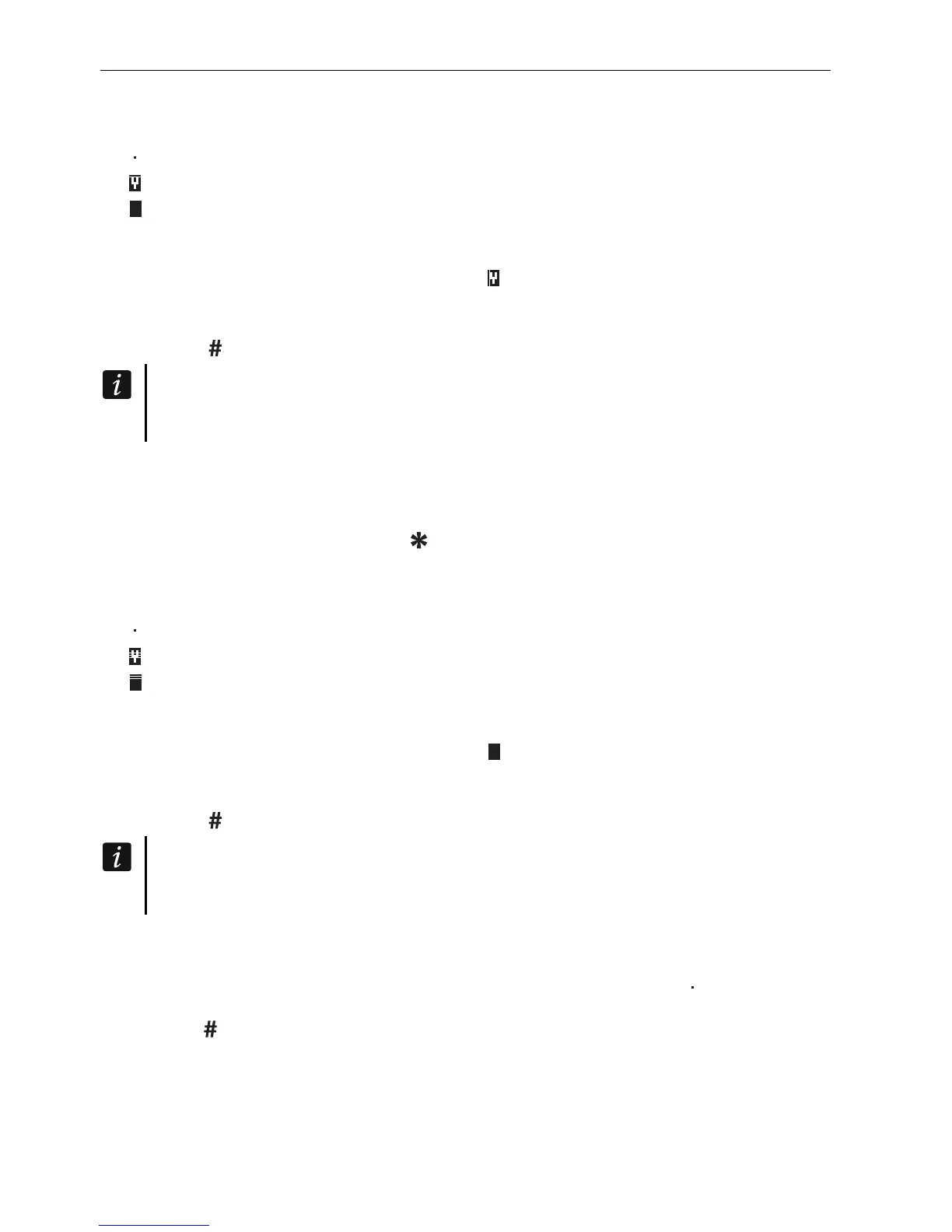
2. Press in turn the 4 and 1 keys. The list of zones will be displayed. There is an additional
symbol in the upper right-hand corner of the display to inform you about the given zone
status:
– the zone is not bypassed,
– the zone is inhibited,
– the zone is isolated.
3. Using the and keys, find in the list the zone which is to be inhibited (or press 0 key
and enter the zone number).
4. Press one of the digit keys 1 to 9 until the symbol appears in the upper right-hand
corner of the display.
5. Repeat the steps 3 and 4 for the next zones which are to be inhibited.
6. Press the
key
. A message will inform you that the zones are inhibited.
Having started the INHIBIT function (step 2), you can press the or key to switch
over the keypad to the graphic programming mode (see: “Selection from the multiple-
choice list” p. 15).
5.10.2 Zone isolating
The zones can be isolated by the users having the ZONES BYPASSING and ZONE ISOLATION
rights. The isolated zone will remain bypassed until unbypassed by the user.
1. Enter the code and confirm with the
key
.
2. Press in turn the 4 and 2 keys. The list of zones will be displayed. There is an additional
symbol in the upper right-hand corner of the display to inform you about the given zone
status:
– the zone is not bypassed,
– the zone is inhibited,
– the zone is isolated.
3. Using the and keys, find in the list the zone which is to be isolated (or press 0 key
and enter the zone number).
4. Press one of the digit keys 1 to 9 until the symbol appears in the upper right-hand
corner of the display.
5. Repeat the steps 3 and 4 for the next zones which are to be isolated.
6. Press the
key
. A message will inform you that the zones are isolated.
Having started the I
SOLATE function (step 2), you can press the or key to switch
over the keypad to the graphic programming mode (see: “Selection from the multiple-
choice list” p. 15).
5.10.3 Unbypassing
The zones can be unbypassed by the users having the ZONES BYPASSING right. Proceed in
the same way as when inhibiting or isolating the zones (steps 1-3), but the symbol must be
shown in the upper right-hand corner of the display, if the zone is to be unbypassed upon
pressing the
key.












 To Next Page