SATEL PERFECTA 11
6.3.5 Terminating the exit delay countdown
When the exit delay countdown is running, you can terminate it, thus shortening the exit
delay time. Press and hold down , or for about 3 seconds (it is of no
consequence which key you will press).
6.3.6 System problems and arming failure
The alarm system can be configured so that the control panel will perform a check during
arming for any problems preventing the system from being armed. The possible problems
that prevent arming are given below:
at least one zone that must not be violated during arming (the PRIORITY option has been
enabled for the zone by the installer) is violated in the partition,
at least one alarm zone is violated beyond the exit route in the partition,
a zone is bypassed in the partition,
there is tamper in the partition,
there is trouble in the system.
The check can be performed twice:
before starting the arming procedure,
after the exit delay countdown expires.
System not ready and forced arming
If you are trying to arm a partition, but the arming procedure fails to start and the “System not
ready” message is displayed instead, there are some problems in the system that prevent it
from being armed.
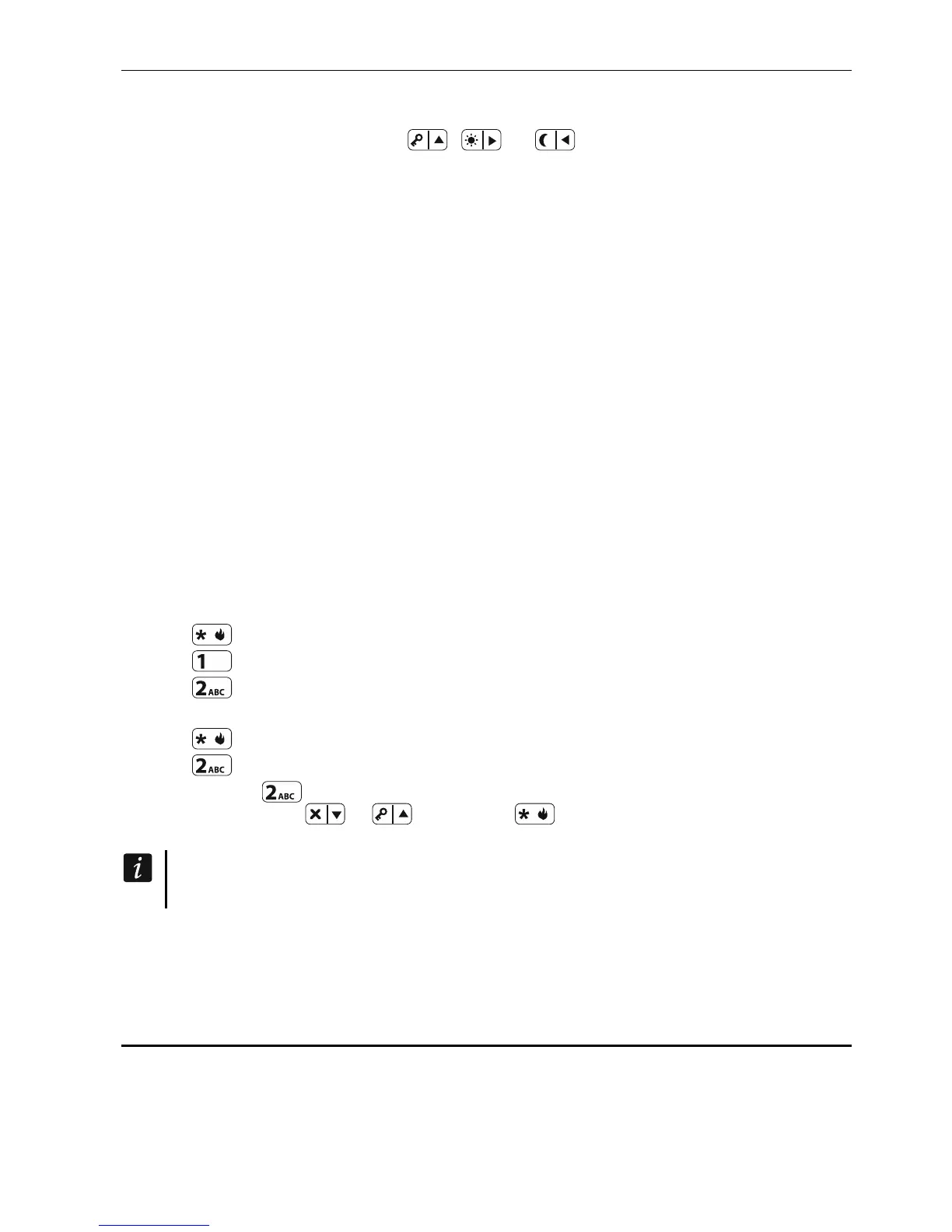
When the “System not ready 1=Arm 2=Check” message is displayed, you can:
press to cancel the arming,
press to force the arming,
press to check what has prevented the arming procedure from starting.
When the “System not ready 2= Check” message is displayed, you can:
press to cancel the arming,
press to check what has prevented the arming procedure from starting.
If, after pressing
, it turns out there are several causes that prevent arming, you can
scroll the list using the
or
keys. Press to go back to the “System not ready”
message.
If forced arming is not available, you will be able to arm the system only after the
causes that made starting of the countdown procedure impossible are eliminated.
Failure of arming procedure
If, after the exit delay countdown expires, the system fails to arm, there are some problems
that did not exist before the exit delay countdown was started. Such restriction may be
imposed by standards, e.g. EN 50131 for Grade 2.
6.4 Disarming and alarm clearing
If the partition is armed and an alarm is triggered in it, disarming will be accompanied by the
alarm clearing.













 To Next Page