SATEL PERFECTA 25
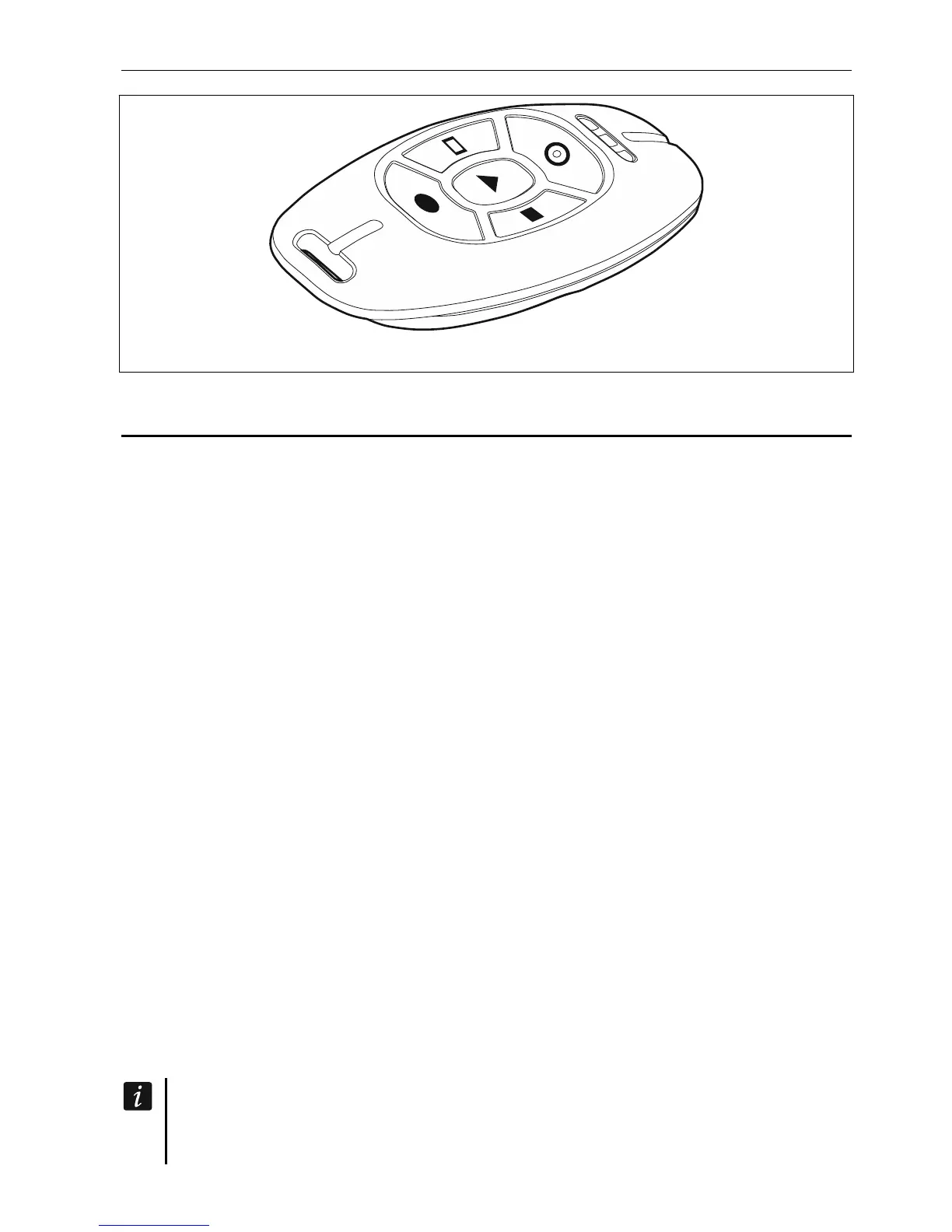
Fig. 2. MPT-350 keyfob.
9. SMS control
You can control your alarm system by using SMS messages containing appropriate control
commands. The SMS message must be sent to the number of the currently used SIM card.
Agree with the installer:
content of the control commands.
functions that are to be run by these commands. The following functions are ava
lation,
ilable:
ing partition status,
D code to the operator of SIM card installed in the control panel (e.g. to
possible to send control commands.
You can insert several control commands in one SMS message.
When sending the USSD codes, the SMS message must have the following form:
xxxx=
where
networ
You can use a command controlling the sending of USSD codes to send an SMS message
via the control panel. The form of SMS message you will send to the control panel must be
message to be sent by the
– zone vio
– arming,
– disarming and alarm clearing,
– triggering panic, fire or medical alarm,
– activation / deactivation / switchover of 15. CONTROLLED type of output,
– check
– sending USS
check the card balance or to top it up). The reply received from the operator will be sent
as an SMS message to the phone number from which the control command was sent.
phone numbers from which it will be
yyyy=
“xxxx” is the control command and “yyyy” is the USSD code supported by the GSM
k operator.
as below:
xxxx=tttt:cccc=
where “xxxx” is the control command, “tttt” is the phone number to which the control panel is
to send the SMS message, and “cccc” is the content of SMS
control panel.
The control panel is case sensitive.
The alarm system may be configured so that, in some circumstances, arming the
system by using the SMS message will fail (see “System problems and arming













 To Next Page