16 PERFECTA SATEL
6.9 Users
There can be up to 15 users in the system.
6.9.1 Adding a user
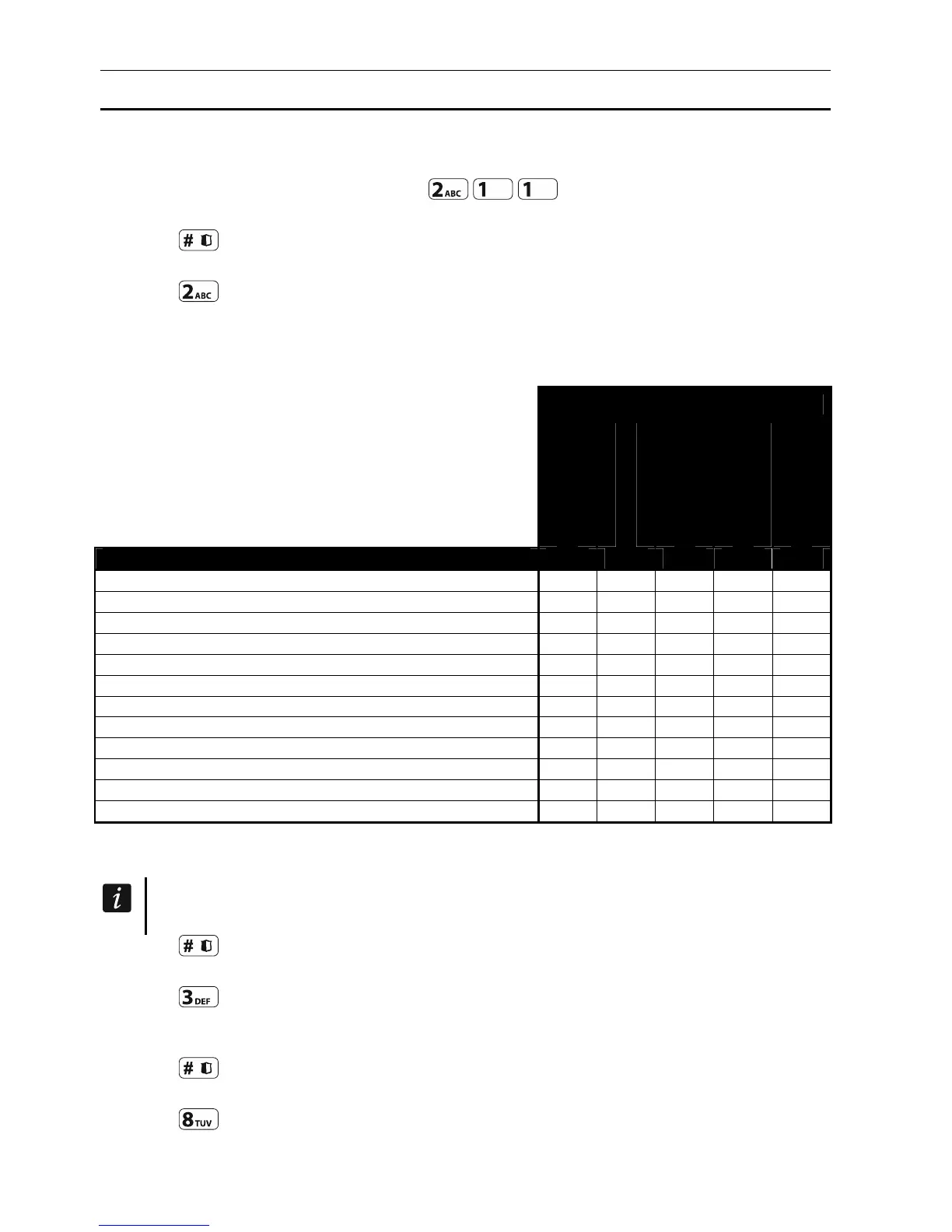
1. Enter the user menu and press in turn to run 1.CODE function.
2. Enter the new user's code.
3. Press to save the code.
4. Functions that allow entering the user data will be displayed.
5. Press to run 2.SCHEDULE function.
6. Select the user schedule. Five installer defined schedules are available. The schedule
defines the rights the user will have and the default way of keyfob operation (you can add
the keyfob later on).
Schedule name and number
Normal
Simple
Arms only
Duress
Master
Right 1 2 3 4 5
Arming
Disarming
Alarm clearing
DURESS
Zone inhibition
Zone isolation
Change access code
Users editing
Control
Tests
Service access
Changing panel ID
Table 3. Factory default settings of the user schedules. The installer can change the names
of schedules and assign other rights to them.
Using the DURESS right code will trigger a silent alarm, which is not signaled in any
way, but the alarm code will be sent to the monitoring station.
7. Press to confirm schedule selection.
8. Functions that allow entering the user data will be displayed.
9. Press to run 3.PARTITIONS function.
10. Assign partition(s) to which the user is to have access. The user should have access to at
least one partition.
11. Press to confirm partition selection.
12. Functions that allow entering the user data will be displayed.
13. Press to run 8.NAME function.
14. Enter the user name.













 To Next Page