SATEL PERFECTA 17
15. Press to save the name.
16. Functions that allow entering the user data will be displayed.
17. Press to finish adding the user.
18. Prompt for saving the changes will be displayed.
19. Press to save changes.
6.9.2 Editing a user
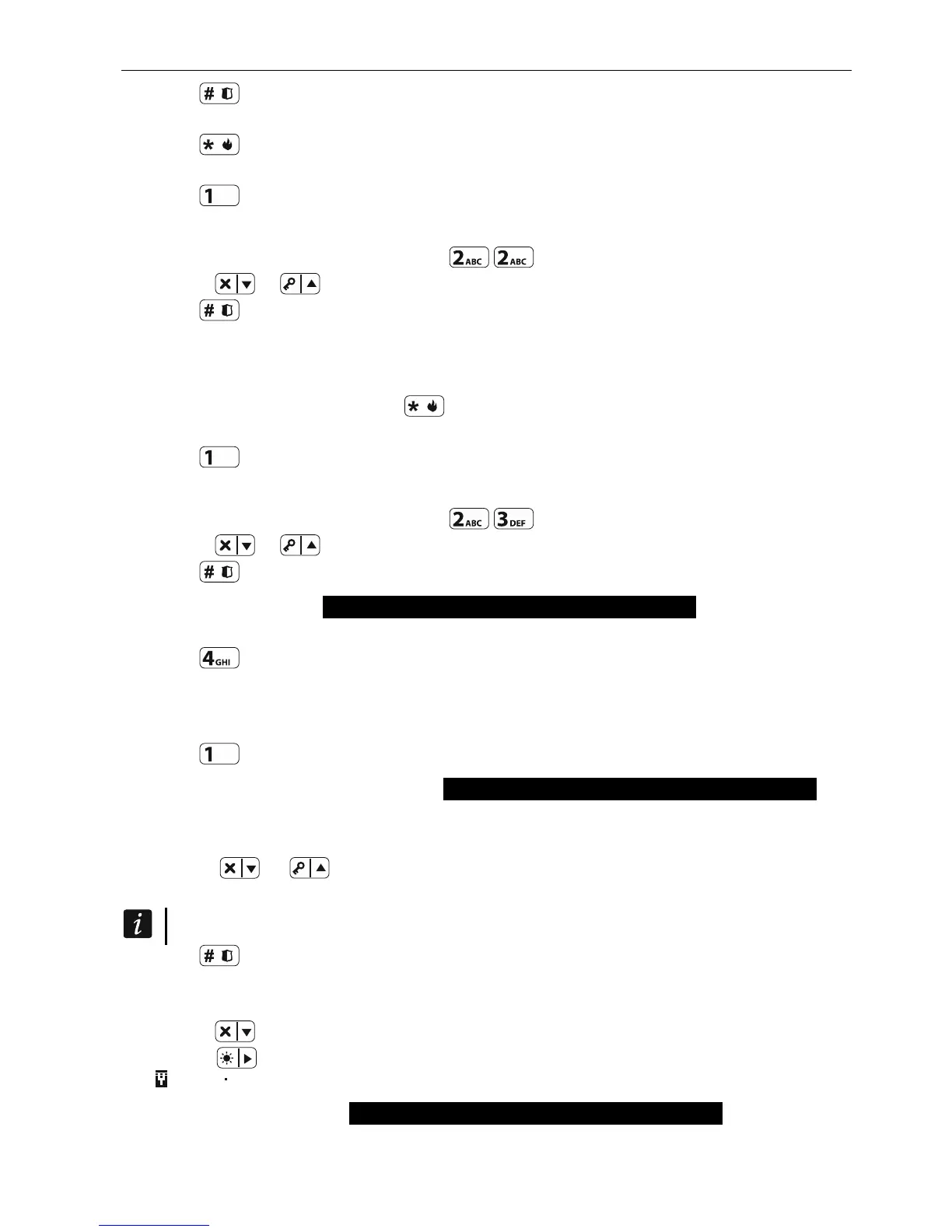
1. Enter the user menu and press in turn to run 2.EDIT USER function.
2. Use the or key to select the user you want to edit.
3. Press to start editing the selected user.
4. Functions that allow editing the user data will be displayed.
5. Use available functions to modify the user data (proceed in the same way as when adding
a user).
6. Having made all changes, press to finish editing the user.
7. Prompt for saving the changes will be displayed.
8. Press to save changes.
6.9.3 Removing a user
1. Enter the user menu and press in turn to run 3.REMOVE USER function.
2. Use the or key to select the user you want to remove.
3. Press to remove selected user.
6.9.4 Adding keyfob PERFECTA 16-WRL / PERFECTA 32-WRL
You can add a keyfob when adding or editing a user.
1. Press to run 4.ADD KEY FOB function.
2. Press twice any button of the keyfob (messages on the display will prompt you for what to
do next).
3. Type and serial number of the keyfob being added will be displayed.
4. Press
to add the keyfob.
6.9.5 Configuring keyfob settings PERFECTA 16-WRL / PERFECTA 32-WRL
You can configure a keyfob when adding or editing a user.
1. Run BUTTON ○ function.
2. Use the
or key to select operation that control panel is to perform after the
button
○ is pressed on the keyfob.
For information on zone types and output functions, please consult the installer.
3. Press to confirm the selection.
4. Functions that allow entering / editing the user data will be displayed.
5. Configure settings of the other keyfob buttons in the same way.
6. Use the key to find the KEY FOB EVENT option.
7. Use the key to define whether the use of the keyfob is to be saved to the event log
( - yes, - no).
6.9.6 Removing keyfob PERFECTA 16-WRL / PERFECTA 32-WRL
You can remove a keyfob when adding or editing a user.













 To Next Page