SATEL PERFECTA 7
–
burglary / panic alarm memory
,
– warning alarm memory,
– tamper alarm memory.
yellow blinking when the system requires user's attention (e.g. because of
a trouble or trouble memory)
The LED goes off, if one or both partitions are armed.
blue
indicates the service mode
ON – the service menu is available on the keypad
blinking – the service menu is not available on the keypad (it is either
available on another keypad or has been hidden by the installer)
Information about the armed state can be extinguished after a time period defined by
the installer. Entering the code and pressing the key will display again the armed
state information.
If the GRADE 2 global option is enabled by installer:
the LEDs indicate alarms only after entering the code and pressing ,
blinking of the LED means that there is a trouble in the system, some zones
are bypassed, or that there was an alarm.
6.1.2 Display
The display provides a number of data, facilitating communication between the alarm system
and the user. The installer defines how the display will be backlit and selects the information
to be shown on the display screen.
The display can work in normal mode or in zone presentation mode (the modes being
toggled by means of the key). When in the normal mode, the date and time (in installer
defined format) or the keypad name are presented in the upper line of the display. In the
zone presentation mode, symbols are displayed, showing the status of zones (where the
control panel settings do not provide for detector presence at a zone, the status of the zone is
not displayed). The numbers around the display correspond to the zone numbers. The
symbols illustrate the following zone states (the higher position on the list, the higher priority
of the presented state):
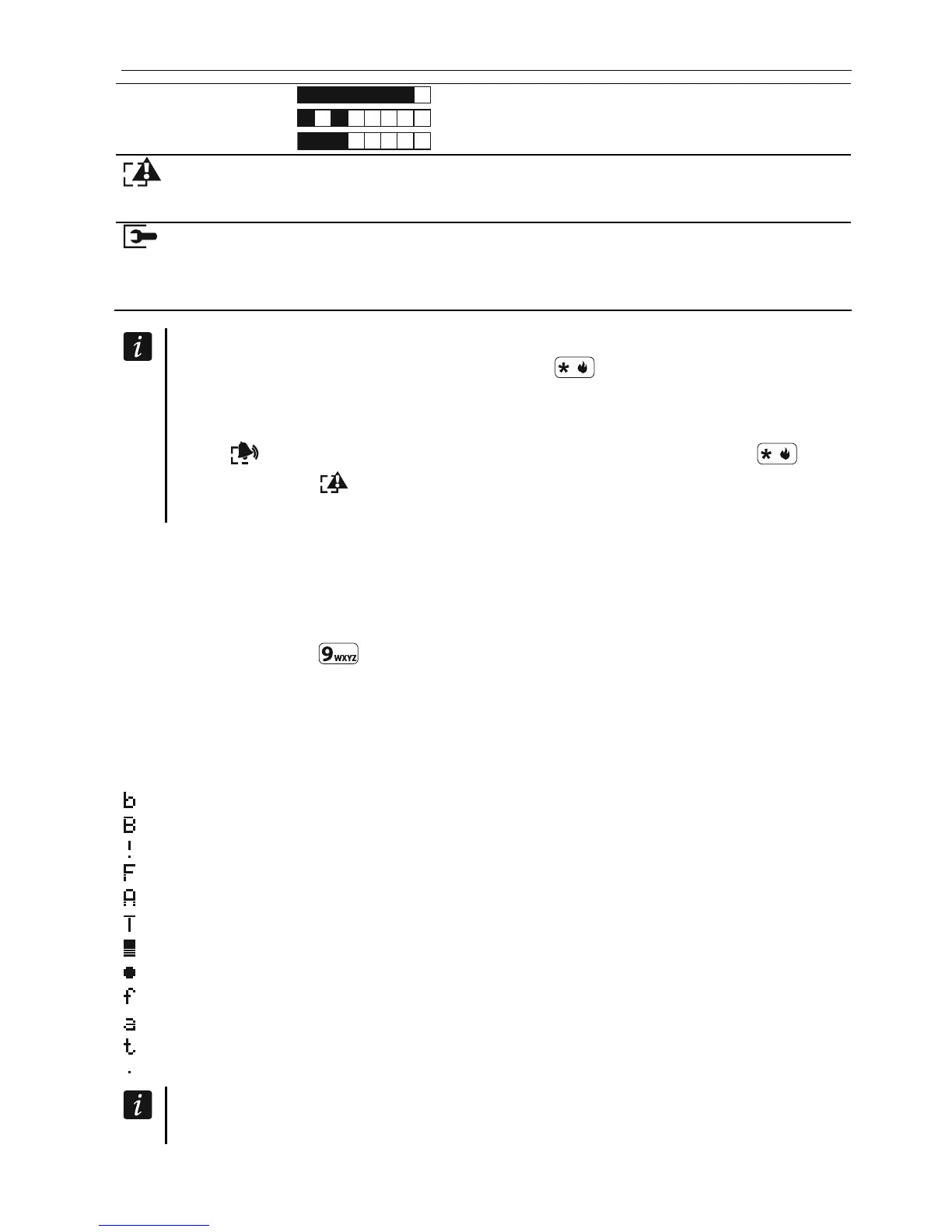
– inhibited (not displayed when armed),
– isolated (not displayed when armed),
– first triggered alarm,
– fire alarm,
– alarm,
– tamper alarm,
– tamper (Double EOL zone),
– violated,
– fire alarm memory,
– alarm memory,
– tamper alarm memory,
– normal state.
Find out from the installer whether or not the zone status presentation mode is
available.













 To Next Page