44
SCAIME Manual : NU-eNod4D-ETH-E-0418_216710-E.docx
Increase eNod number if needed. The display module can start on the main screen of any eNod or on the
multi-eNod screen by disabling « Starting eNod » function.
If starting eNod is disconnected or have communication problems, the multi-eNod screen appears.
When settings are finished, touch the left arrow button, to restart eNod Touch.
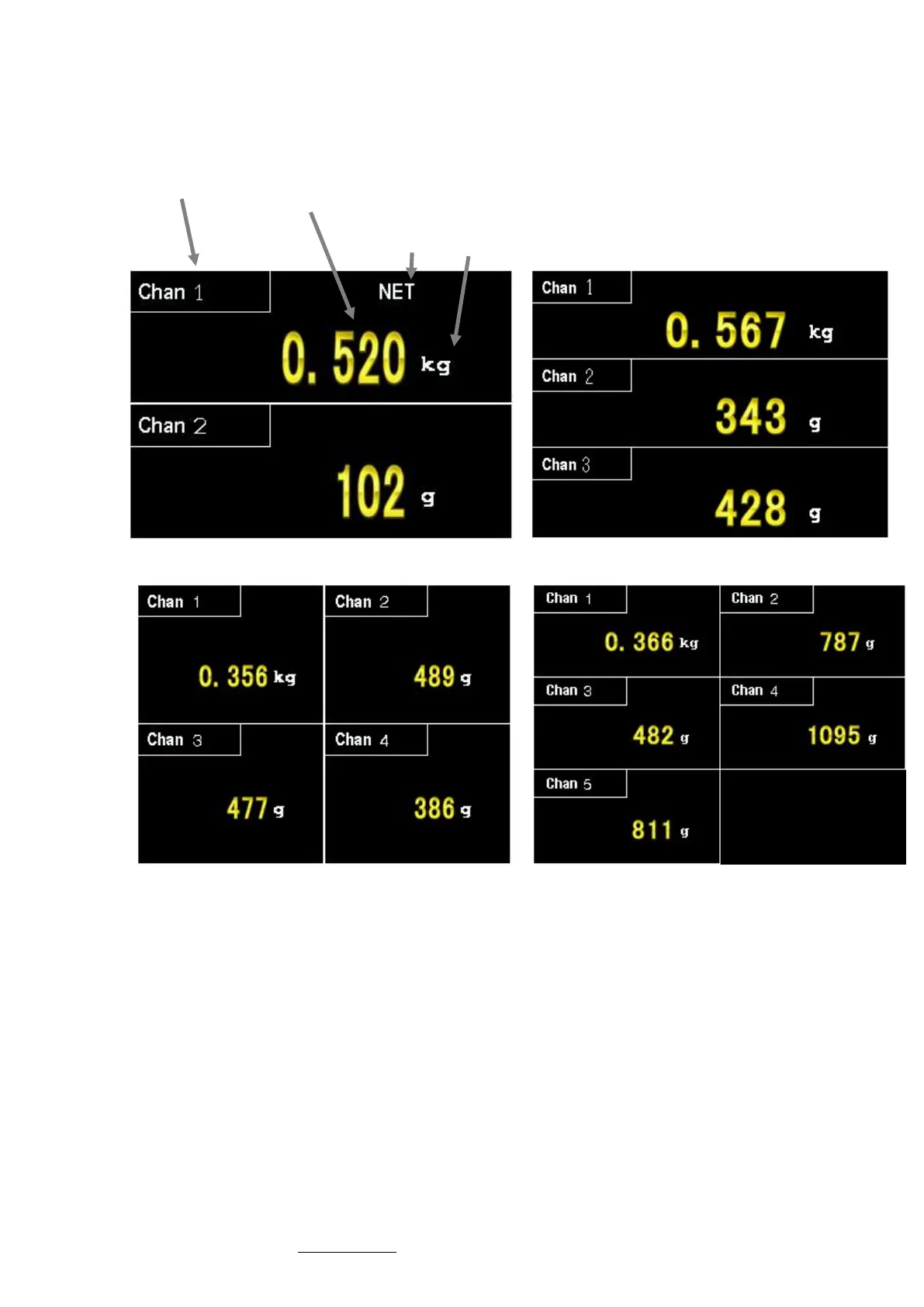
According to the number of eNod settled, eNodTouch redirects to the following multi-eNod screens:
Channel name
Weight value
Unit
Indicator
Multi eNod (2 eNod)
Multi eNod (3 eNod)
Multi eNod (4 eNod)
Multi eNod (5 eNod)



 To Next Page