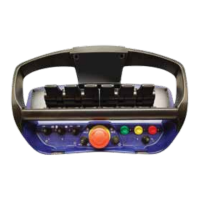
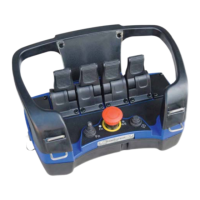
10.2 Activating online programming mode
The Central Units LED-display or Portable Control Units acoustic step signalling is required to be
monitoredduringprogrammingmode,checkthetable(10.3)fortheindicationsgiven.
Do as follows:
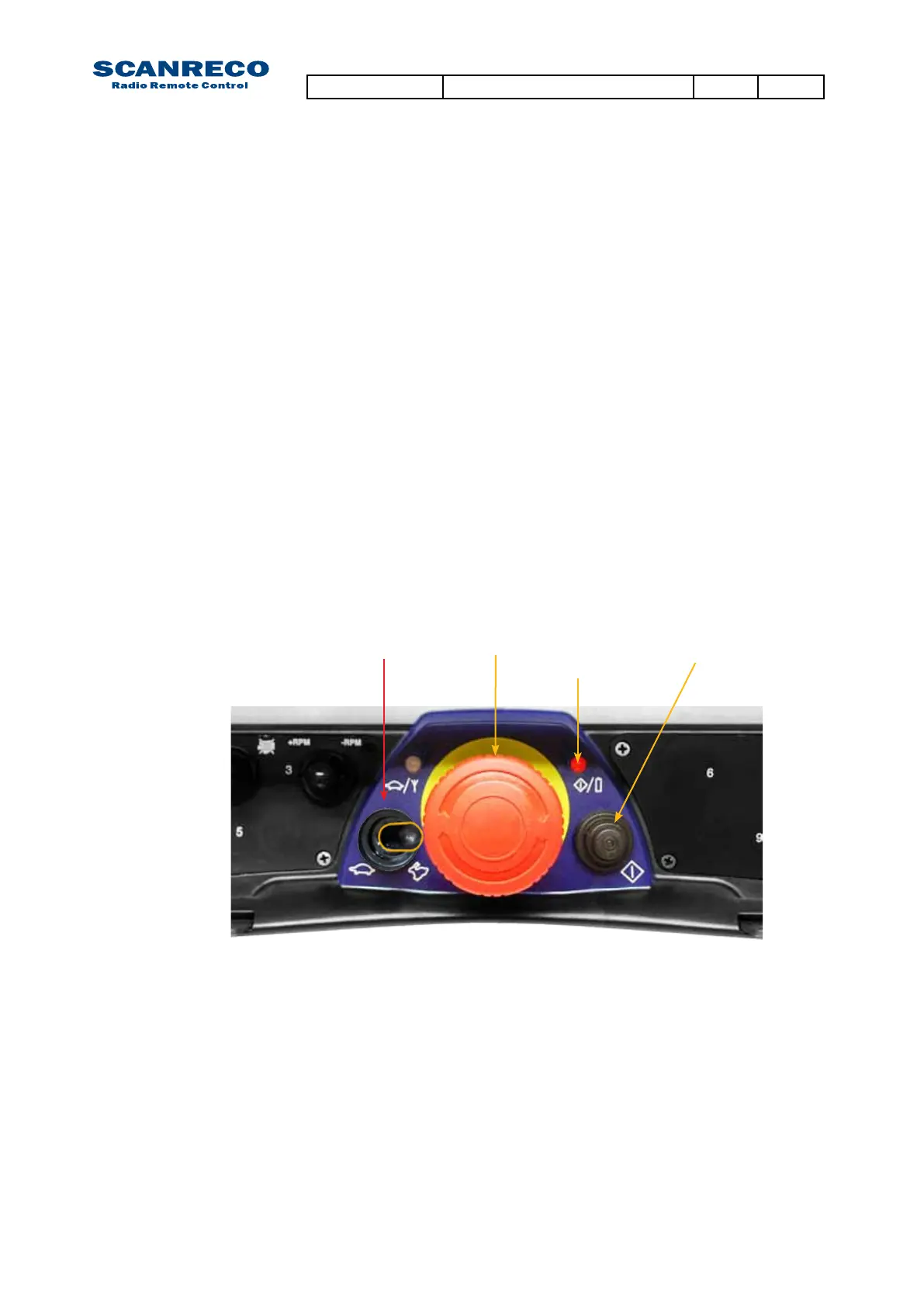
1. Remove the battery pack. Connect the cable between the Portable Control Unit and the Central
Unit and test run the system.
2. Press the Stop-button on the Portable Control Unit and deactivate the Central Unit via the R/M-
switch.
2. Twist up the Stop-button on the Portable Control Unit and activate the Central Unit in REMOTE
mode.
3. Press the Portable Control Units On-button once.
-The Power-LED should be illuminated
4. Produce impulses in very quick succession with the Micro-toggle to the RIGHT (MICRO-OFF direc-
tion) 10 times or until the Portable Control Unit gives a long beep signal and the Central Units LED-
display indicates P:o – 0:0.
5.Onlineprogrammingmodeisnowactive,Theonlineprogrammingmodeconsistof15different
menu’sthatcanbetoggledusingtheOn-button,onceamenuisenteredtheCentralUnitsLED-dis-
playwillindicatethecurrentparametervalueofanyactuatedanalogueoutput,MICRO-ON(left)will
decrease the value and MICRO OFF (right) will increase the value.
To exit online programming mode press the Stop-button on the Portable Control Unit.
Ifactivationfails;the4thstepmayhavebeendonetooslow,thetogglehastobedonewithamaxi-
mum0,5secondinterval.
Attention:
Note that the system will operate outputs as in normal operational mode!
Onlineprogrammingisdoneinrealtime,anyparameterssetareimmediatelyeffecitve!
Ifnotsatisedwiththenewsettingsyoumaybeabletoretriveprevious/defaultparametersetting
viathediagnosticsmode,loadprogram.
Stop-button On-button
Power-LED
Micro-toggle
Document type Document number PageRev
Service Manual S071 C
36 of 46



 To Next Page
 Loading...