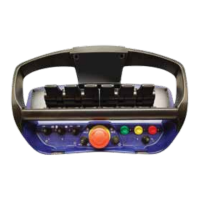
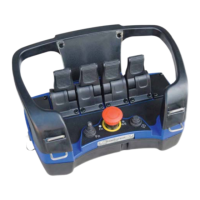
11 Portable Control Unit self test mode
11.1 General description
11.2 Activating Portable Control Unit Self Test Mode
Tosimplifyserviceandfaultnding,theportablecontrolunitcanbeputintointernalselftest
mode. This means that the service man can easily control the Portable Control unit’s switches
andmanoeuvrelevers,withouttheneedtoopenthePortableControlUnit.Wheneachswitchor
manoeuvre lever is activated / manoeuvred the Portable Control Unit gives a “beep - signal” to
conrmthatthefunctionisworking.
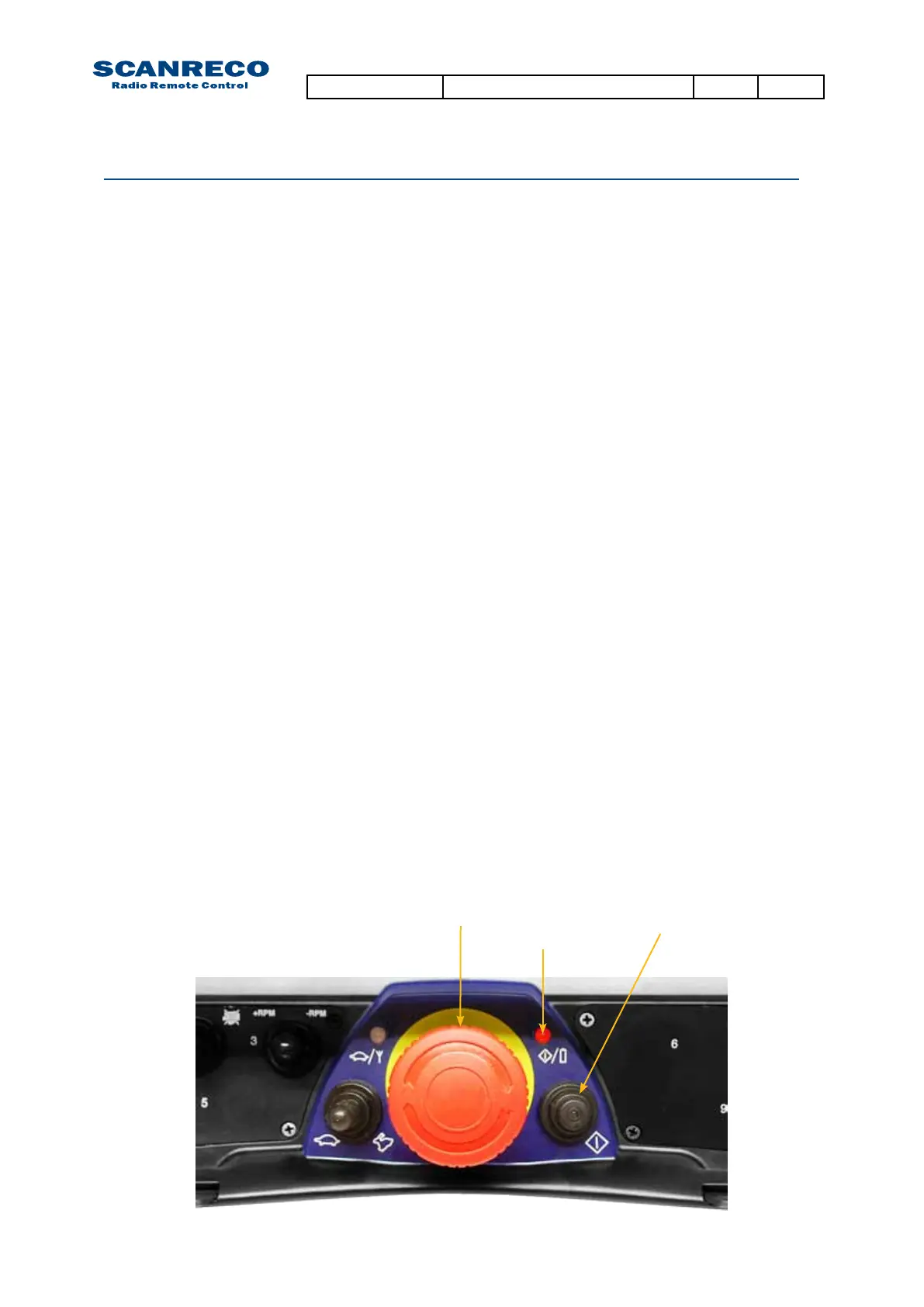
1. Press the Stop-button on the Portable Control Unit to disable it.
2. Twist up the Stop-button and press On-button once so that the Power-LED is illuminated red.
3. Wait approx. 1 seconds from step 2 then press the On-button in quick successions until the
Power-LED is distinguished (approx 10 times).
4. Portable Control Unit Self Test Mode is now active
Each time a switch is activated / manoeuvred the control unit should beep.
Each time a manoeuvre lever is activated / manoeuvred a beep signal should be heard from the
Portable Control Unit which increases in “sound intensity” along with lever displacement. The
control unit beeps with a continuous tone when the manoeuvre lever is manoeuvred to maximum.
Thisgivesaconrmationthatthecontrolunit’slevershavebeenmanoeuvredfully/max.(Ifa
certainmanoeuvreleverdoesnotbeepthereisafaultinthemanoeuvrelever,pin/socketcon-
tact or in the control unit’s electronic card).
WhentestingofthePortableControlUnitiscompleted,pressdowntheStop-buttontoexitself
test mode.
Note:
When self test mode is active no data is transmitted to the Central Unit.
Stop-button On-button
Power-LED
Document type Document number PageRev
Service Manual S071 C
40 of 46



 To Next Page
 Loading...