Chapter 4: Maintenance
Cleaning the Feed Module
92 Scantron
i
NSIGHT 20 Scanner
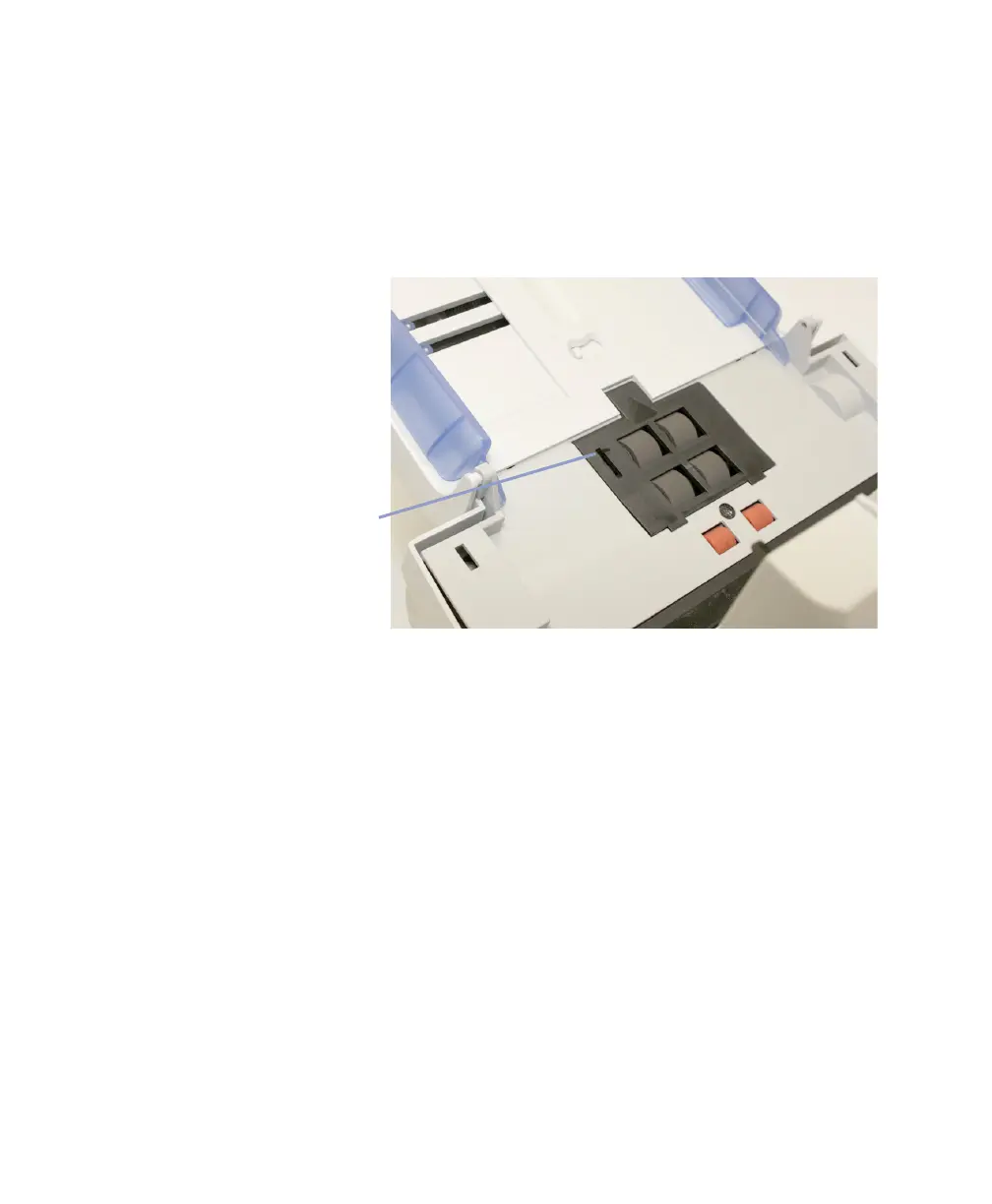
Cleaning the Feed Module
NOTE:
The paper present sensor is located to the right of
the feed module. Be careful not to damage the paper
present sensor when removing or cleaning around the
feed module.
1. Remove and inspect the feed module as described in
steps 1 through 4 of “Removing and Replacing the
Feed Module” on page 105.
2. Manually rotate and wipe the gray foam tires with a
slightly damp staticide wipe (part number 830 9783).



 To Next Page