Chapter 3: Installation
Getting Ready to Scan
Operator’s Guide 69
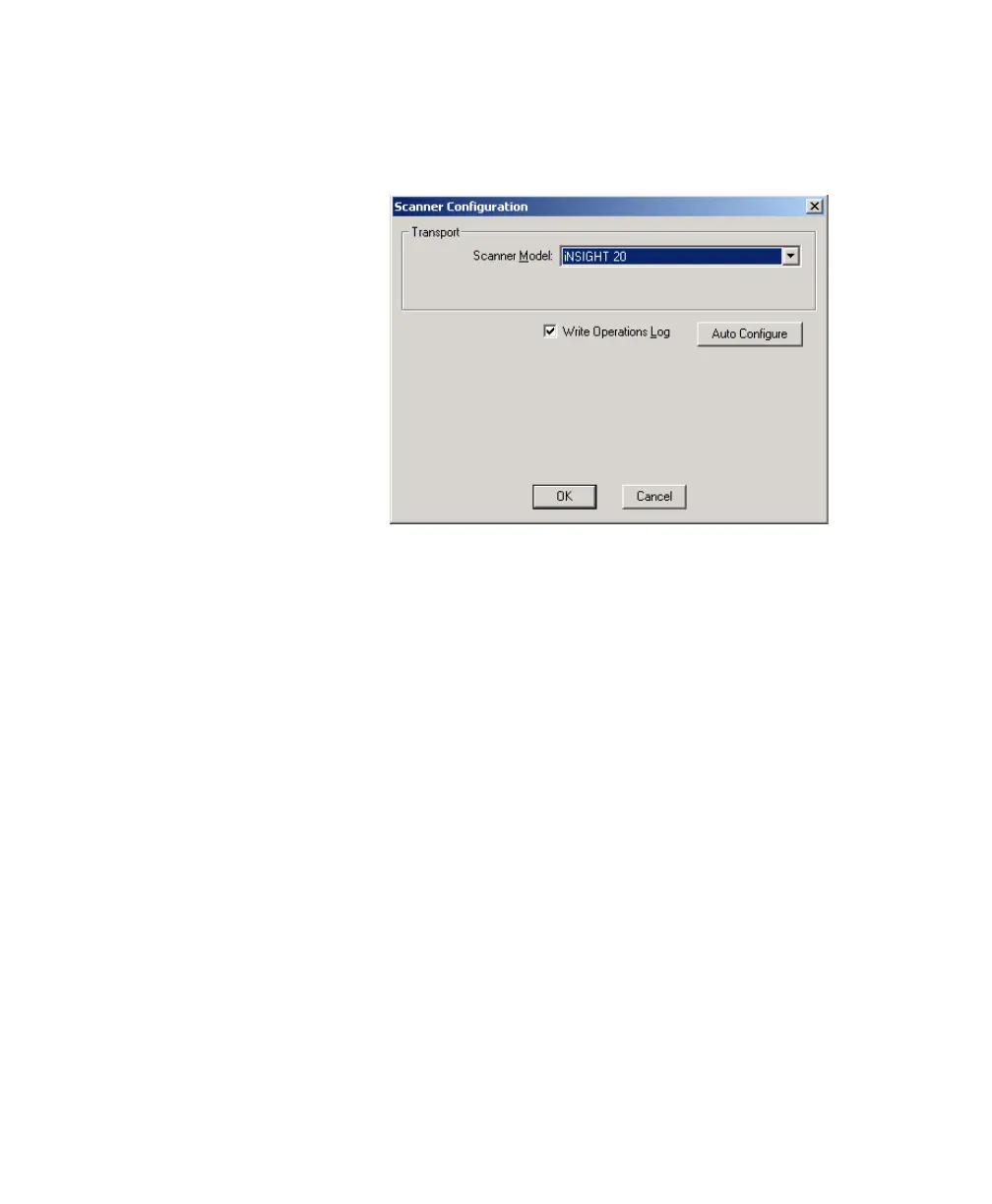
2. Select ConfigureScanner Configuration... from
the ScanTools Plus menu. The Scanner Configuration
dialog box appears.
a. Select iNSIGHT 20 for the Scanner Model.
b. Make sure that Write Operations Log is selected.
c. Click the Auto Configure button.
If you get an error, contact Scantron Customer Sup-
port as described in “Requesting Support” on
page 125. Otherwise, click OK to complete scanner
configuration.
Step 5: Running the Data Collection Test
IMPORTANT:
Perform this step only if your scanner came
bundled with ScanTools Plus data collection software.
NOTE:
You can run only one of the following programs at a
time because they use the same driver:
• Scan Validation Tool
• Click&Scan
• ScanTools Plus



 To Next Page