Chapter 2: Scanner Basics
Turning the Scanner On
Operator’s Guide 23
Turning the Scanner On
CAUTION:
Do not turn the scanner on before performing
the installation procedure covered in Chapter 3,
“Installation”. Doing so may result in incorrect driv-
ers being loaded.
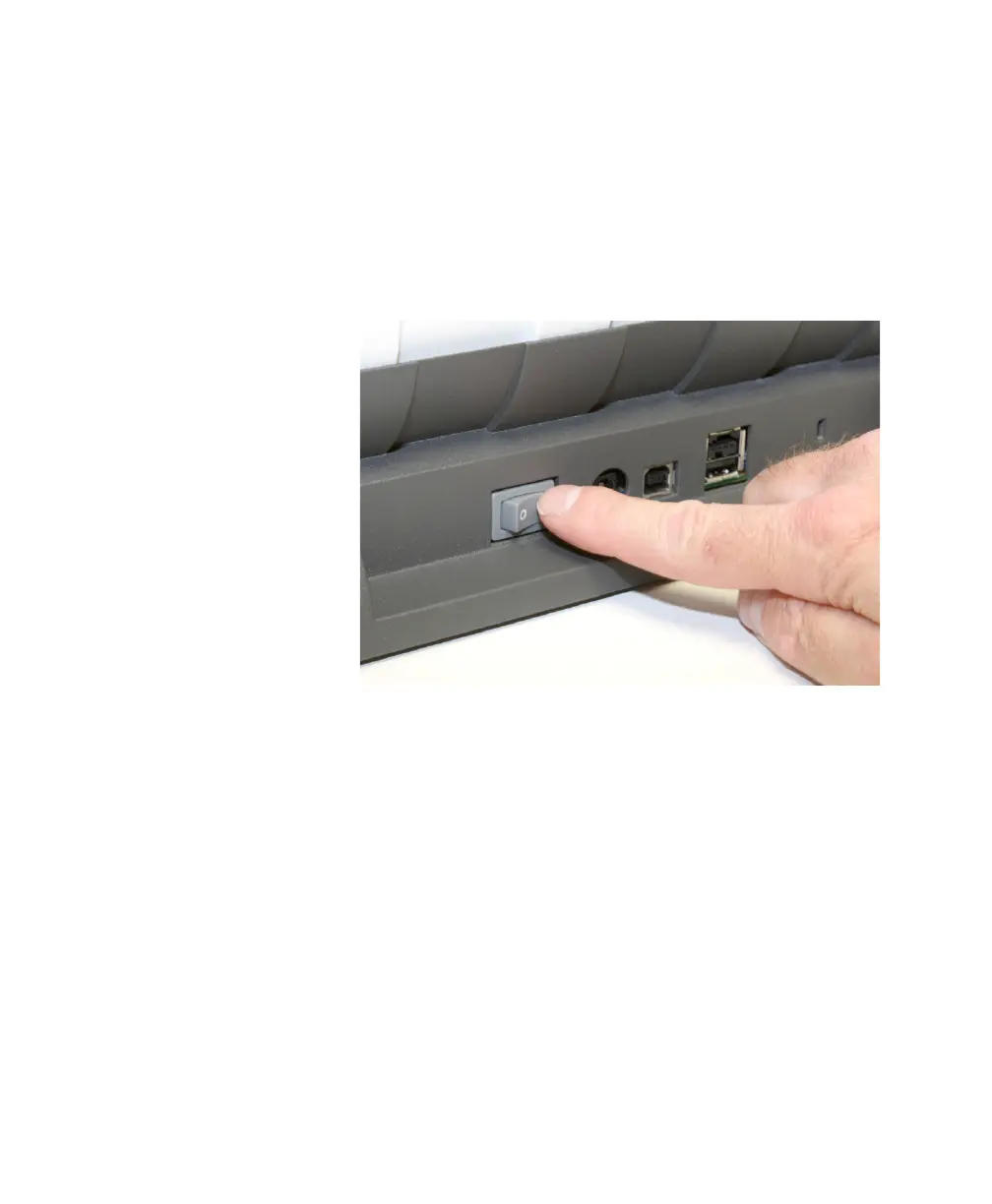
Press the switch on the back of the scanner to turn the
scanner on (l) or off (0).
After you turn on the scanner, wait for it to complete the
self-test. When the scanner is connected to the host PC
and the self-test completes, the green indicator light will
remain on and constant and the function window will
display “1”.
If the scanner is not connected to the host PC and the
self-test completes, the red indicator will be on and the
function window will be blank.



 To Next Page