Chapter 5: Troubleshooting
The Scan Validation Tool Diagnostics Window
Operator’s Guide 125
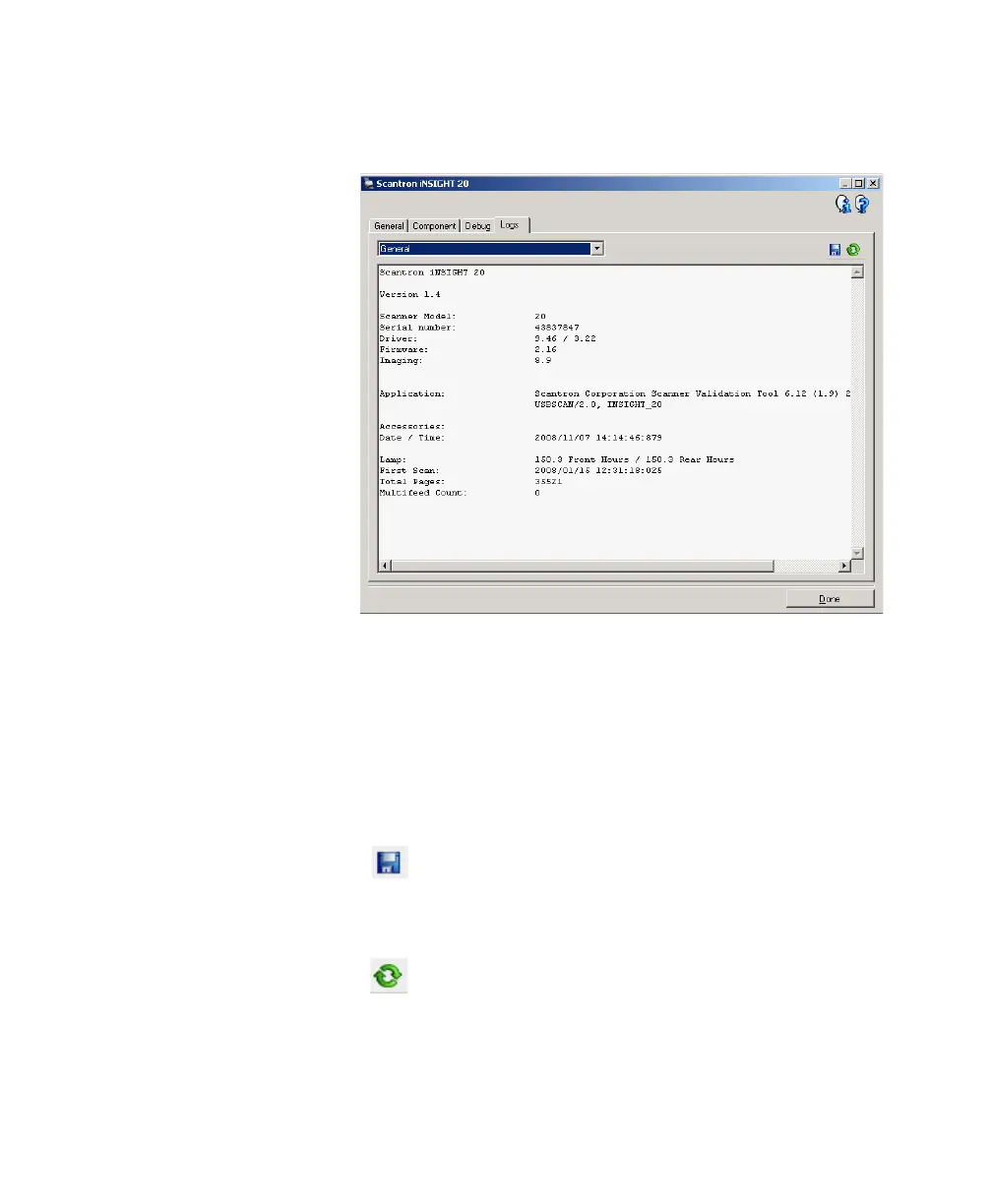
Diagnostics - Logs Tab
The Logs tab allows you to view scanner information.
Logs
• General: displays the scanner’s version information,
serial number, attached/installed accessories, meters,
etc.
• Operator: displays the scanner’s log. This log can only
be cleared by Customer Support.
Toolbar Buttons
Save As: saves all the logs for viewing by
Customer Support. When selected, you will be
prompted for the location to save the logs along
with the option of including any debug images.
Refresh: refreshes the currently displayed log.



 To Next Page