Chapter 2: Scanner Basics
Scanning Your Documents
Operator’s Guide 35
Scanning Your Documents
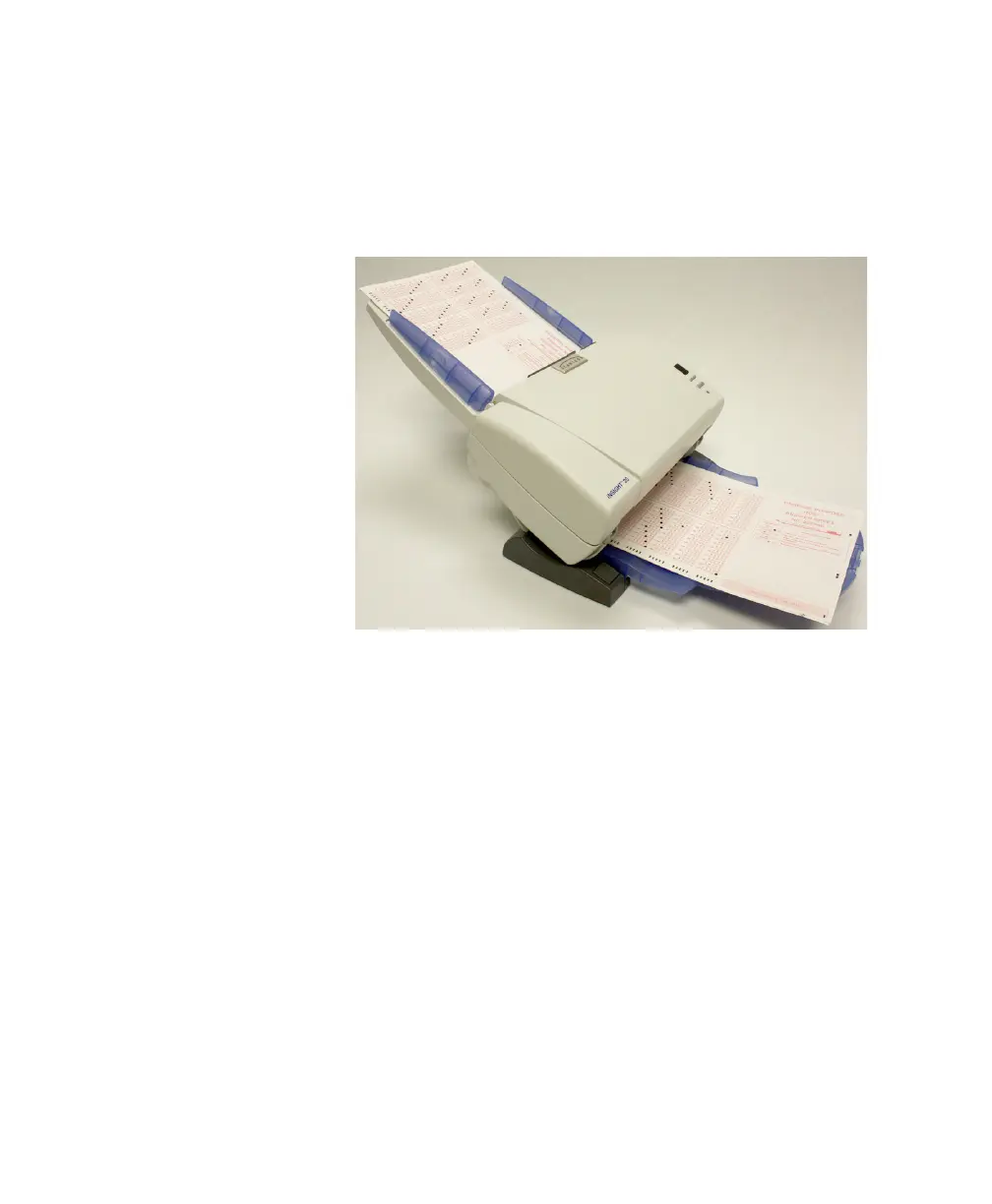
Place the documents you want to scan into the input tray
of the scanner with the front side down (because it is a
bottom feed scanner).
Automatic Feeding
To scan a batch of documents, follow the guidelines for
size, type, quantity, etc., as previously described in
“Document Preparation” on page 32.
CAUTION:
Remove all staples and paper clips before scan-
ning. Staples and paper clips in documents may dam-
age the scanner and the documents.
1. Align (jog) the leading edges of the stacked docu-
ments.
2. For data collection also align (jog) the timing mark side
of the stacked documents.
3. For all documents, position the documents face down
with the leading edge centered in the automatic
document feeder.



 To Next Page