Chapter 4: Maintenance
Opening and Closing the Scanner Cover
Operator’s Guide 87
Opening and Closing the Scanner Cover
1. Power down the scanner if desired.
NOTE:
It is sometimes helpful to have the lamps on
when cleaning the imaging guide areas.
2. Remove any documents from the feeder area.
3. Place the scanner in the 25 degree position. See
“Tilting the scanner body” on page 26 for information
on how to do this.
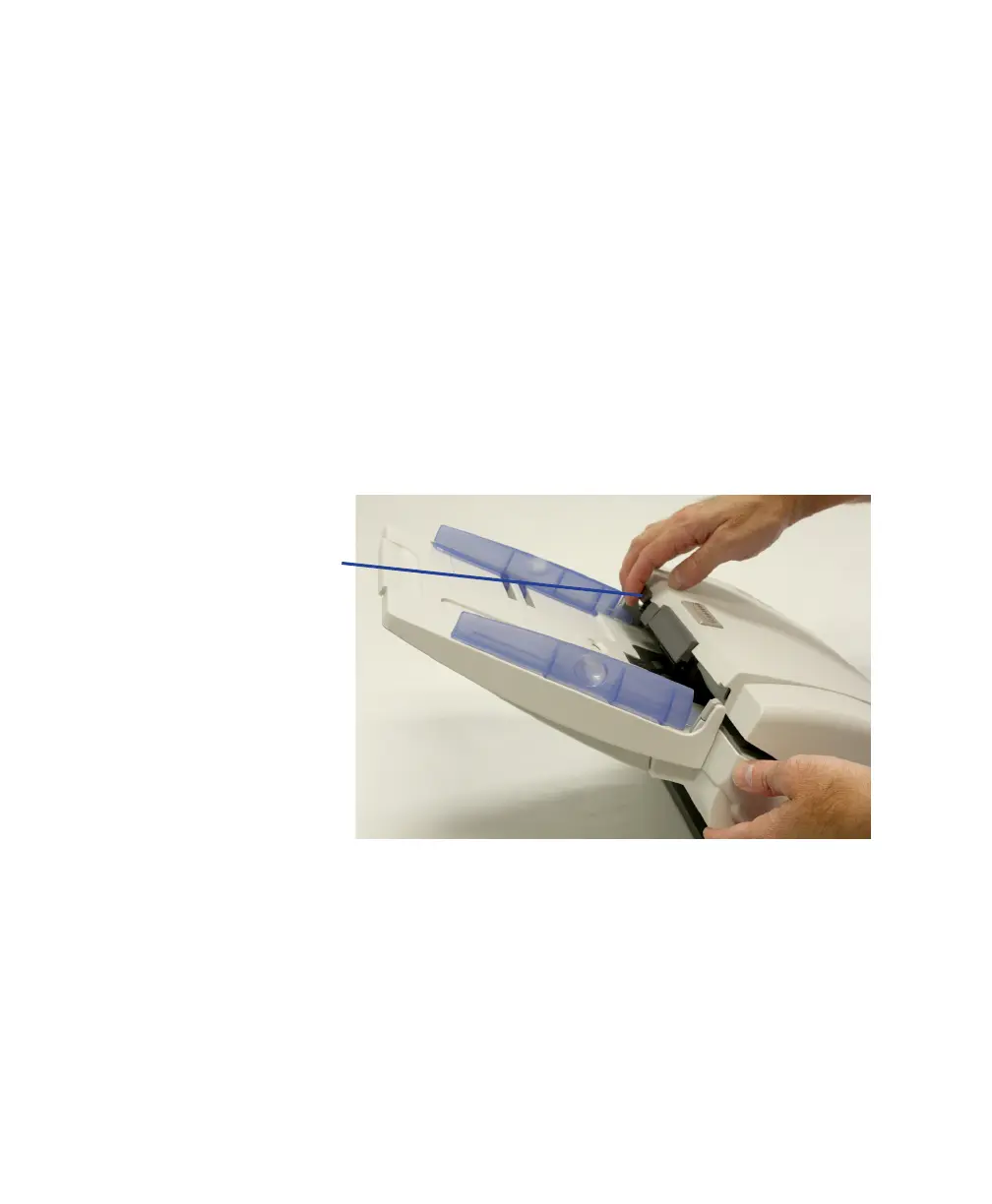
4. Pull the scanner cover release lever and the scanner
cover up.



 To Next Page