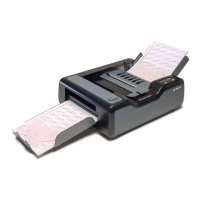
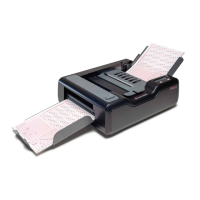
Chapter 1: iNSIGHT 20 Dual Purpose Scanner
Document Imaging Features
Operator’s Guide 5
Document Imaging Features
• TWAIN driver and Click&Scan document imaging
software included
• Scans lengths from 2.5 to 34 in. (6.4 to 86 cm) and
widths from 2 to 8.5 in. (5.1 to 21.6 cm)
• Optical resolution at 600 dpi
• Output resolutions from 75 to 1200 dpi
• Interactive brightness, contrast, and color adjustment
• Advanced software image processing including:
automatically detect and straighten, iThresholding,
ATP, auto orientation, background color smoothing,
add or remove borders, auto color detect, and
searchable PDF output
• Simultaneous black and white and color, or black
and white and grayscale image output
• Save files in TIFF, JPEG, RTF, and PDF
• Send documents to file, email, printers, fax printers or
desktop applications


 To Next Page