Chapter 2: Scanner Basics
Clearing Document Jams
Operator’s Guide 39
Clearing Document Jams
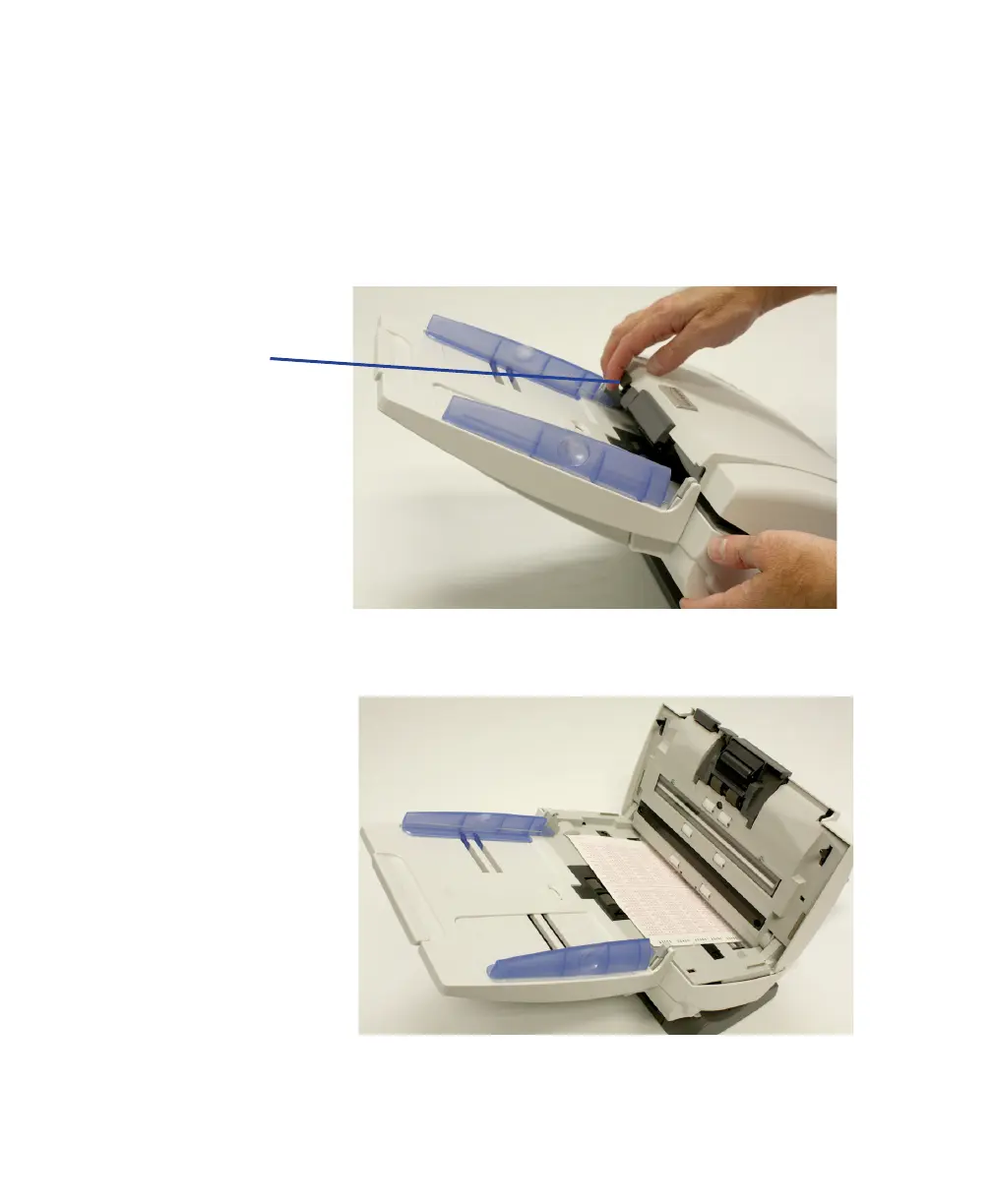
1. Remove any documents from the input tray area.
2. Lift up the scanner cover release to unlatch the
scanner cover.
3. Pull up to open the scanner cover.
4. Locate the jammed document and remove it, being
sure to clear any paper shreds or pieces left behind.



 To Next Page