Chapter 3: Installation
Getting Ready to Scan
68 Scantron
i
NSIGHT 20 Scanner
Step 3: Installing ScanTools Plus Software
IMPORTANT:
Perform this step only if your scanner came
bundled with ScanTools Plus data collection software.
CAUTION:
You must have the iNSIGHT 20 and iNSIGHT
30 Drivers and Scanner Utilities installed before
installing ScanTools Plus.
Next, install ScanTools Plus data collection software. See
Chapter 2 of the ScanTools Plus User’s Guide (included with
your iNSIGHT 20 scanner) for instructions on how to
install the software.
Step 4: Configuring the Scanner
IMPORTANT:
Perform this step only if your scanner came
bundled with ScanTools Plus data collection software.
CAUTION:
You must have the ScanTools Plus software
installed before you can configure the scanner.
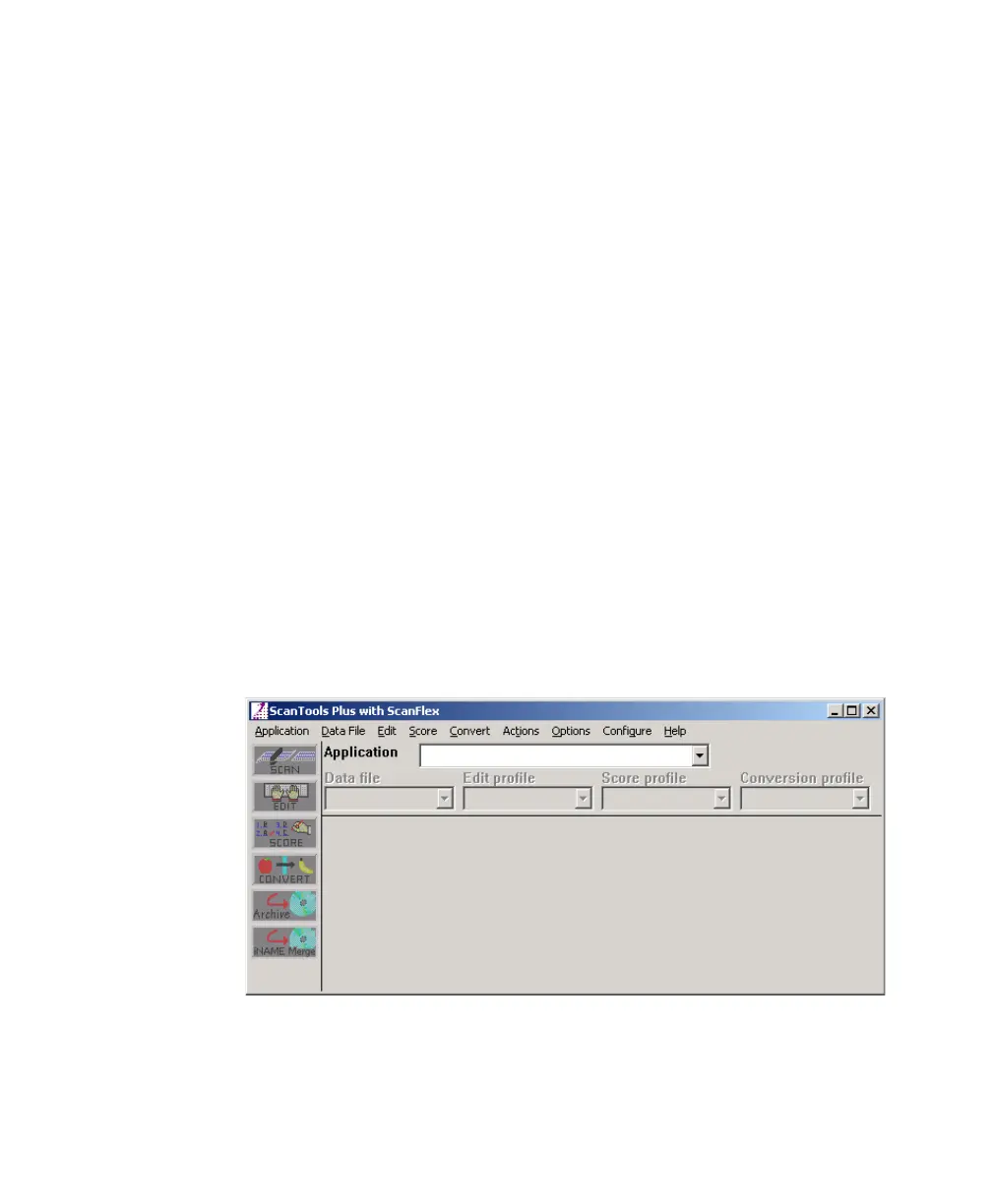
1. Select StartProgramsScantronScanTools
Plus to start ScanTools Plus software. The ScanTools
Plus window appears.



 To Next Page