Chapter 2: Scanner Basics
Scanner Components
20 Scantron
i
NSIGHT 20 Scanner
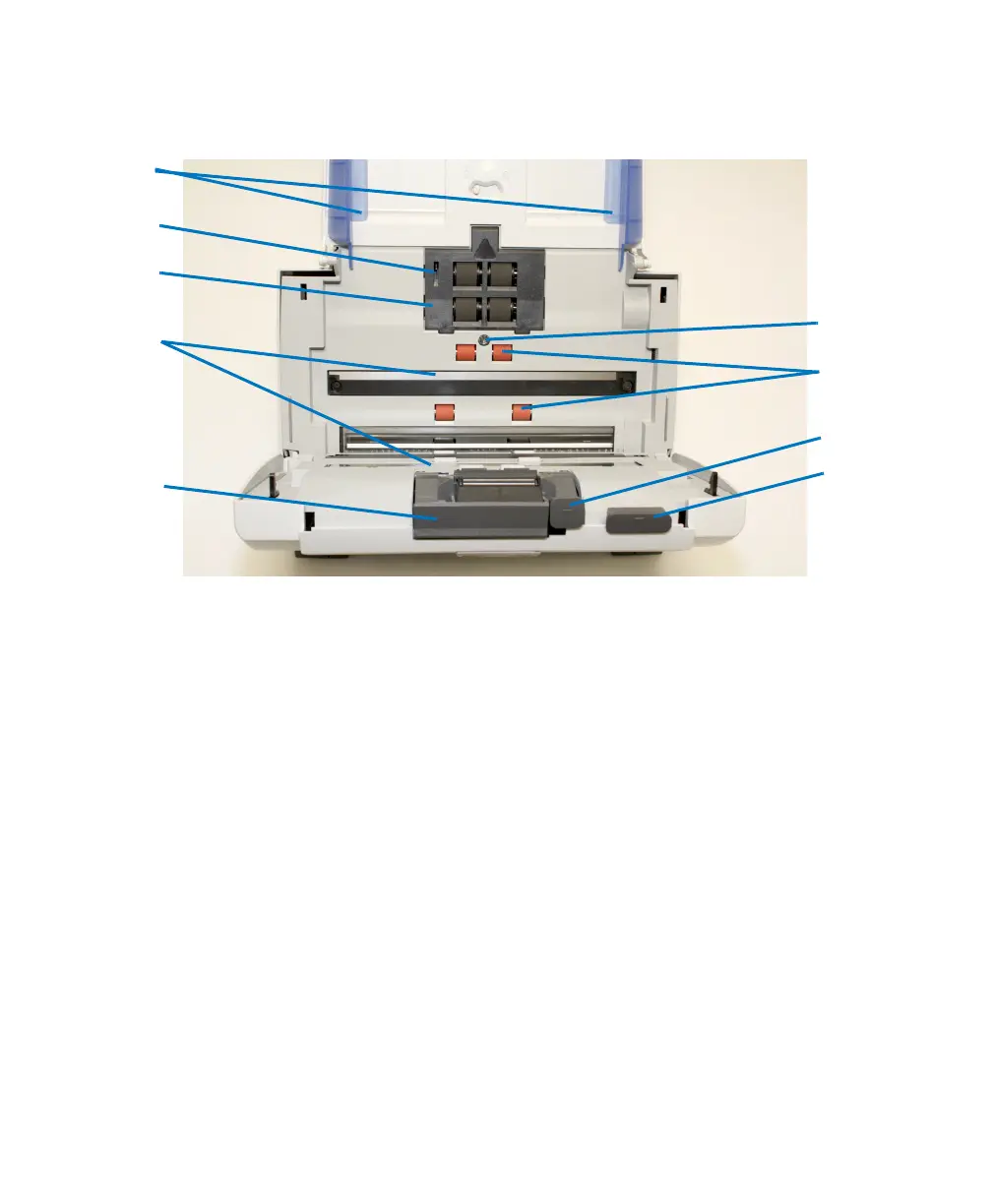
Inside View
1. Side Guides — Slide the guides back and forth to
accommodate the size of documents you are scanning.
2. Paper Present Sensor — Detects the presence of
documents in the input tray.
3. Feed Module Cover — This cover needs to be
removed when cleaning or replacing the feed module
or feed module tires.
4. Imaging Guides — The cameras take images of the
documents through these glass guides.
5. Separation Module Release Lever — Push the
release lever to remove the separation module for
cleaning or replacement.
6. Scanner Cover Release Lever — Opens the scanner
to allow access to the paper path for cleaning or
clearing a document jam.



 To Next Page