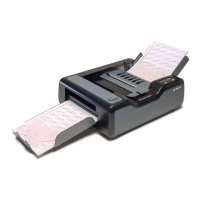
Chapter 3: Installation
Installing the iNSIGHT 20 and iNSIGHT 30 Drivers and Scanner Utilities Software
48 Scantron
i
NSIGHT 20 Scanner
Installing the
i
NSIGHT 20
and
i
NSIGHT 30 Drivers and
Scanner Utilities Software
CAUTION:
Install the software
before
connecting the scan-
ner to the PC.
NOTE:
The
iNSIGHT 20 and iNSIGHT 30 Drivers and
Scanner Utilities software supports only one scanner
connected to the host computer at a time.
The iNSIGHT 20 and iNSIGHT 30 Drivers and Scanner
Utilities installation program installs the following
software:
• TWAIN Driver: The software utility program that
controls the scanner.
• Scan Validation Tool: A software program that
enables you to test the scanner’s document imaging
capabilities.
• Click&Scan: A software program that allows you to
perform document imaging tasks with just a few clicks
of your mouse.
• Calibration Utility: A software program that is used
during setup to calibrate the scanner for data
collection. After setup, this program should not be
used unless the scanner has been moved to a different
computer, the scanner has been exchanged for a new
one, or you are directed to do so by Scantron
Customer Support.
• Scanner Exerciser: A software utility program that
Customer Support uses to test the data collection
capabilities of the scanner.
NOTE:
Some of the software above requires the
Microsoft .Net Framework to function. The
installation routine will also install the .Net
Framework if it is not already installed.


 To Next Page