Chapter 2: Scanner Basics
Indicator Light
Operator’s Guide 37
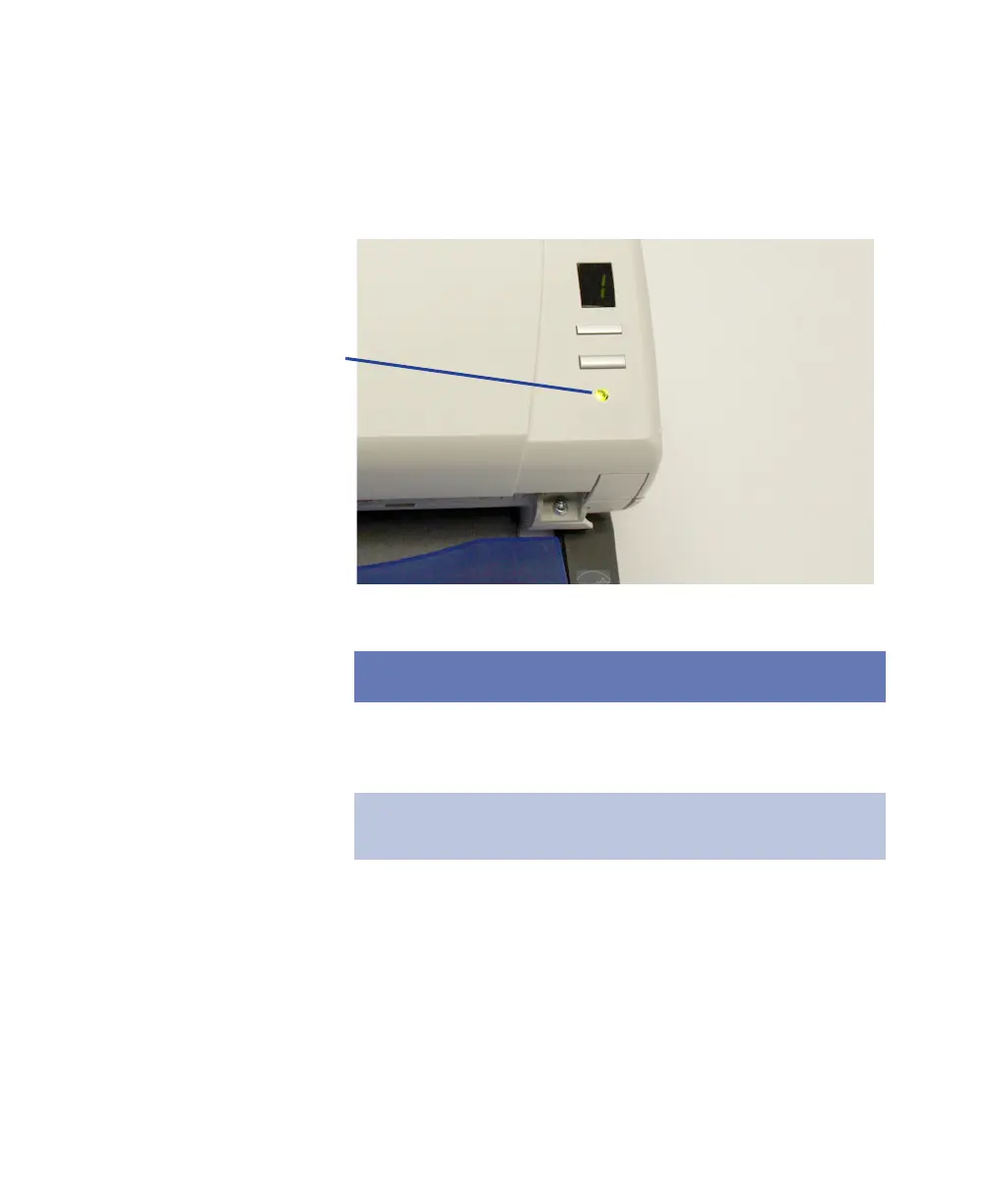
Indicator Light
The indicator light provides information on the current
state of the scanner.
This light… indicates…
Flashing green scanner is powering up,
busy, or in power saver
mode.
Steady green scanner is ready to scan.
Steady red scanner error, such as
the scanner is not
connected to the host
computer or the scanner
cover is open.



 To Next Page