Chapter 2: Scanner Basics
Scanner Positions
24 Scantron
i
NSIGHT 20 Scanner
Scanner Positions
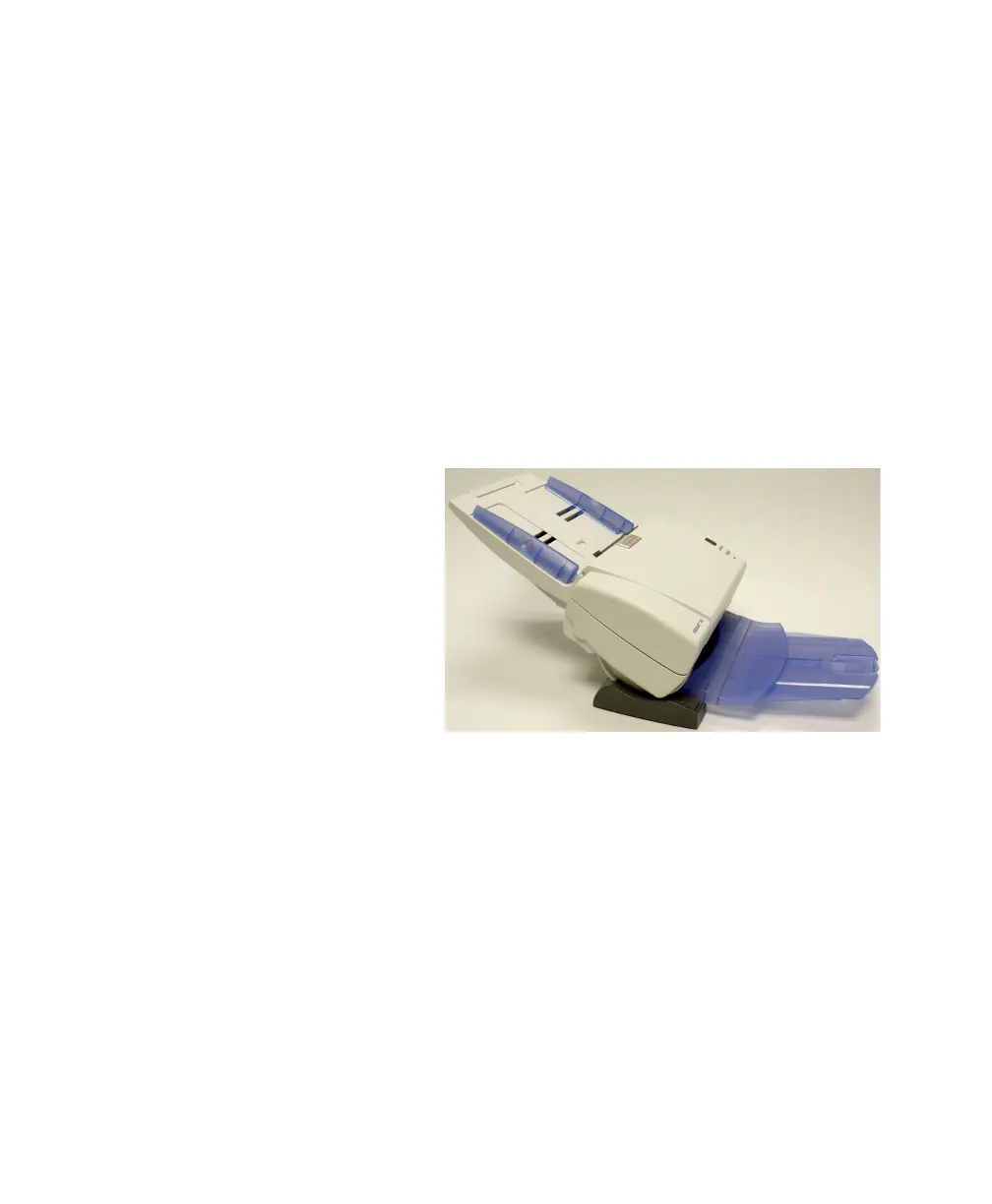
The iNSIGHT 20 scanner is equipped with a tilt feature
which allows the scanner to be tilted in two different
positions. Depending upon your scanning needs, you can
tilt the scanner body and adjust the output tray and
extender accordingly. The tilt feature also allows for
scanning in tight spaces when space is limited and for
compact storage when not in use.
The following photos show the angles the scanner can be
placed in. Simply press the tilt release button and tilt the
scanner body into a 25 or 60 degree angle.
25 degree position
This position is best for scanning batches larger than a few
sheets.



 To Next Page