Chapter 2: Scanner Basics
Scanner Positions
Operator’s Guide 25
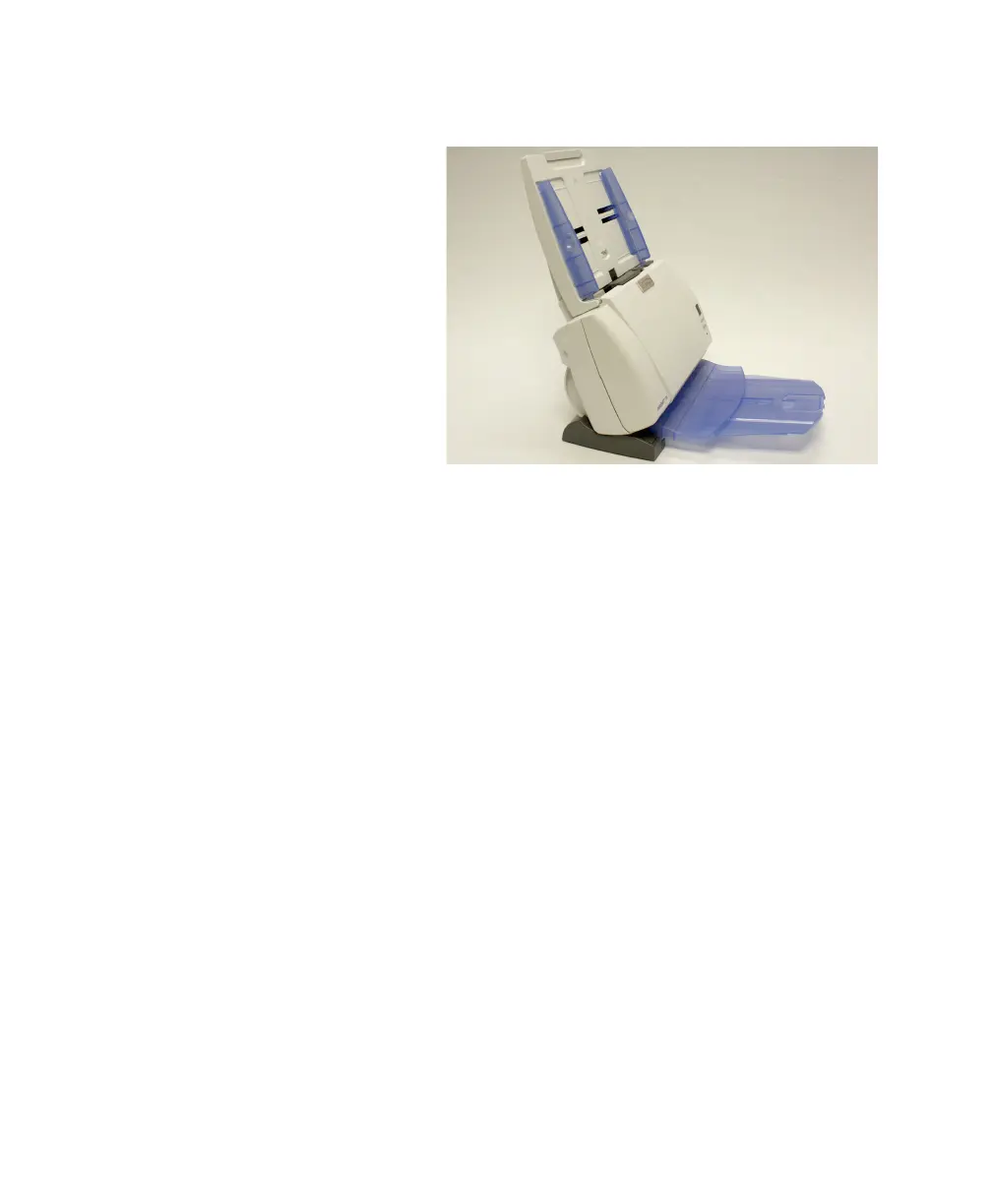
60 degree position
This position is best for storage or for scanning just a few
sheets. When scanning just a few sheets, do not use the
output tray as shown above. See “Output Tray Extender
Flat” on page 28 for the optimal output tray extender
position when scanning in the 60 degree position.
NOTE:
Heavier weight documents (e.g., 110-lb.) may not
feed properly when the scanner is positioned in the 60
degree position. If scanning heavy-weight documents,
use the 25 degree position.
IMPORTANT:
When using the tilt feature, be sure the scanner
cover is closed.



 To Next Page