Chapter 2: Scanner Basics
Document Preparation
32 Scantron
i
NSIGHT 20 Scanner
Document Preparation
Data Collection
General Guidelines
• Remove all staples and paper clips before scanning.
Staples and paper clips on documents may damage the
scanner and documents.
• If the forms were folded, we recommend unfolding
them and laying them flat for 24 hours in a climate
controlled (60º to 80º F or 16º to 27º C and 40-60%
humidity) environment.
• Align the forms so that all sheets have the same
orientation.
• Jog (align by tapping on a hard surface) the forms on
the leading edge (form ID edge) and timing mark
edge.
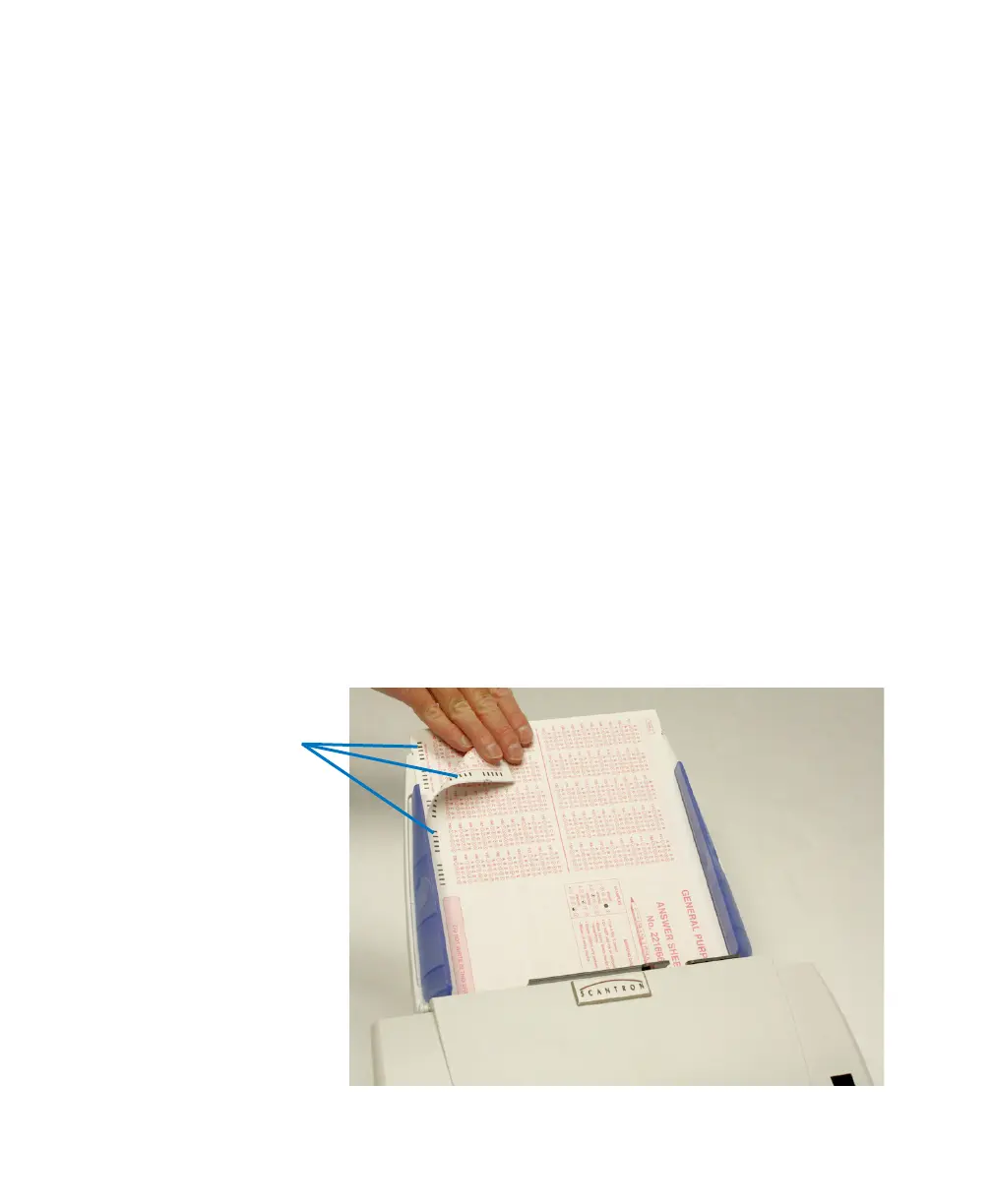
• Ensure that the forms are placed into the input tray
with the front side down (because it is a bottom feed
scanner). Also ensure that the timing marks are on the
left side (both front and back) when you are facing the
Scantron logo.



 To Next Page