Chapter 2: Scanner Basics
Locking the Scanner
22 Scantron
i
NSIGHT 20 Scanner
Locking the Scanner
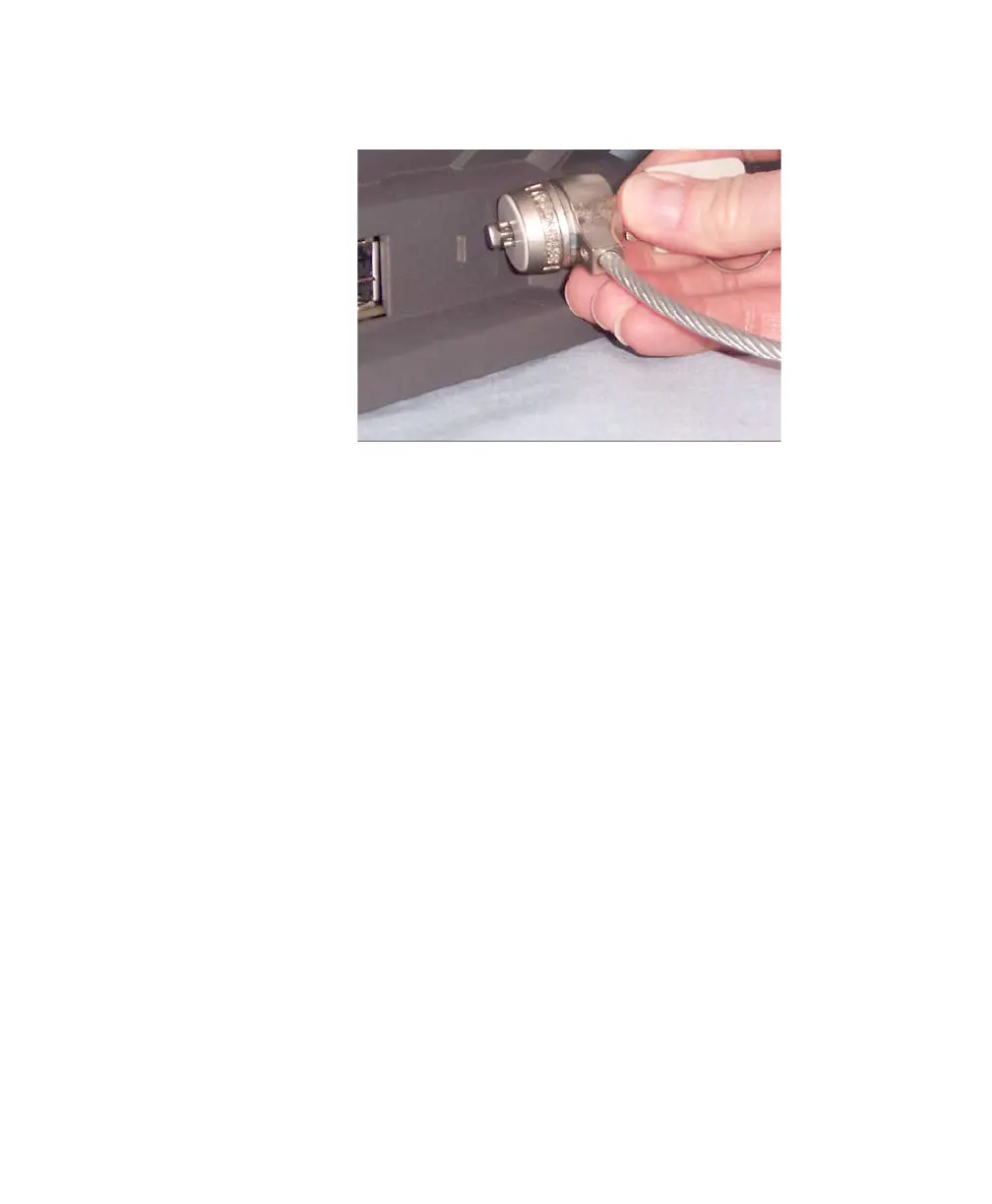
A security lock port is available if you want to secure your
scanner. You can purchase a standard security lock (as
shown above) at an office supply store.
1. Insert the lock into the back of the scanner and turn
the key to lock the scanner in place.
2. Use the looped end of the cable to secure the cable
and scanner to a stationary place.
.



 To Next Page