Chapter 2: Scanner Basics
Adjusting the Output Tray and Output Tray Extender
Operator’s Guide 29
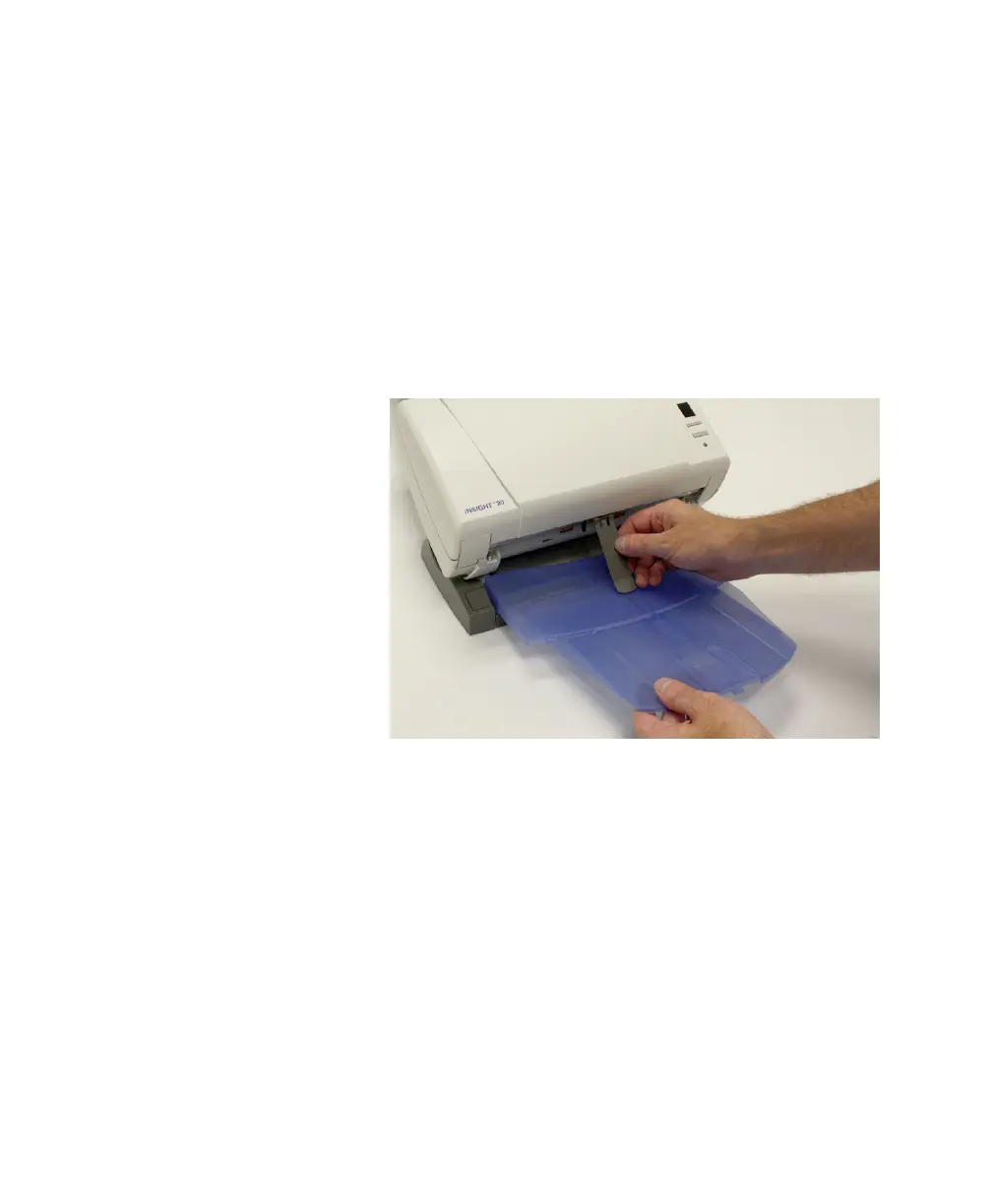
Exit Deflector
You can often improve your document stacking
performance by using the exit deflector. To find the
optimal setup, experiment by scanning with the exit
deflector on and off.
The exit deflector is easily installed by snapping it into
place.
NOTE:
Remove the exit deflector before tilting the
scanner to the upright position (60 degree angle).



 To Next Page