Chapter 3: Installation
Attaching the Input Tray
44 Scantron
i
NSIGHT 20 Scanner
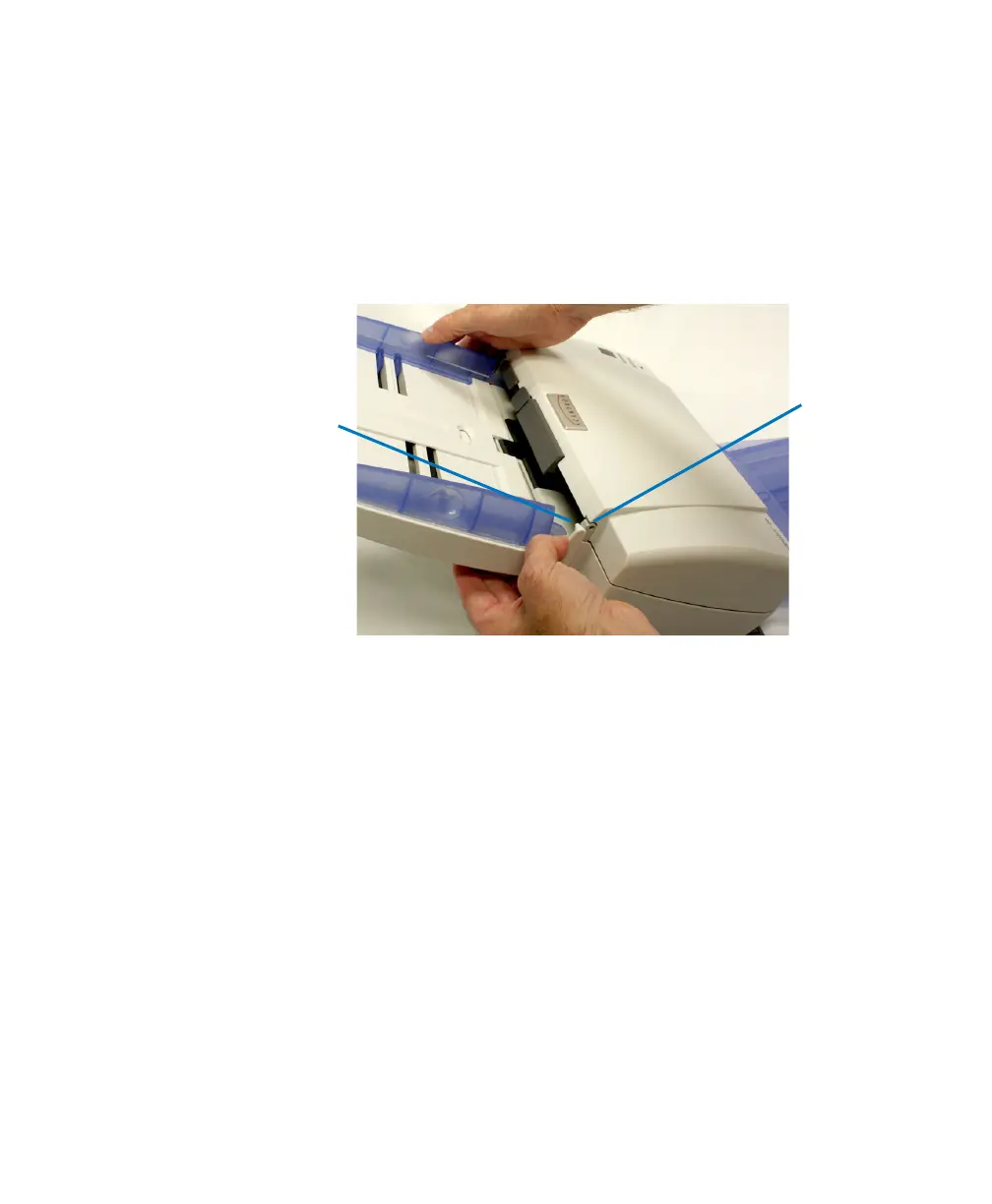
Attaching the Input Tray
1. On one side of the scanner, place the pin into the hole
(see photo).
NOTE:
It is necessary to tilt the tray forward somewhat so
that the side guides have clearance.
2. Next, push the input tray gently but firmly toward the
other side, so that the pin on the other side has
clearance to fit in the hole on the other side.
3. Allow the input tray to rotate down into position.



 To Next Page