Chapter 3: Installation
Getting Ready to Scan
64 Scantron
i
NSIGHT 20 Scanner
13. When verification is completed successfully, the
Calibration complete dialog box appears. Calibration
is now complete. Click OK to continue.
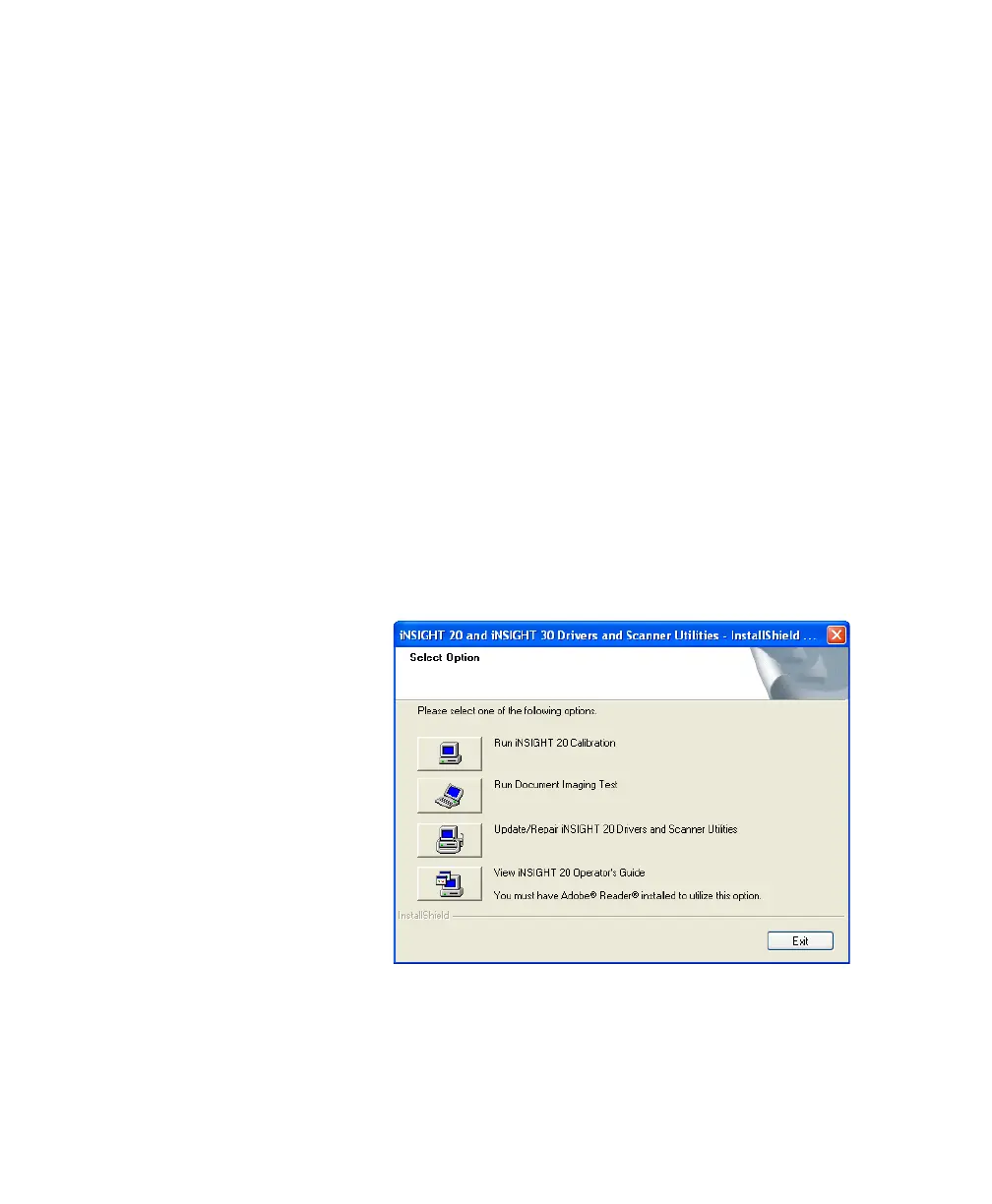
14. The Select Option dialog box reappears.
If you are recalibrating, the process is complete; click
Exit to continue.
If this is your initial installation, continue on to “Step
2: Running the Document Imaging Test” on page 64.
Step 2: Running the Document Imaging Test
NOTE:
You can run only one of the following programs at a
time because they use the same driver: Scan Validation
Tool, Click&Scan, ScanTools Plus, and the iNSIGHT
20 Scanner Utilities.
1. The next step is to verify that the scanner can perform
document imaging tasks. To do this, from the
switchboard shown below, click Run Document
Imaging Test.
NOTE:
If you are no longer at the above screen, start the
Scan Validation Tool by selecting
StartProgramsScantronDocument
ImagingScan Validation Tool.



 To Next Page