Chapter 3: Installation
Getting Ready to Scan
Operator’s Guide 65
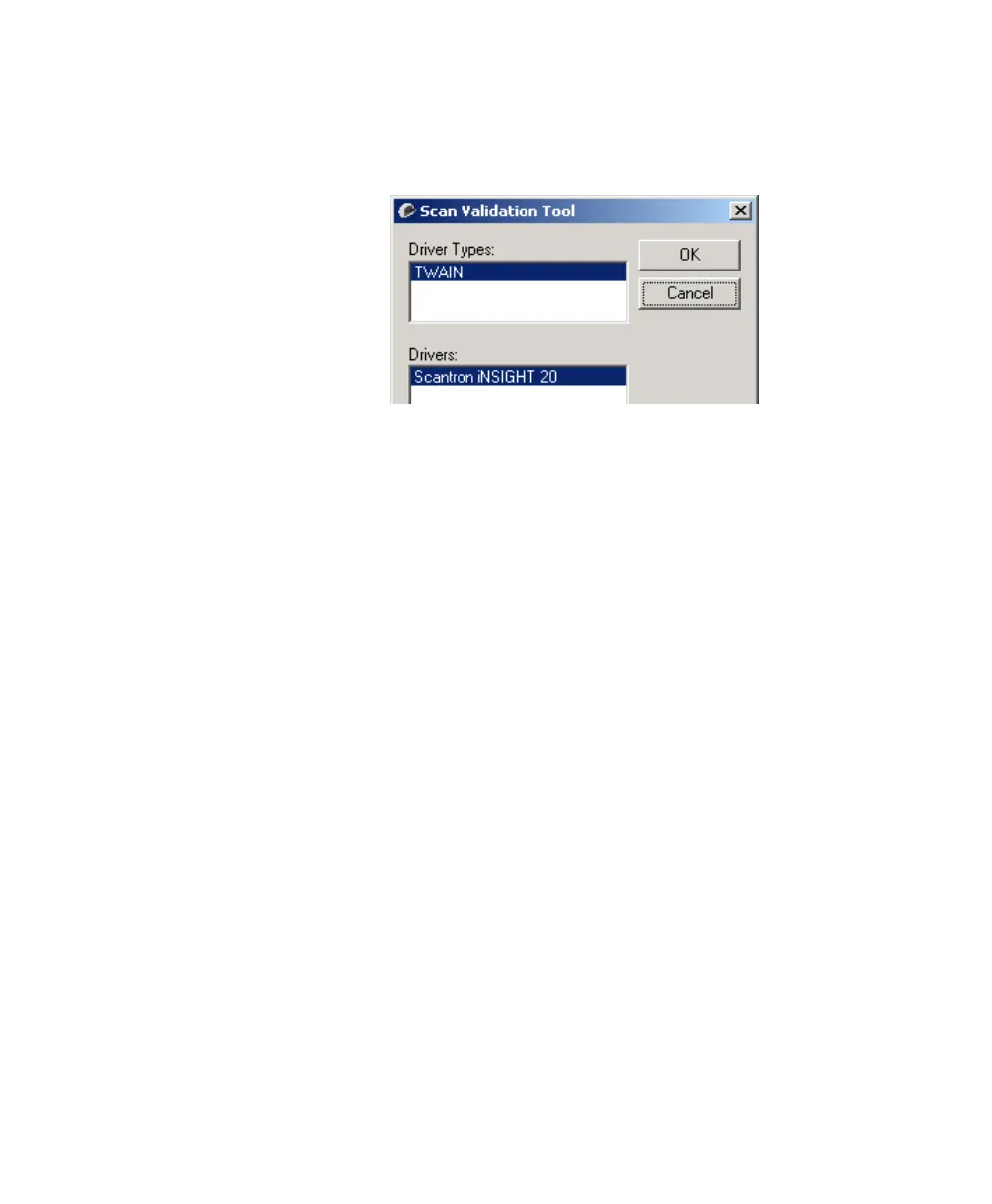
2. The Scan Validation Tool dialog box appears. Select
TWAIN and Scantron iNSIGHT 20 as shown. Click
OK.
3. The Connecting to Scanner message box appears,
indicating that it may take a few minutes to connect to
the scanner. Do not press any keys or perform any
mouse operations during this time.



 To Next Page