Chapter 3: Installation
Installing the iNSIGHT 20 and iNSIGHT 30 Drivers and Scanner Utilities
Operator’s Guide 53
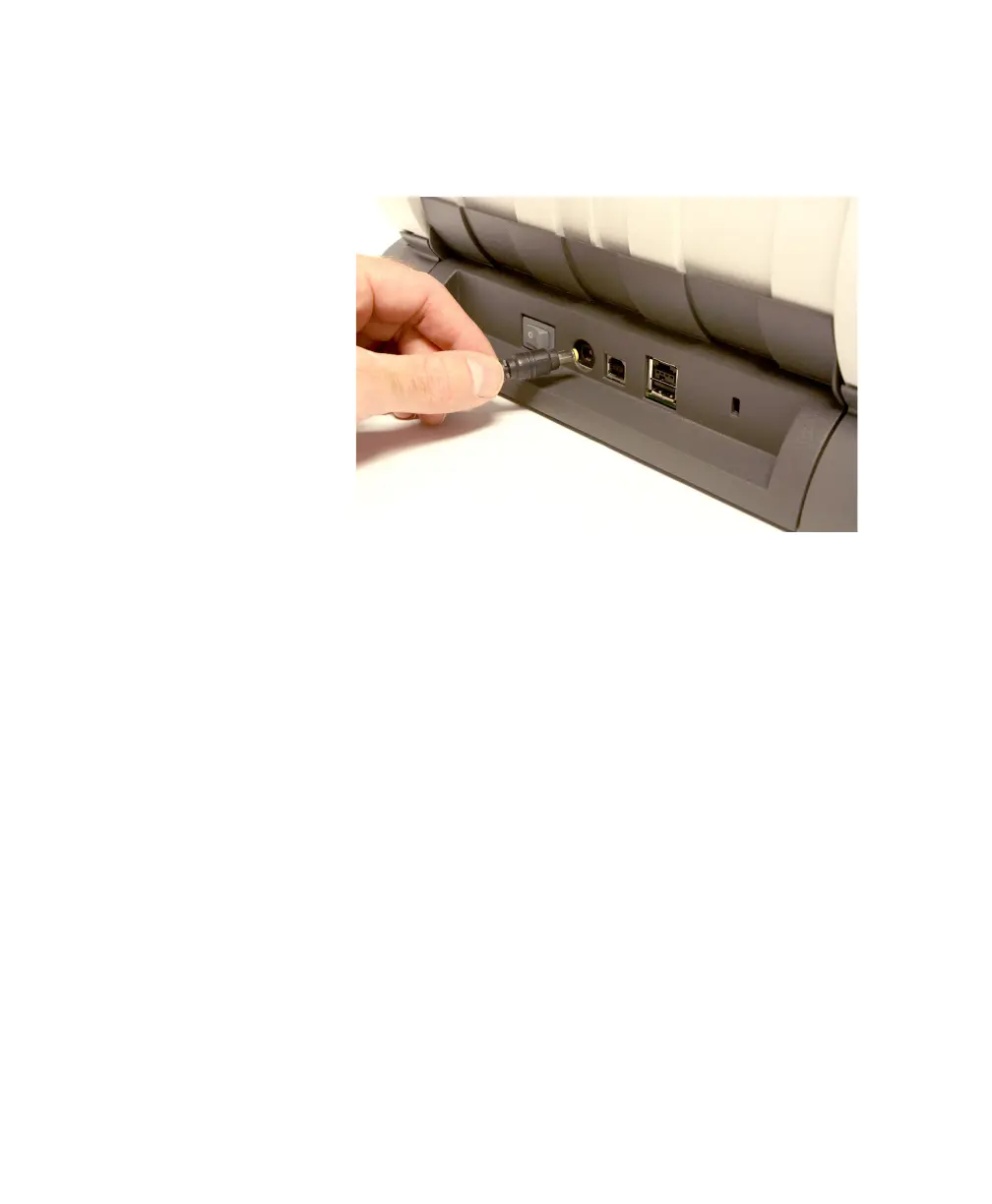
3. Plug the power cord output lead (attached to the
power supply) into the power port on the back of the
scanner.
4. Plug the power cord input lead (attached to the power
supply) into the wall outlet.
Connecting the USB Cable
CAUTION:
If you have not installed the iNSIGHT 20 and
iNSIGHT 30 Drivers and Scanner Utilities
software, do that now before proceeding.



 To Next Page