Chapter 3: Installation
Getting Ready to Scan
Operator’s Guide 63
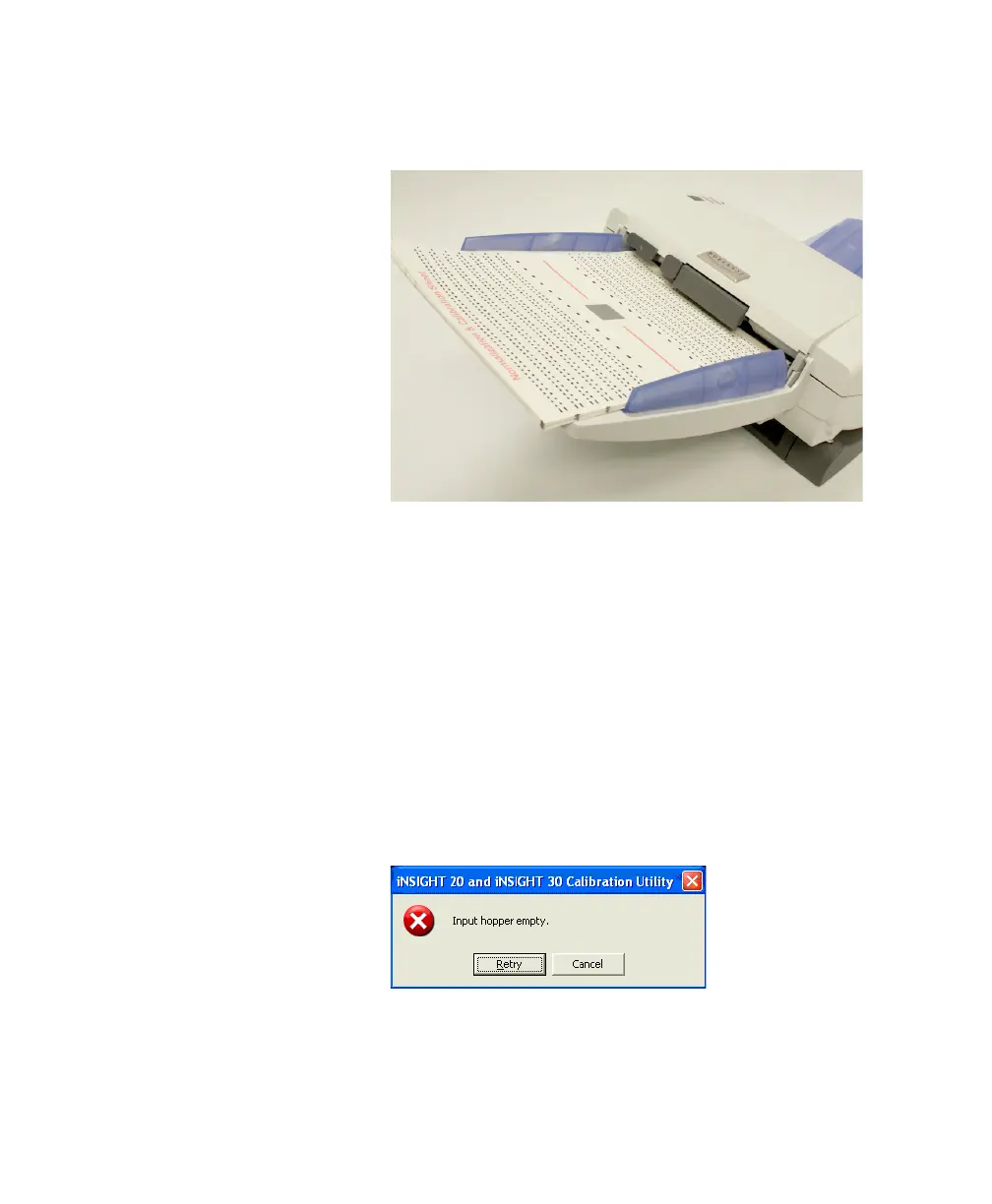
bration Sheet” enter the scanner last (as shown in the
photo below).
Click OK.
11. The Calibrating back/bottom camera... dialog box
appears. Please wait while the software performs back
side calibration.
12. When back side calibration is complete, the Verifying
calibration... dialog box appears and the scanner will
scan more sheets. Please wait while verification takes
place.
If the input tray empties and the Input hopper
empty message box appears, take the sheets from the
output tray, tap them on a hard surface to align them,
then place them back in the input tray the same way
you last loaded them. When you are ready, click Retry.



 To Next Page