Chapter 3: Installation
Getting Ready to Scan
62 Scantron
i
NSIGHT 20 Scanner
9. When calibration for the front side is complete, the
Verifying calibration... dialog box appears and the
scanner will scan more sheets. Please wait while
verification takes place.
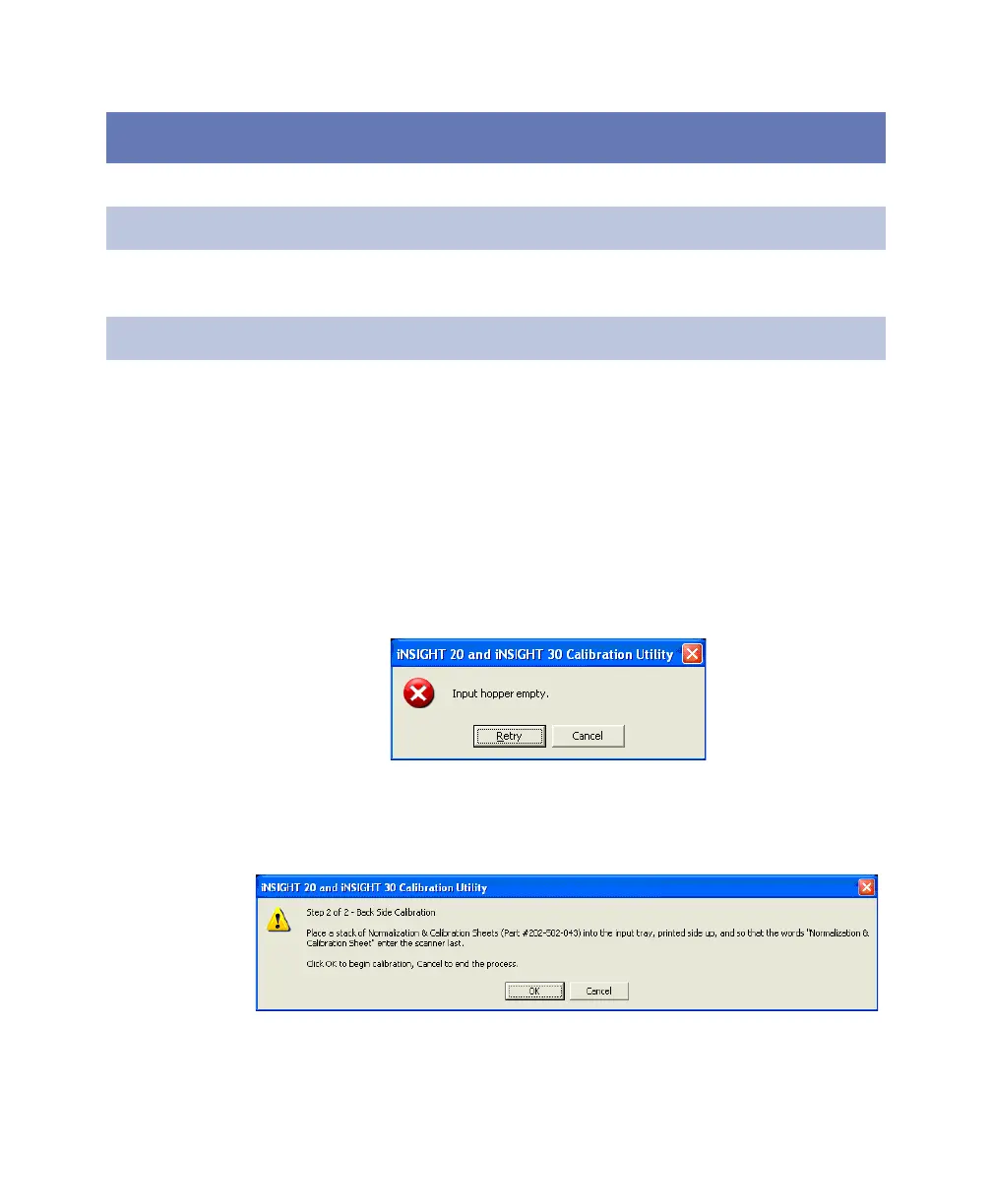
If the input tray empties and the Input hopper
empty message box appears, take the sheets from the
output tray, tap them on a hard surface to align them,
then place them back in the input tray the same way
you last loaded them. When you are ready, click Retry.
10. When front side calibration is complete, the Step 2 of
2... dialog box appears.
Place a stack of Normalization & Calibration Sheets
(part number 202 502 043) into the input tray, printed
side up, and so that the words “Normalization & Cali-
Error What To Do
Jam Open scanner, remove obstruction and rescan.
Multi-feed Open scanner, remove sheets and rescan.
Calibration sheet not
recognized
Check for proper calibration sheet and that it is
aligned properly. Rescan.
Image quality error Clean imaging guide(s) or rollers and rescan.
Calibration separation error Clean rollers and rescan.



 To Next Page