Chapter 3: Installation
Getting Ready to Scan
Operator’s Guide 61
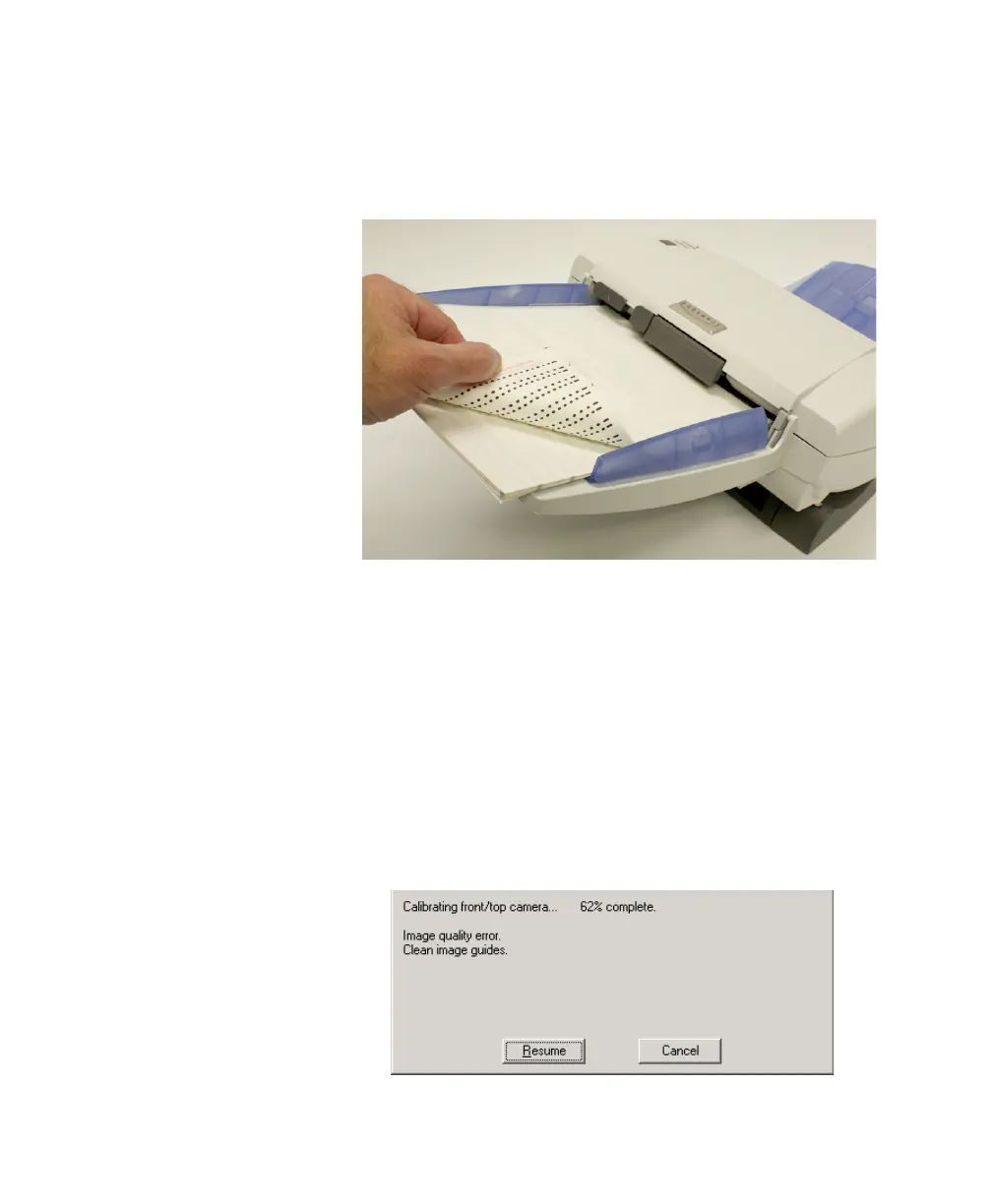
Calibration Sheet” enter the scanner first, as shown in
the photo below.
NOTE.
Corner turned to show printed side only.
6. Click OK.
I
f the lamps have been off, the
Lamps warming up...
dialog box appears. Please wait while the lamps warm up
.
7. When the lamps have warmed up, the Calibrating
front/top camera... dialog box appears and scanning
begins. Please wait while the software and scanner
performs front side calibration.
8. If you get an error message (like the one below), use
the table below to take the necessary corrective action.
When you are done, click Resume.



 To Next Page