Chapter 3: Installation
Getting Ready to Scan
60 Scantron
i
NSIGHT 20 Scanner
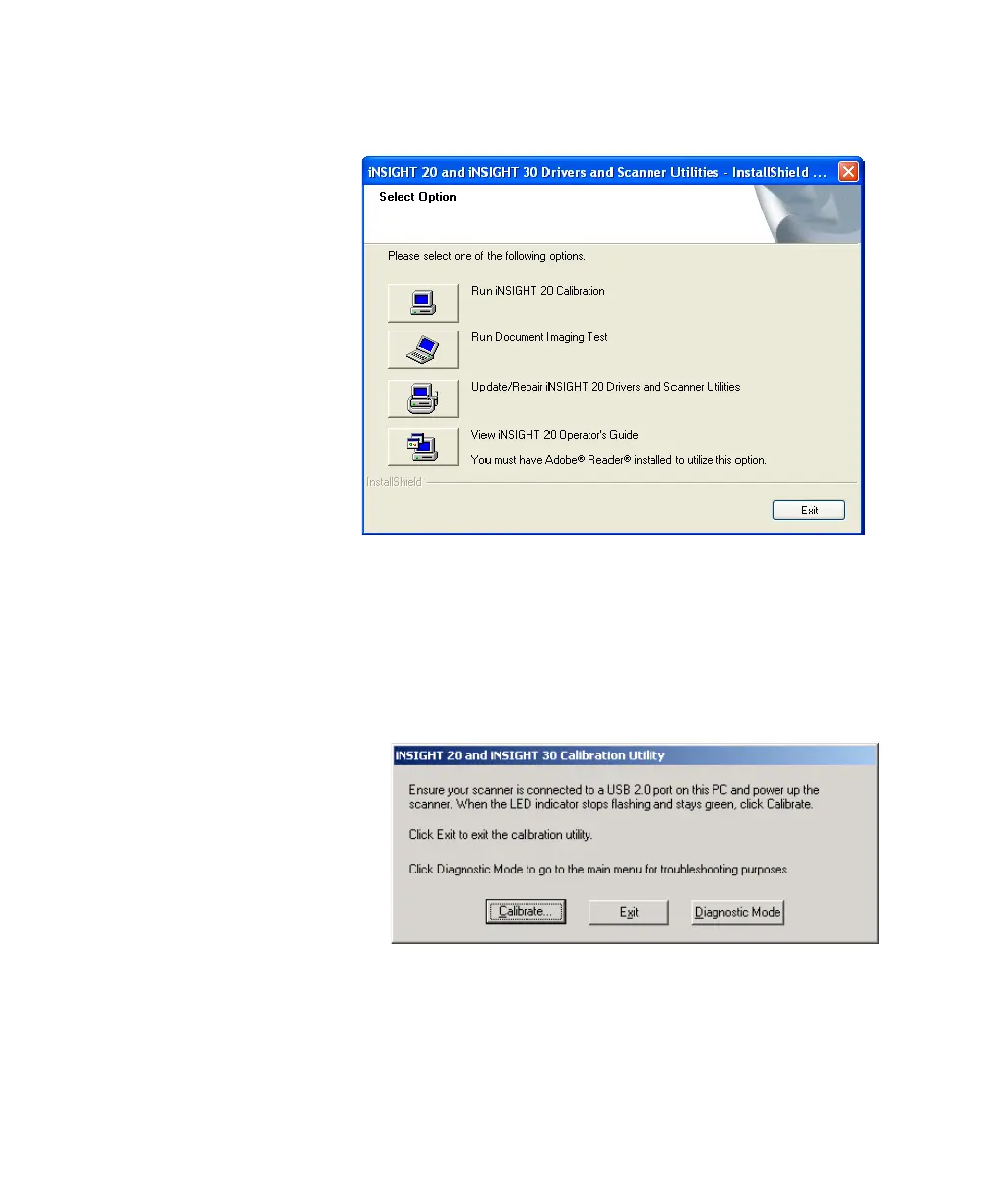
2. From the screen shown below, click Run iNSIGHT
20 Calibration.
NOTE:
If you are no longer at the above screen, you can
run the calibration program by going to your
Windows desktop and selecting
StartProgramsScantroniNSIGHT 20
Scanner UtilitiesCalibration Utility.
3. The following dialog box appears:
4. Click Calibrate. The Step 1 of 2... dialog box appears.
5. Place a stack of Normalization & Calibration Sheets
(part number 202 502 043) into the input tray, printed
side down, so that the words “Normalization &



 To Next Page