Chapter 3: Installation
Getting Ready to Scan
Operator’s Guide 59
• Targets the location of the black dots for position-
ing purposes.
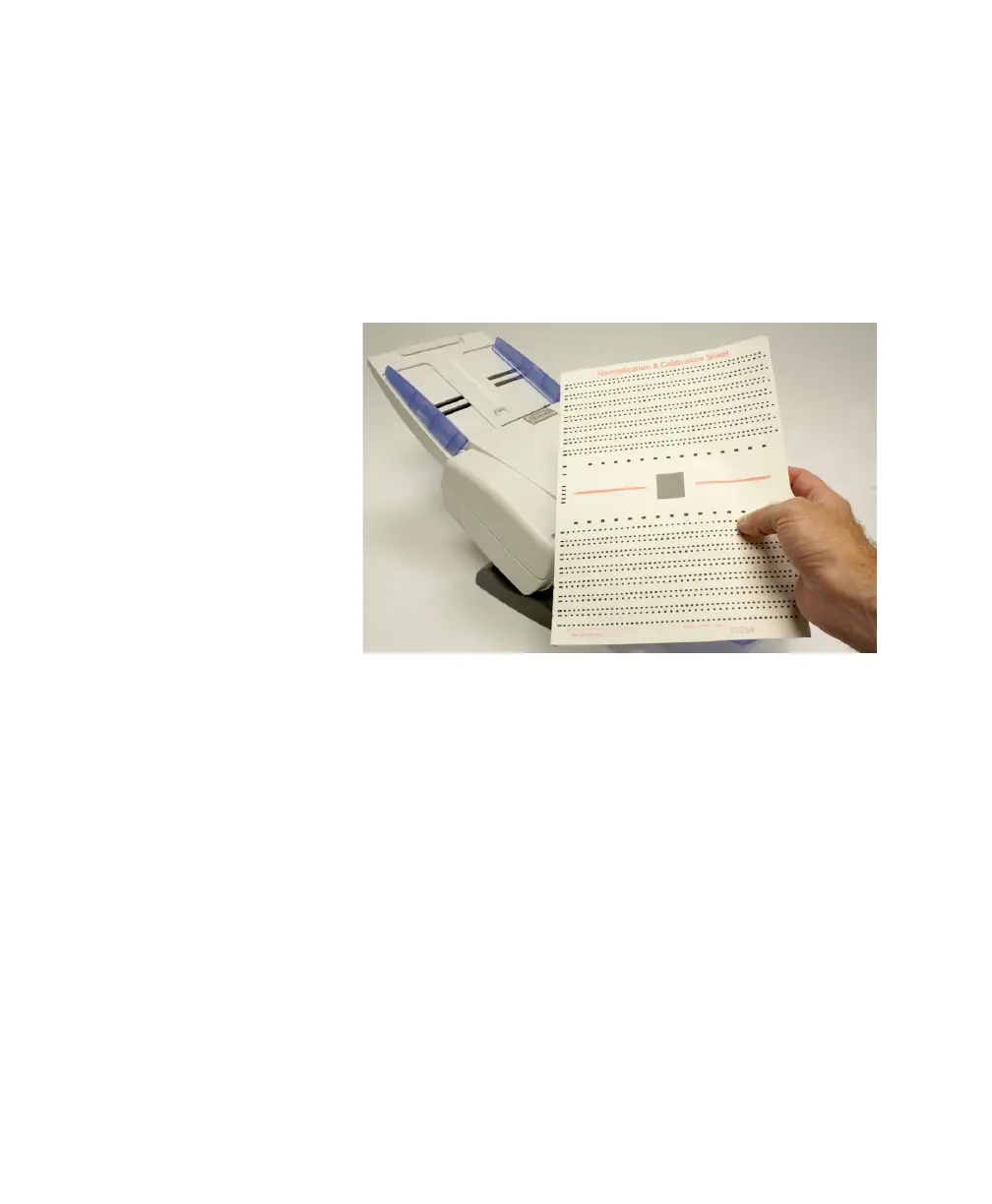
The calibration program reads Normalization &
Calibration sheets (supplied with the scanner, see photo
below).
NOTE:
The part number for a box of 80 Normalization &
Calibration Sheets is 342 760 014.
1. Close all other programs.


 To Next Page
 Loading...
