Chapter 3: Installation
Installing the iNSIGHT 20 and iNSIGHT 30 Drivers and Scanner Utilities
Operator’s Guide 49
Use the following procedure to install the software
and connect the scanner.
1. Insert the iNSIGHT 20 and iNSIGHT 30 Drivers and
Scanner Utilities CD into the CD-ROM drive.
2. Browse to your CD-ROM drive, then double-click
Setup.exe.
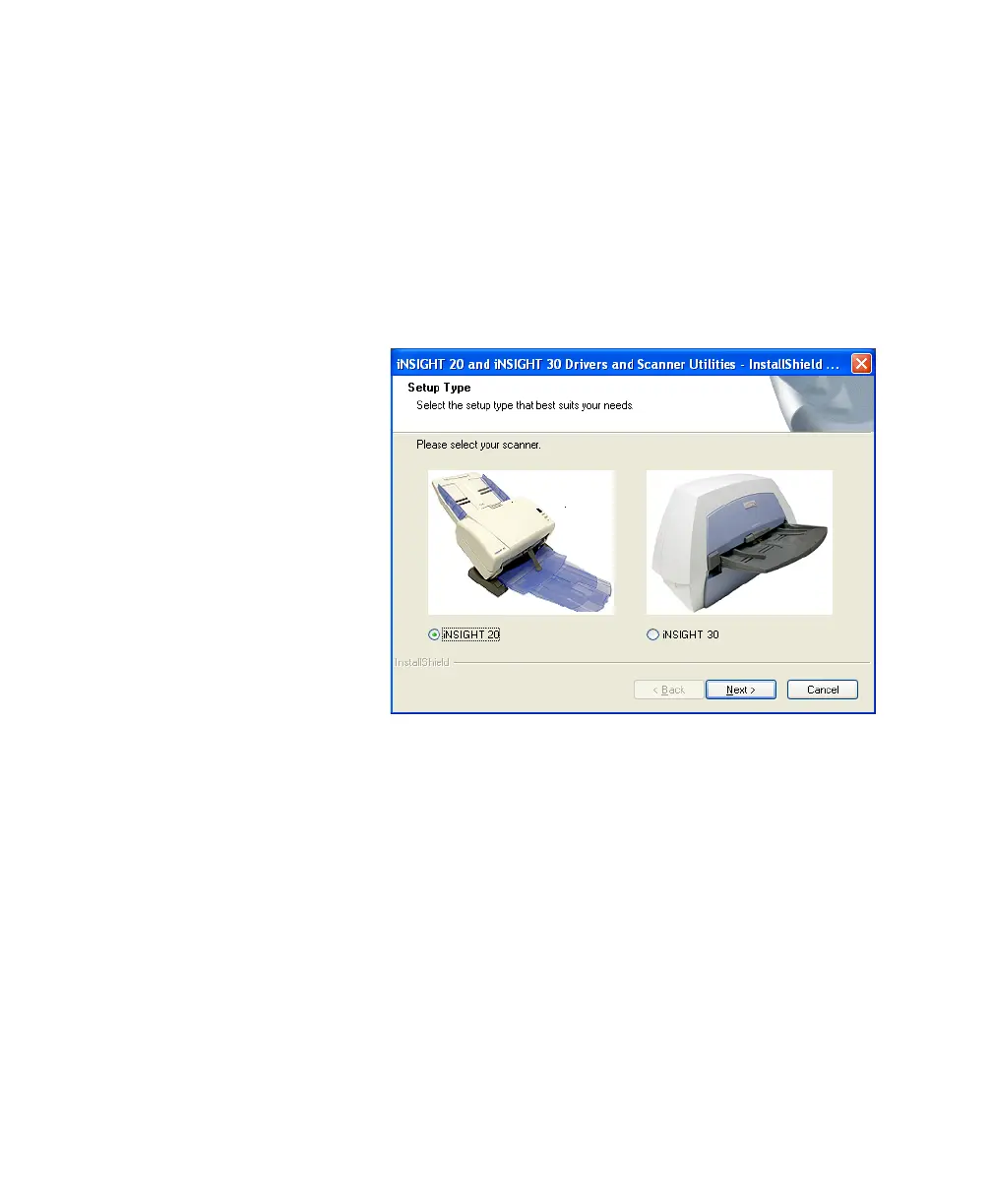
The Setup Type dialog box appears.
3. Select iNSIGHT 20 and click Next.
The Welcome dialog box appears.


 To Next Page