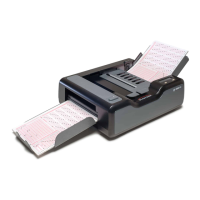
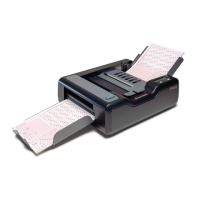
Chapter 1: iNSIGHT 20 Dual Purpose Scanner
2 Scantron
i
NSIGHT 20 Scanner
scanner and software work together to read up to 1800
sheets per hour in data collection mode.
The types of data that can be read include written marks
(bubbles, check marks, or tick marks) and software bar
codes. The iNSIGHT 20 scanner with ScanTools Plus
software can also scan grayscale images for digital storage.
In addition, the iNSIGHT 20 can read machine print and
handprint using RealTime Character Recognition software
(available separately).
Document Imaging
Document imaging is the process of scanning and
processing black & white, grayscale, or color images. A
common use of document imaging is digitally storing
documents such as student work, patient records, invoices,
photographs, and more.
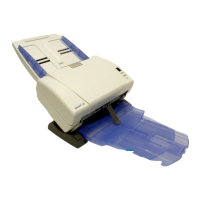
The iNSIGHT 20 scanner can effectively transport sheets
of multiple sizes and thicknesses in a single load. The
images are scanned and then processed using the included
Click&Scan software. Using Click&Scan software, you can
select the format of the scanned image (black & white,
grayscale, or color), the resolution, the file type of the
stored image, and the destination of the resulting file.
In document imaging mode, the iNSIGHT 20 scanner
with Click&Scan software can scan up to 1800 two-sided,
color, 200 dpi images per hour.


 To Next Page