Chapter 3: Installation
Installing the iNSIGHT 20 and iNSIGHT 30 Drivers and Scanner Utilities Software
56 Scantron
i
NSIGHT 20 Scanner
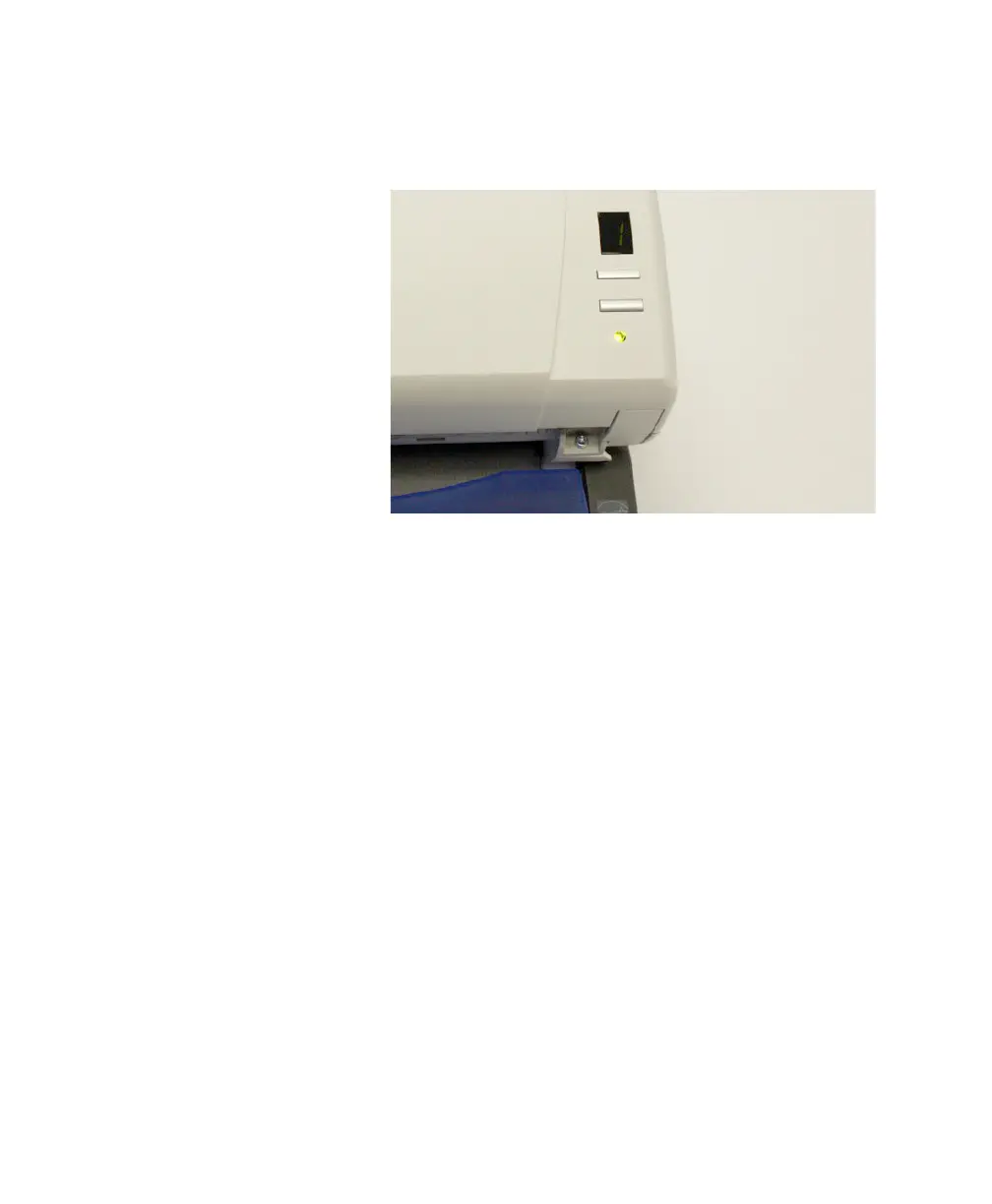
2. The scanner will go through a series of self tests, and
the indicator LED will light.
When the scanner is finished and ready to scan, the
indicator LED will stop flashing and stay green. When
this occurs, click Next to continue.
If the green LED indicator does not become a steady
green within several minutes, contact Scantron Cus-
tomer Support as described in “Requesting Support”
on page 125.
3. The Wizard Complete dialog box appears. Click
Finish to complete driver and utility installation.



 To Next Page