Page 27 of 58
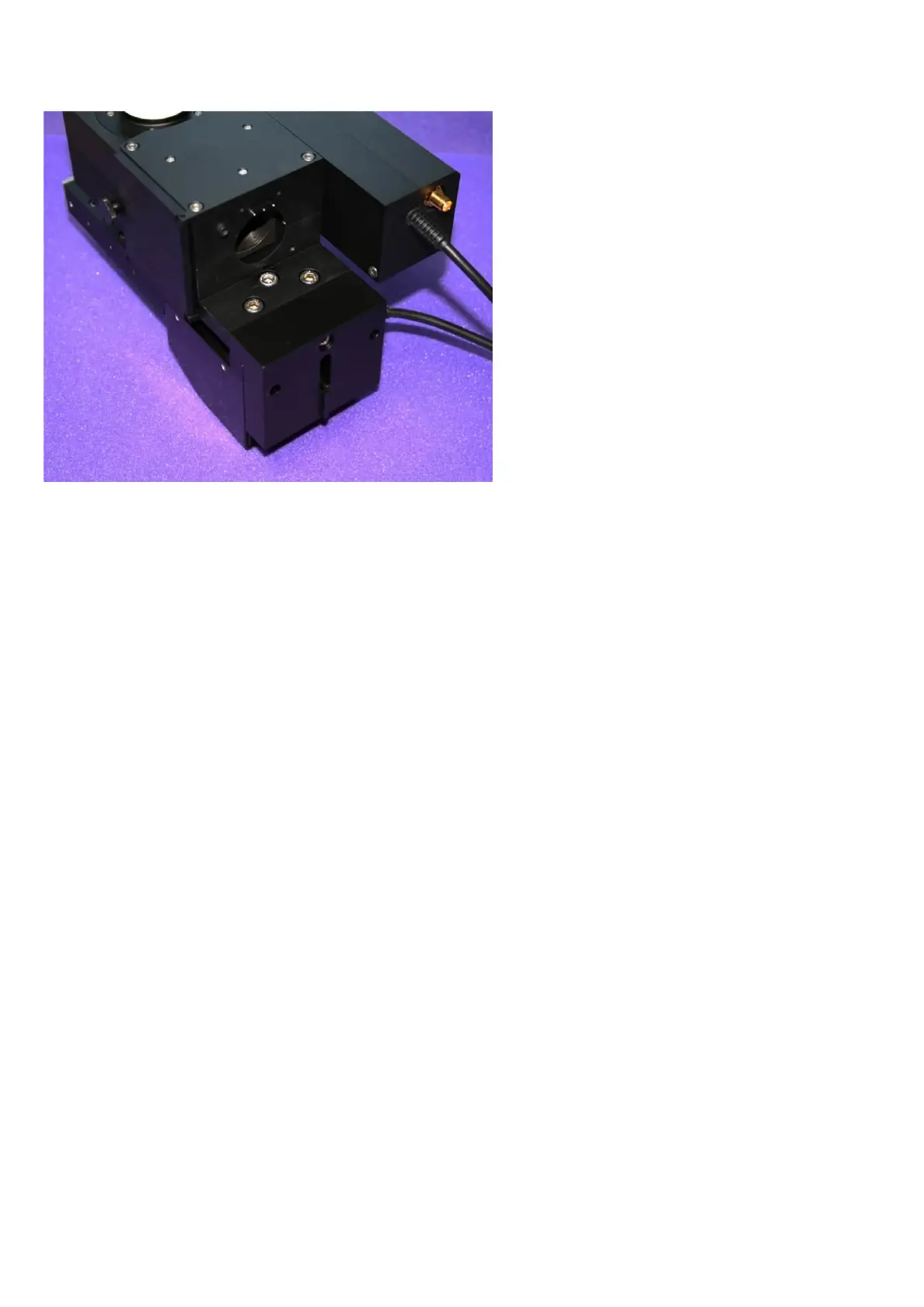
Figure P: Optical block assembled to the bracket and MOC using three M5 bolts and one M4 bolt (located in the
rear face of the mounting bracket).
Fit three M5 X 16 hex cap-head bolts through the clearance holes in the optical block and the bracket
and screw them loosely into the MOC top plate until they just stop rotating.
Fit the single M4 X 20 hex cap-head bolt through the counter-bored hole in the rear face of the bracket
so that it screws into the optical block. Do not tighten this fully yet.
Looking from above, check that the three components are co-aligned laterally; in particular check that
the optical block is aligned to the top of the bracket and then tighten the single M4 bolt to draw these
two components together.
Finally, check that the MOC is aligned to the bracket and the optical block, and then tighten the three
M5 bolts.



 To Next Page