Page 24 of 58
3.4.4 Removing the detection module and bracket from the MOC
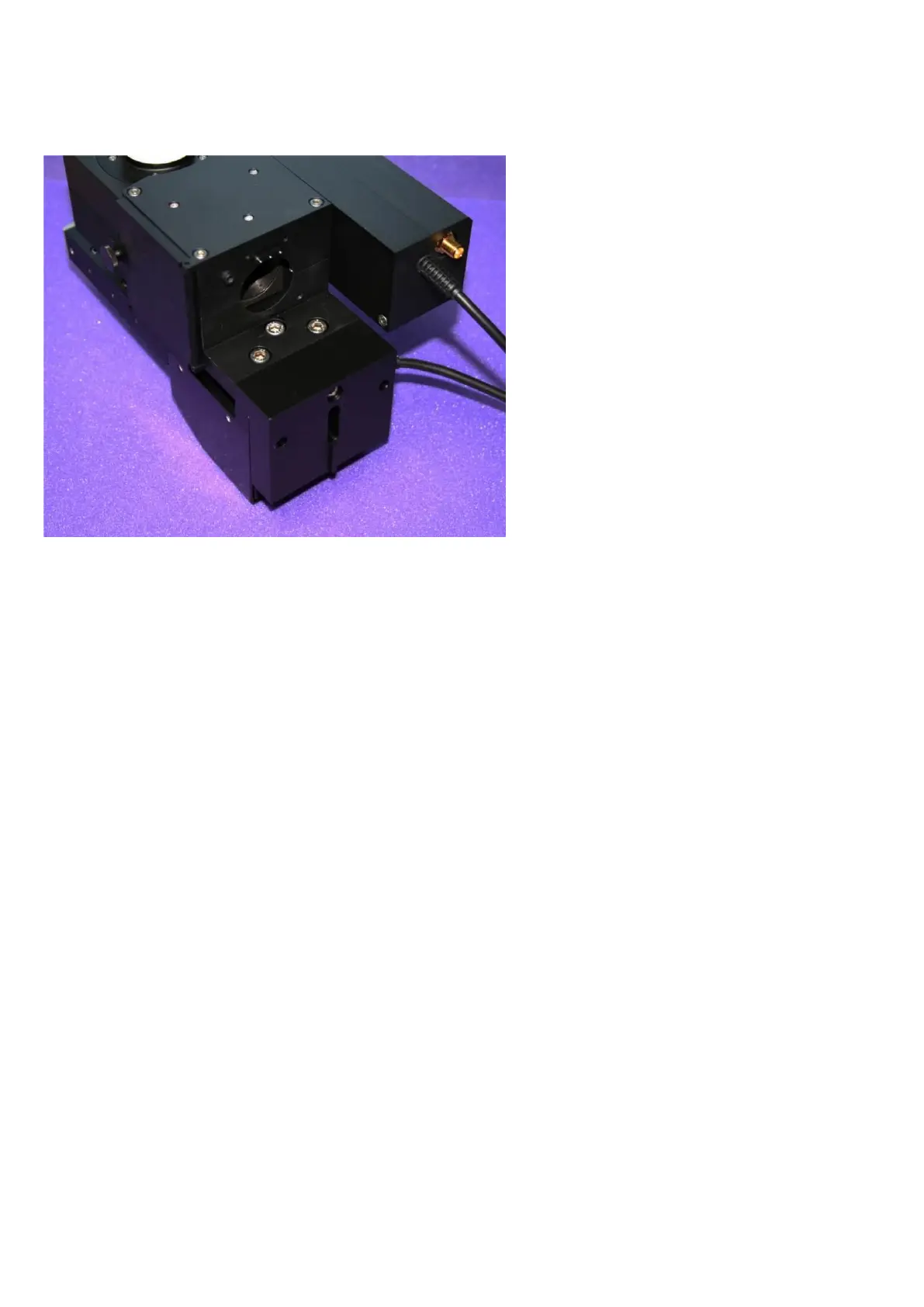
Figure K: The above-sample / MOC variant with the rear detector removed. Three M5 bolts and one M4 bolt
(through the rear of the bracket) hold the detector to the MOC.
Unscrew the M4 bolt from the rear of the mounting bracket
Locate the three M5 bolts which sit under the (now removed) rear detector module. Unscrew these
bolts and withdraw them entirely. The detector module can now be lifted off the bracket and the
bracket can be lifted off the MOC.
You now have access to the DIC prism holder and cover located on the upper surface of the MOC at
the front.



 To Next Page