Page 26 of 58
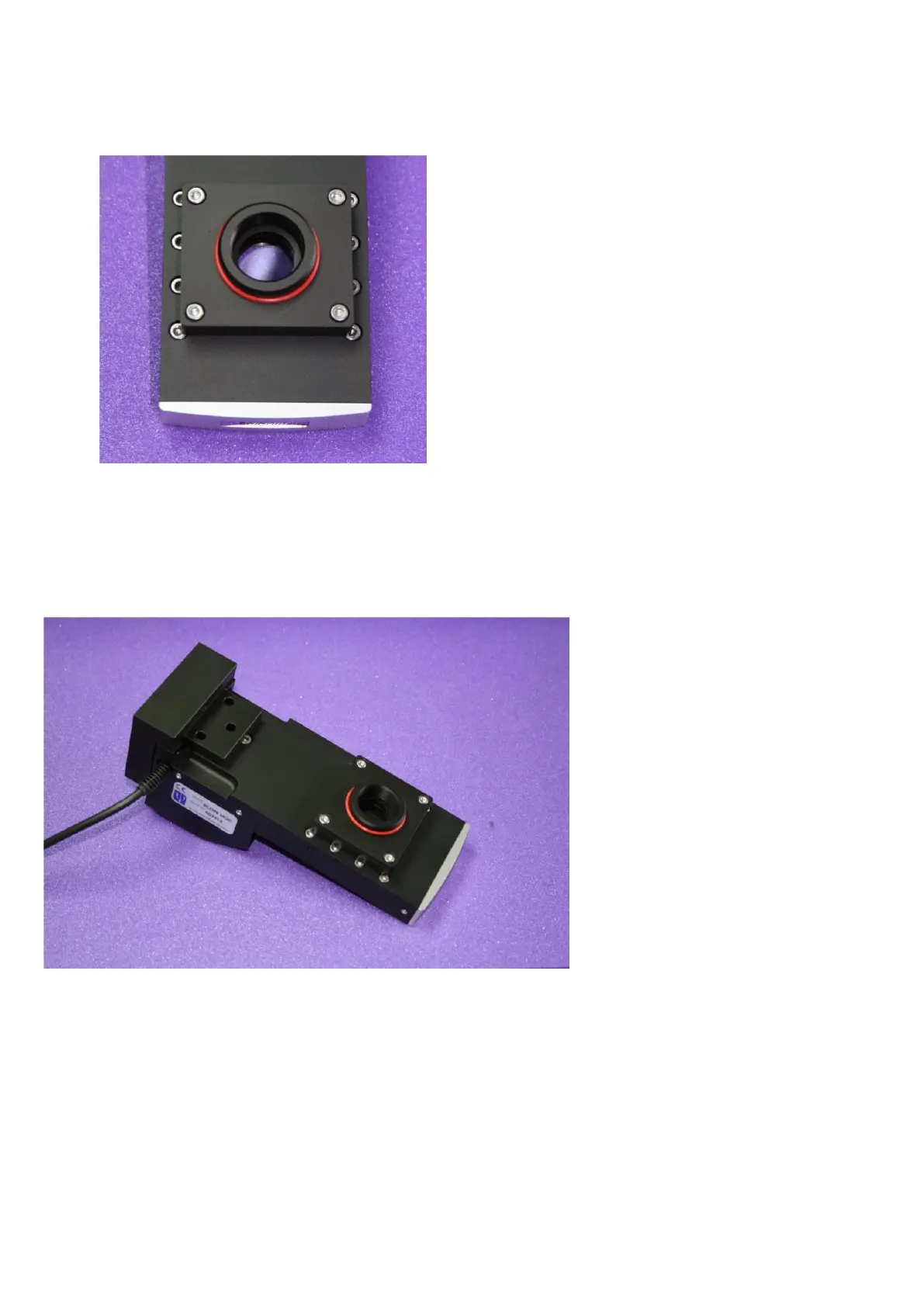
Figure N: DIC prism installed onto the MOC with cover in place.
3.4.5 MOC Variant Reassembly
Figure O : The MOC (with DIC prism holder) and the bracket prior to re-assembly.
Place the MOC on a flat surface, and sit the mounting bracket over the rear of the MOC so that the
three 5mm holes in the bracket line up with the three M5 tapped holes in the MOC.
The optical block is now placed on top of the mounting bracket; the three 5 mm holes at the rear should
coincide with those in the bracket. At the front, the input aperture on the underside of the main optics
block should sit over the top of the DIC prism cover, forming a light-tight joint.



 To Next Page