Page 55 of 58
9.2 Detector Module removal
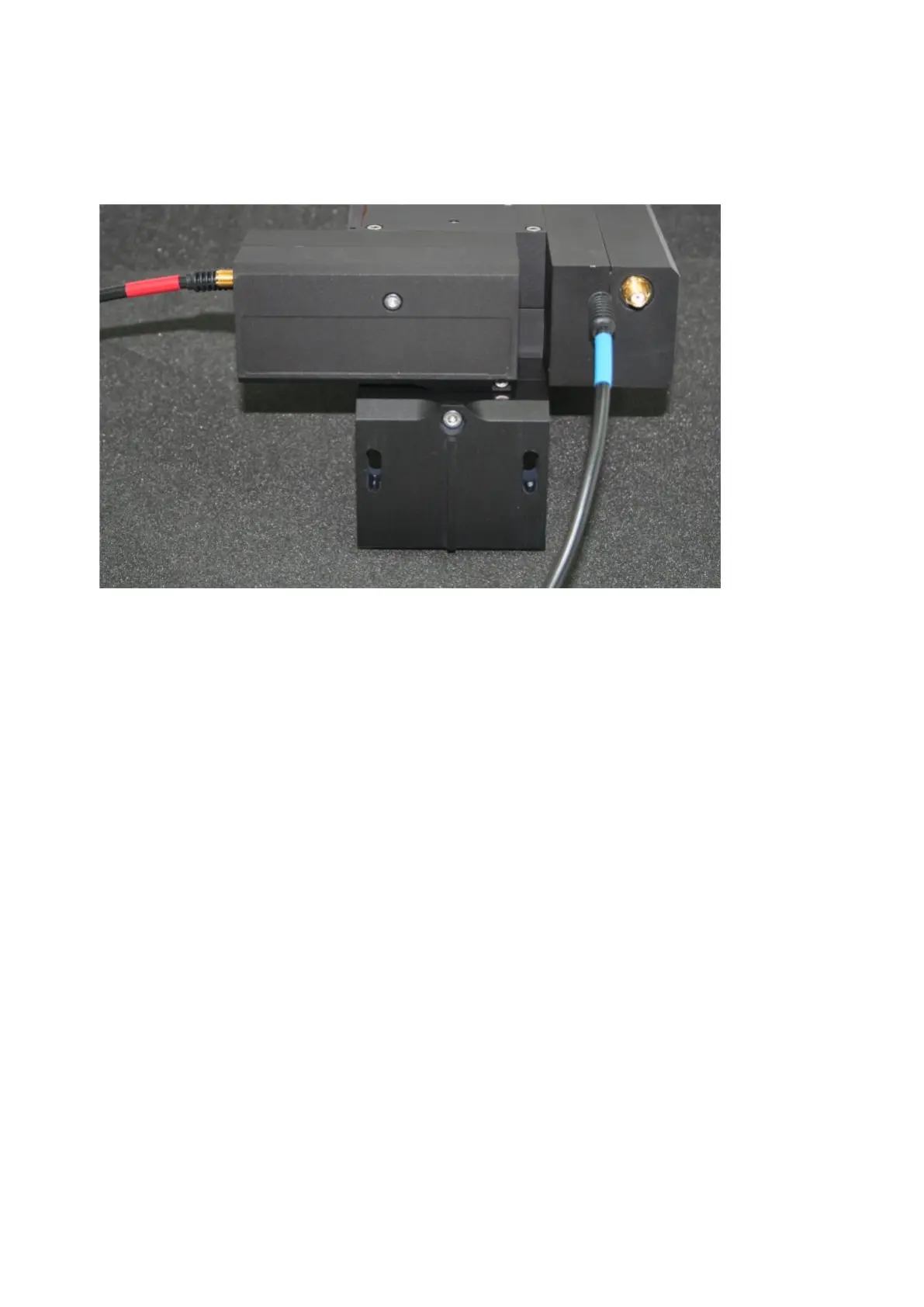
Detector Modules are retained by two long M3 bolts, one in the corner of the module and one through the
centre.
Switch off the controller unit and disconnect both power / control cables from the 8-way mini-DIN
sockets on the rear panel. Disconnect the signal cables as well.
Remove the optical block from the microscope following the procedure appropriate for the variant you
have.
Each detector module is attached to the main optical block with two long M3 hex cap-head bolts.
Support the detector module to be removed with one hand and undo both retaining bolts with the
appropriate hexagon key. It is convenient to remove the bolt located in the corner of the detector
module first. The detector module should be withdrawn from the optical block in a straight motion with
no twisting.
Put the PMT module aside with the lens facing uppermost and covered by a clean and dust-free tissue
or inside a clean plastic bag. Be careful not to lose the O-ring from the front of the PMT module.



 To Next Page