Page 31 of 58
o Hexagon drivers including ball-ended 4 mm driver for M5 bolts.
Using the SliceScope’s motorised controls, position the condenser focusing plate to its central position.
Check that the substage lens at the base of the SliceScope is fitted with its plastic transit cover before
starting the installation procedure. This will protect the lens from accidental damage.
Locate the lever control on the front of the main optics block and rotate if counter-clockwise (to the
LEFT). This will place the dichroic mirror in its withdrawn (safe) position.
Remove the transit cover from the lower optical port of the main optics block (the port where objective
lenses would fit in the above-stage variant). Do not fit any objective adapter into this port.
Remove the transit cover from the condenser-adapter top plate. This is achieved by loosening the
three soft-tipped set-screws around the condenser mounting plate using the appropriate hex driver. Do
not withdraw these screws entirely – leave them in a position which allows the transit cover to be
withdrawn easily.
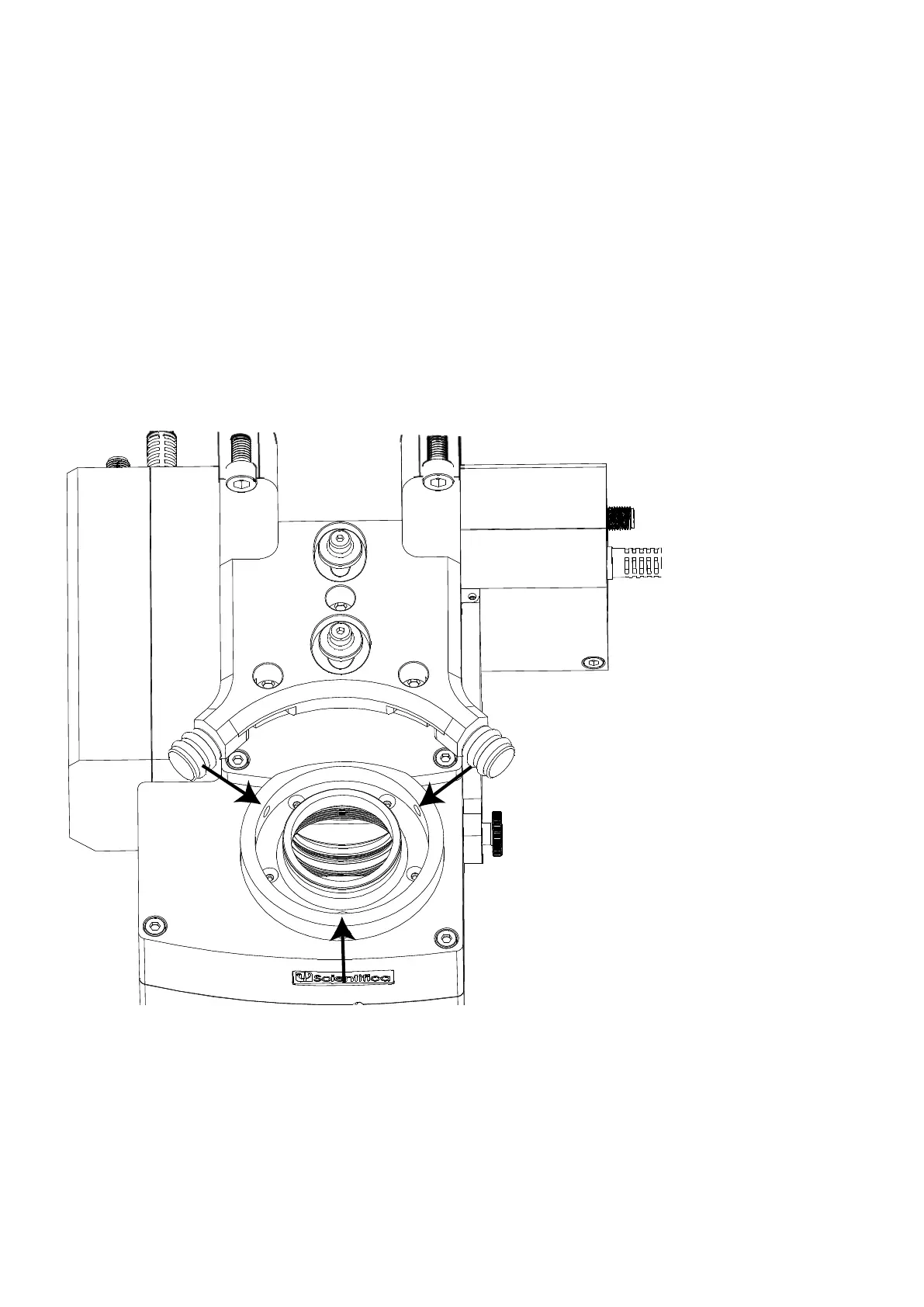
Figure T: Detail of condenser adapter plate showing the (red) O-ring seal and three soft-tipped set screws
(indicated with arrows) around the adapter. The two cylindrical controls with white rubber grips are the X,Y
adjustments.
Inspect the objective adapter: it should have an O-ring fitted which seals against the condenser. The
O-ring must be clean and sitting in its groove all around the condenser adapter plate. There should be
three soft-tipped set screws around the edge of the adapter, each with a plastic tip fitted.



 To Next Page