Page 33 of 58
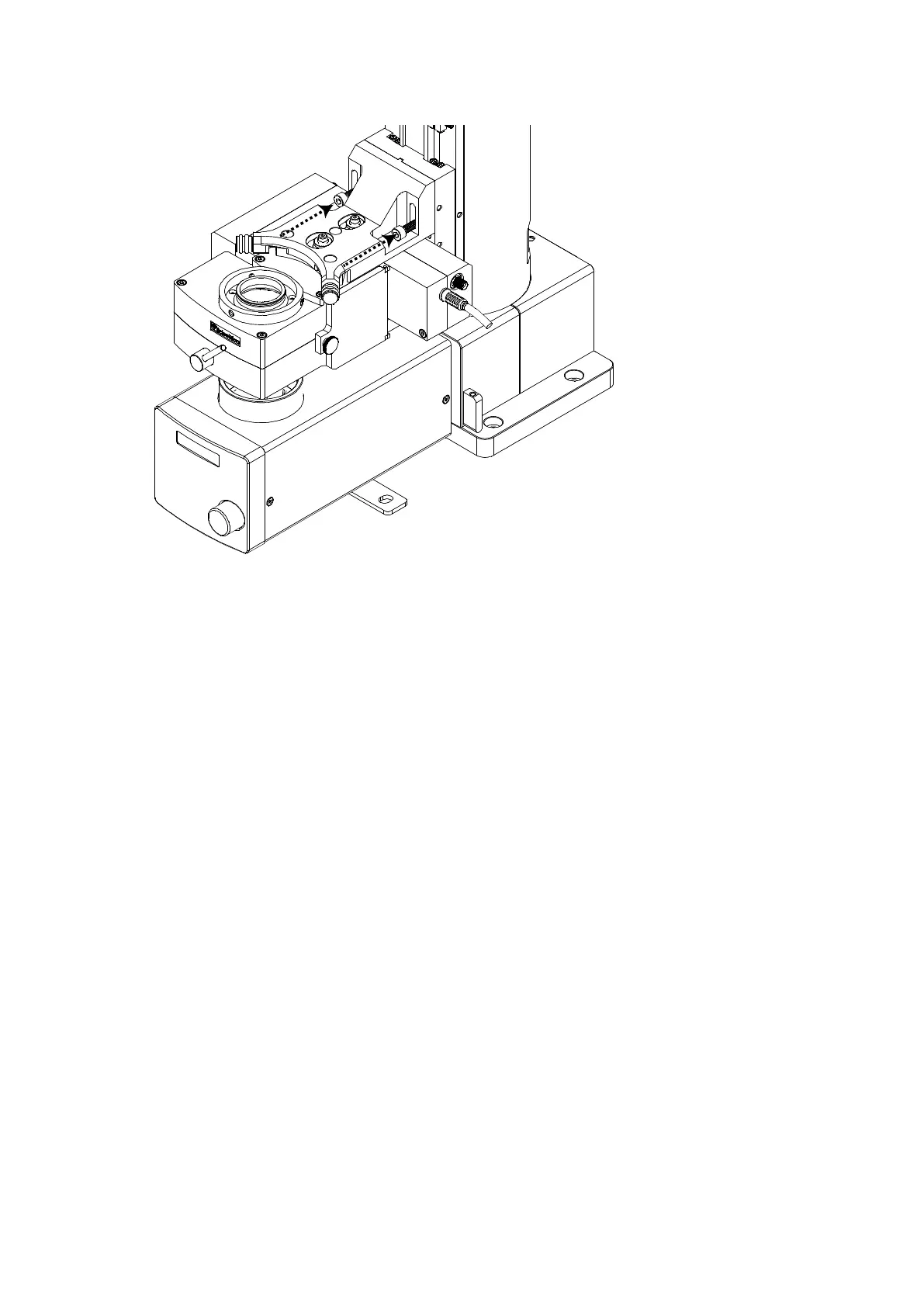
Figure V: Mounting the substage variant onto the condenser focus plate of a SliceScope.
Insert one M5 X 20 hex cap-head bolt into the slot on one side of the mounting bracket, hold it in place
with a 4mm ball-ended hex driver, and offer the whole assembly up flush to the lower Z-axis focus plate
so that the bolt engages with the central M5 tapped hole. Ensure that the central tongue on the
bracket engages in the slot cut into the Z-axis plate, and tighten the bolt lightly.
Insert the second M5 X 20 hex cap-head bolt on the other side of the bracket and screw it in until the
head begins to tighten.
Support the weight of the module and loosen both bolts very slightly so that the module can slide up
and down on the Z-focus plate. Raise the module as far as possible so that the two bolts are at the
bottom end of the slots in the mounting bracket and then tighten both bolts.
Remove the cover from the substage lens.
Using the SliceScope motorised controls, check to see that the substage detection module can be
raised and lowered throughout its full available range (about 25 mm, refer to SliceScope manual), and
that the module does not interfere with any part of the SliceScope during its motion.
Please note: if using additional filters or filter wheels on transmitted light port – travel may be
impeded.



 To Next Page