Seatex DPS 200 Installation Manual, rev. 4 Installation
23
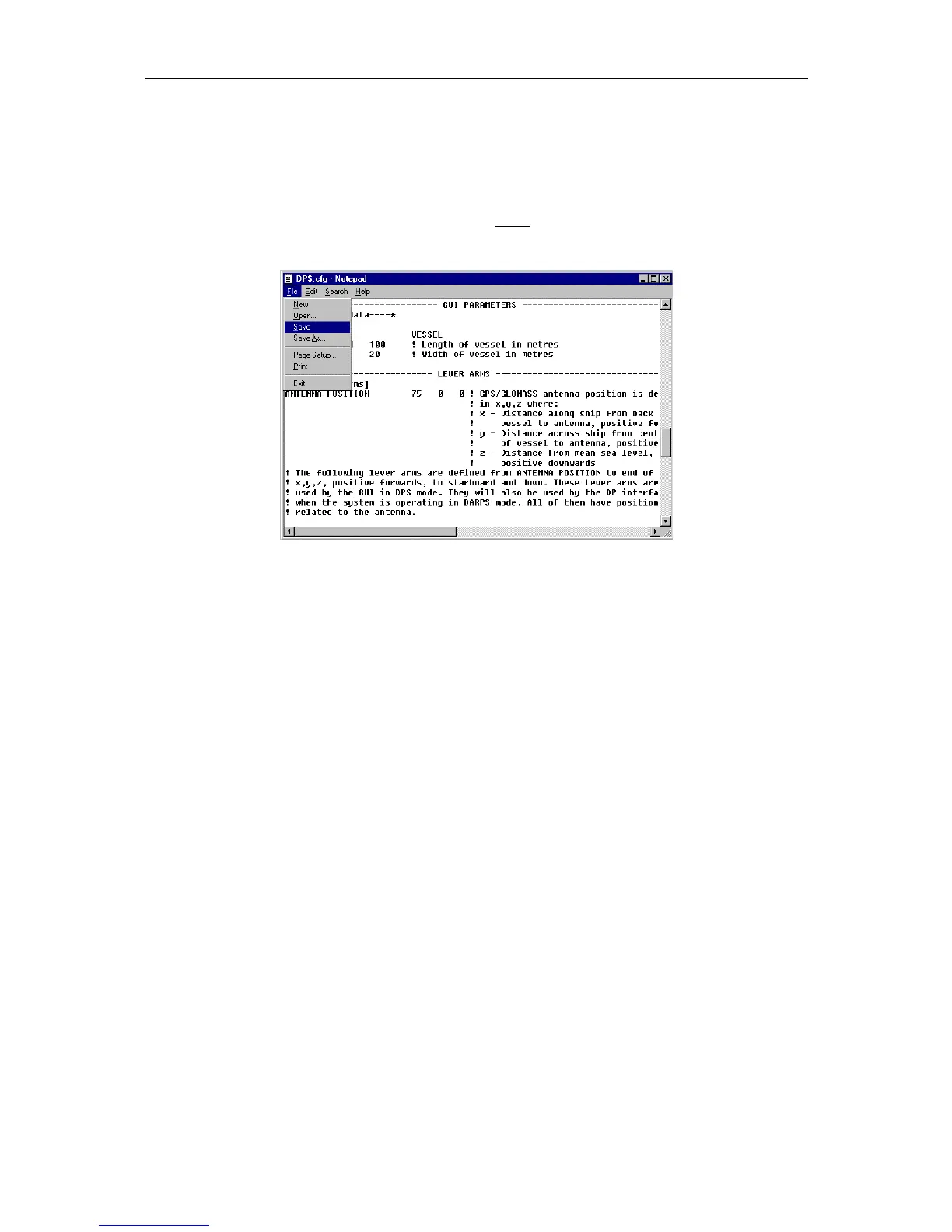
To change parameters in the setup file, scroll down until you have found the current
parameter. Change the setting, go to File, Save the new parameter and Exit.
Note After editing the setup file the system must be rebooted. This to make sure that all
the new settings have been stored.
Figure 6 Setup file editing
3.9.1 Selecting target
The DP Interface, which receives input from the DP, must be set up with TARGET_SELECT
in the setup file. The current DP Interface will then be allowed to update the target selection.
TARGET_SELECT_3 1 ! Allow this interface to select targets
If more interfaces enable this feature, all but the first found will be ignored. Default value is
False (0).
3.9.2 Datum
It is possible to select which datum to use for the position outputs. Valid selections are WGS
84, NAD27 and ED50. All output telegrams were position is included will be output in the
selected datum.
DATUM_2 WGS84
Default datum is WGS 84.


 To Next Page