Operating connected seca measuring devices • 71
17-10-01-266-002a/07-2018B
NOTE
If desired in your institution, you can perform steps 2. and 3. in the
opposite order.
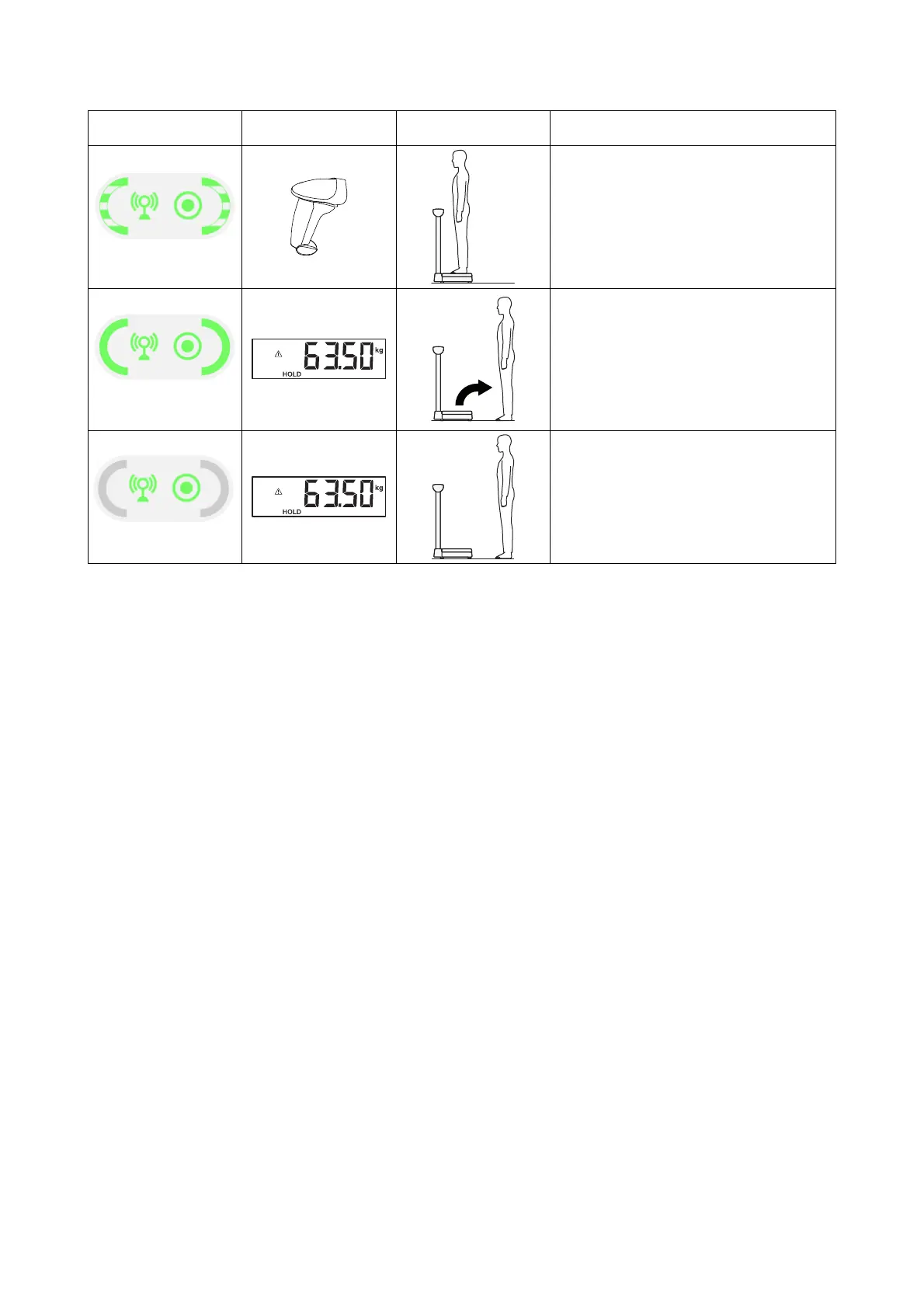
5.
Scan Confirm barcode or press Confirm
button on seca measuring device (according
to
Device settings)
6.
• Wait until Workflow LED is green
• Ask patient to leave seca measuring device
7.
• Wait until Workflow LED goes out
• Measured value remains shown in display
• Device is ready for another measurement
seca 452 interface
module
seca measuring
device
Patient User



 To Next Page