Starting up device • 27
17-10-07-652-100/05-2019B
7. Confirm your selection.
You exit the menu automatically.
Connecting the device to the WiFi
network (WPS)
Connect your device to the WiFi network via WPS if you have access to the
WiFi router.
1. Select the
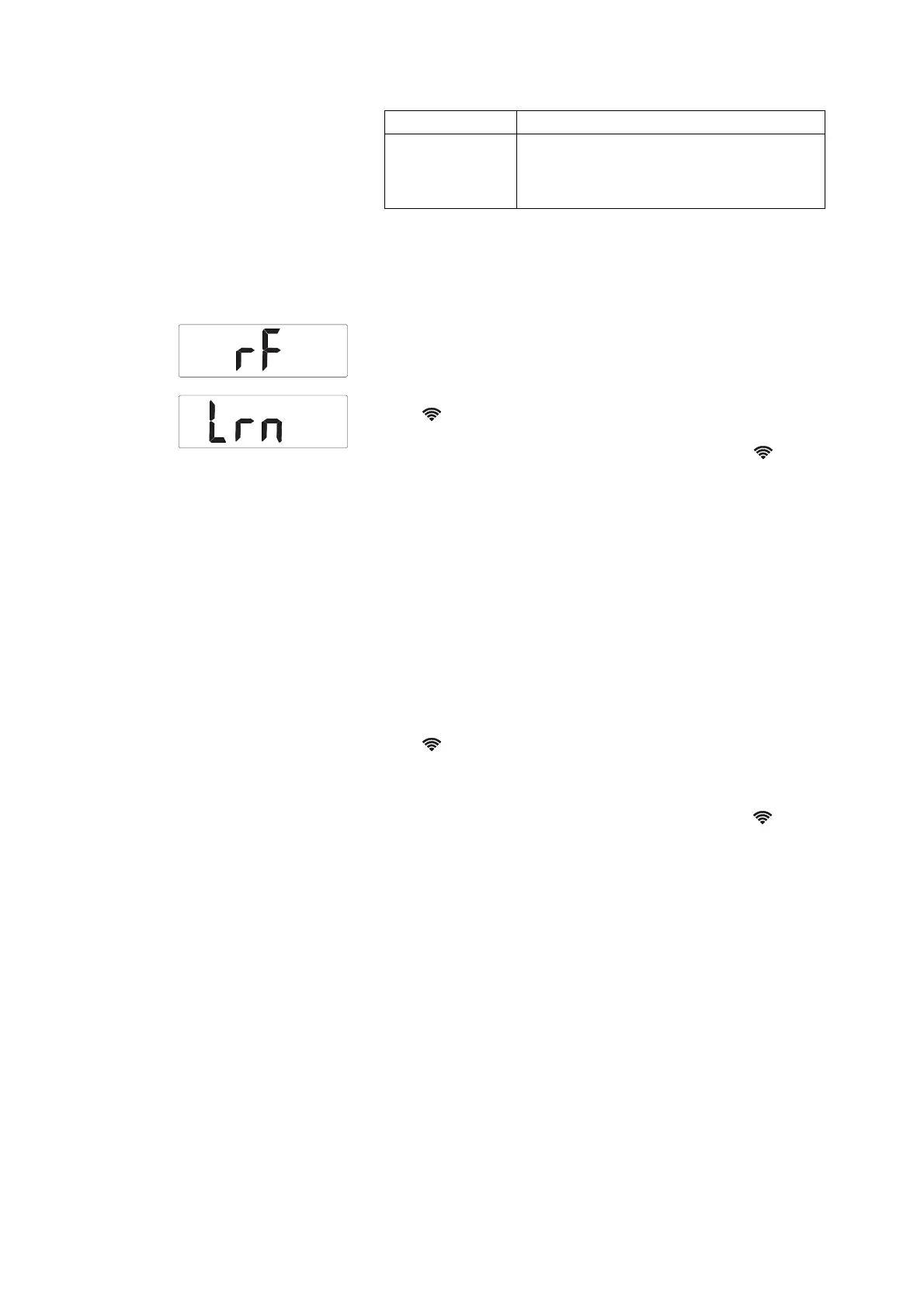
rF menu item (➔ “Navigating in the menu”, page 34).
2. Activate the WPS function of your WiFi router as described in the
instructions for use for your WiFi router.
3. Select the
Lrn menu item.
The symbol flashes.
The device connects to the WiFi router of the WiFi network.
As soon as the device is connected to the WiFi network, the symbol is
permanently on.
NOTE
Further settings need to be made to enable the transmission of
measured data to an EMR system via the
seca connect 103 software.
► Follow the System instructions for use for the
seca connect 103.
Connecting the device to the WiFi
network (seca
connect 103)
Connect your device to the WiFi network via the seca connect 103 software if
you do not have access to the WPS function of the WiFI router or want to
incorporate several devices.
1. Connect the barcode scanner to the device (➔ “Connecting the barcode
scanner (seca 797)”, page 25).
2. Enter the data for the WiFi network in the seca connect 103 software as
described in the System instructions for use for the software.
3. Scan the QR code generated in the software.
The symbol flashes.
The name of the network and the password for the WiFi network are
saved in the device.
The device connects to the WiFi router of the WiFi network.
As soon as the device is connected to the WiFi network, the symbol is
permanently on.
NOTE
Further settings need to be made to enable the transmission of mea-
sured data to an EMR system via the
seca connect 103 software.
► Follow the System instructions for use for the seca connect 103.
PErM
WiFi function is activated with power supply
operation and battery operation (leads to
increased power consumption in battery
operation)
Option Effect



 To Next Page